

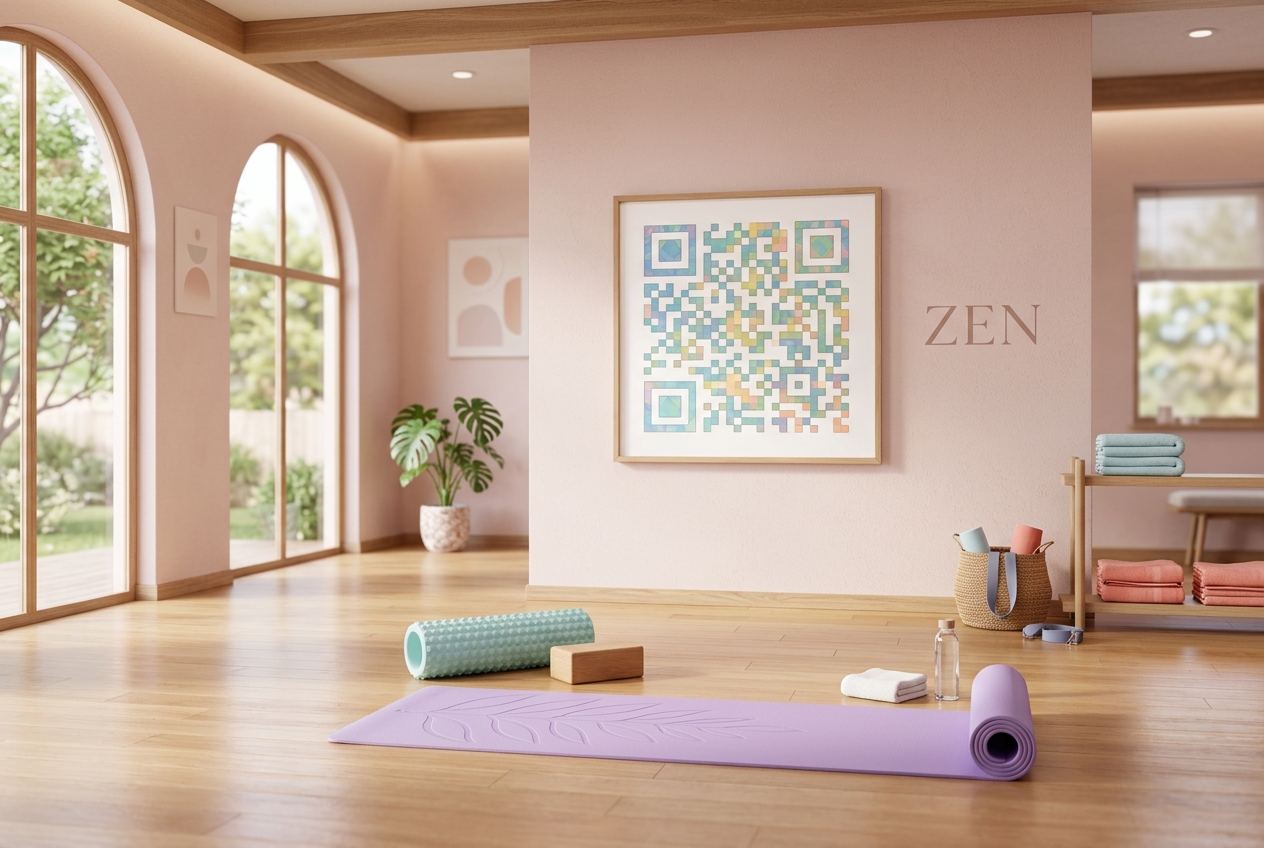
Yoga and Pilates studios are deeply rooted in the physical world. They are spaces of wellness, movement, and face-to-face community. Yet, the business side of running a studio—managing class schedules, booking spots, selling memberships, and sending waivers—is entirely digital.
For boutique fitness owners, bridging the physical studio experience with digital management is crucial for keeping classes full and minimizing administrative overhead.
QR codes have emerged as a vital tool to bridge this physical-to-digital gap. By placing custom QR codes in key locations around your studio and on marketing materials, you can make booking, checking in, and purchasing packages a seamless, self-service experience for your clients.
Key Benefits of QR Codes for Yoga and Pilates Studios
1. Dynamic Class Schedules (Save on Printing Costs)
Class schedules are rarely static. Teacher substitutions, seasonal schedule updates, and special workshops mean that printed schedule sheets are quickly outdated. By printing a Dynamic URL QR Code on your studio window or reception desk, clients can scan to see the live, real-time schedule. When the schedule changes, you simply update the target URL in your QR Zam dashboard without having to reprint anything.
2. Instant Class Booking and Waitlist Signups
Friction is the enemy of conversions. If a client has to open a web browser, search for your studio, navigate to the schedule, and find the class they want to book, they might give up. Placing a QR code next to a class description poster allows clients to scan and book that specific class instantly on their phones using platforms like Mindbody, Momence, or WellnessLiving.
3. Frictionless Membership & Package Sales
Looking to boost membership signups? Place a stylized QR code on flyers, print advertisements, or checkout counters with a call to action like "Scan to get your first week for $20." The code takes clients directly to a mobile-optimized checkout page, allowing them to purchase packages or monthly memberships using Apple Pay or Google Pay in seconds.
4. Seamless Studio Check-ins
Long lines at the front desk before a popular class can create a stressful environment. Studios can allow clients to check in by displaying their personal check-in QR code from the studio's app or booking email, which staff can quickly scan at the reception desk to register their attendance.
5. Community and Social Media Growth
Yoga and Pilates thrive on community. Use a Smart Link QR Code on reception signs or retail tags to direct clients to a single page listing your social media accounts, Spotify studio playlists, review platforms, and email newsletter signup form.
Steps to Create Studio QR Codes with QR Zam
Creating custom QR codes for your studio is simple:
- Step 1: Log into your QR Zam dashboard and click Create QR Code.
- Step 2: Choose Dynamic URL (for schedules or booking pages) or Smart Link (to list multiple social and review links).
- Step 3: Input your studio booking URL (from Mindbody, Momence, or your website).
- Step 4: Customize the design. Choose soft, calming colors that match your studio's brand, round the corners, and add your studio logo to the center of the QR code.
- Step 5: Download the code in high-resolution vector format (SVG) for high-quality printing, and display it in your studio.
Real-World Placement Ideas for Studio QR Codes
Studio Front Window
Display a permanent QR code on the glass door labeled "Scan to Book a Class." Passersby can easily scan the code to check out your class offerings, see pricing, and book a session even when the studio is closed.
Reception Counter
Place a small framed QR code next to the register labeled "Check Class Schedule" or "Scan to Leave a Google Review." This helps redirect front desk questions during busy check-in times and boosts your local SEO ratings.
Yoga Mat Rental Rack
Place a QR code on the mat rental rack directing clients to a mobile payment link. Clients can quickly scan and pay $2 for their mat rental without having to queue at the front desk or handle cash.
Retail and Merchandise Tags
If you sell branded apparel, water bottles, or grip socks, add a QR code to the retail tags linking to your online storefront, making it easy for clients to buy different colors or sizes online.
FAQs
1. Can we use QR codes with booking platforms like Momence or Mindbody?
Yes! You can link your QR codes to any URL, including direct deep links to classes, instructor bios, purchase screens, or membership signup forms in Momence, Mindbody, WellnessLiving, or Acuity.
2. What happens if a teacher changes or a class is cancelled?
Since you are using dynamic QR codes, you don't need to reprint anything. Simply log into QR Zam and update the destination link. The printed QR code in your studio remains exactly the same, but it will redirect clients to the new schedule page instantly.
3. Do clients need a special app to scan the QR codes?
No. Almost all modern smartphones have built-in QR code scanners directly in their default camera apps. Clients simply open their camera, point it at the code, and tap the notification link.
4. How can we track how many clients book classes via QR codes?
QR Zam's analytics dashboard tracks the total number of scans, device types, scanning times, and locations. By using unique QR codes for different placements (e.g., one on the window, one on the counter), you can track which locations drive the most engagement.