

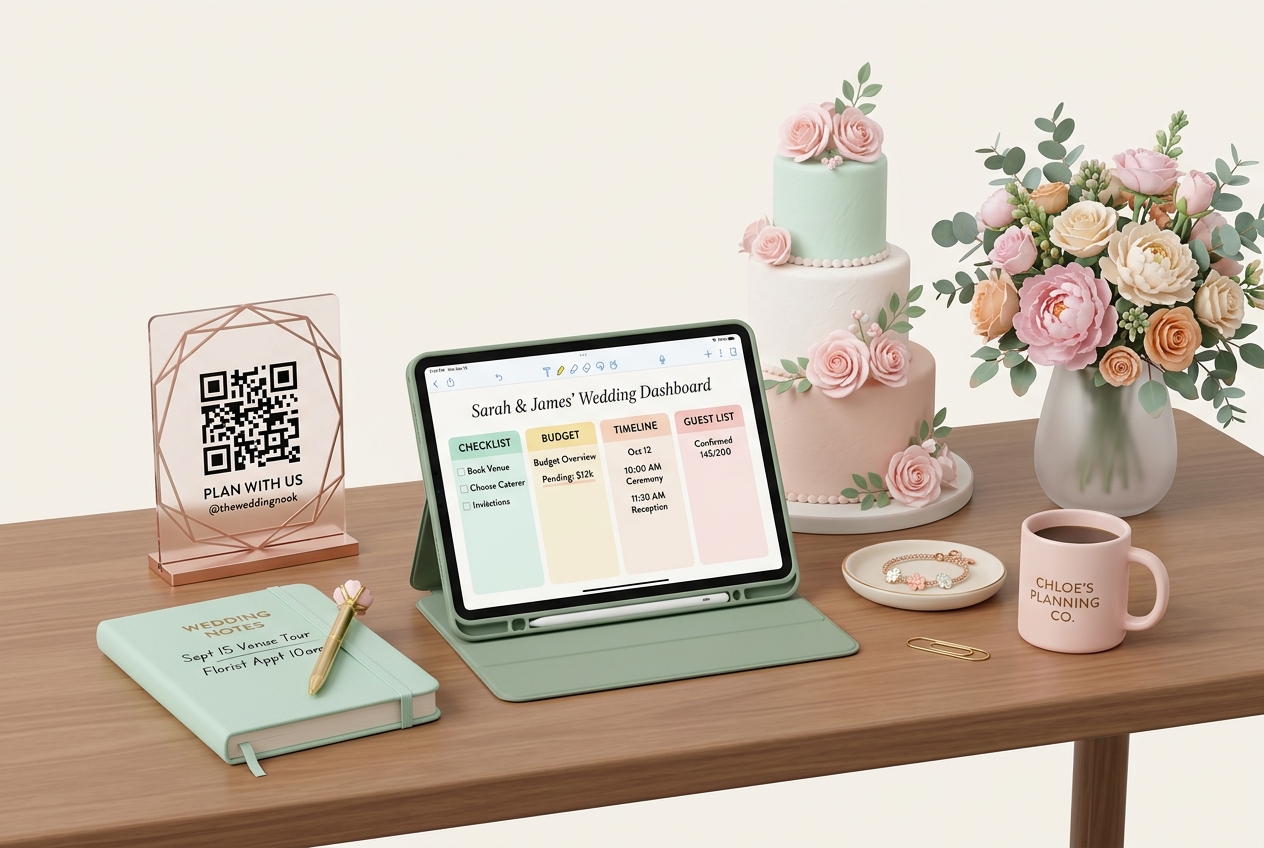
In the wedding and event planning industry, success is built on meticulous organization, clear communication, and smooth execution. Wedding planners and event coordinators handle dozens of moving parts—from managing guest lists and coordinating multiple vendors to maintaining tight timelines on the wedding day.
Custom QR codes have emerged as a powerful tool for event professionals. By bridging the gap between physical event assets and digital coordination hubs, QR codes help planners automate repetitive tasks, reduce paper waste, and deliver a seamless, high-touch experience for their clients.
Here is how wedding planners and event coordinators use QR Zam's dynamic QR code platform to elevate their services and stand out in a competitive market.
Key Benefits of QR Codes for Event Planners
1. Unified Event Dashboard for RSVPs
Managing RSVPs across multiple client events can quickly become chaotic. By assigning unique dynamic QR codes to each wedding, planners can direct guests to client-specific RSVP forms and track scan statistics (such as peak RSVP times and device usage) to keep their clients updated.
2. Live Content Updates (Zero Printing Costs)
Event details can change at the last minute—whether it is a venue change due to weather or an updated timeline. With dynamic QR codes, planners can edit the target URL or change a linked PDF guide in real-time. The printed QR codes on physical signage, invitations, and wedding programs remain identical, saving clients from emergency reprint costs.
3. Professional Branding with Custom Domains
Using QR Zam's custom domain feature, wedding agencies can white-label their QR codes (e.g., qr.yourweddingagency.com). This builds brand authority, reassures guests that the link is secure, and presents a polished, high-end image to prospective clients.
4. Effortless Collaboration for Agency Teams
For larger planning agencies, QR Zam's team management features allow administrators to assign specific client campaigns to different team members. This ensures that coordinators only access the QR codes they are responsible for, streamlining agency workflows.
Practical Applications on the Wedding Day
1. Digital Seating Charts & Seating Guides
Instead of crowded printed seating charts that are difficult to read and impossible to change at the last minute, place a beautiful QR code stand at the entrance of the reception hall. Guests scan the code to instantly search for their names and find their assigned tables on their phones.
2. Interactive Day-of Timelines for Guests & Vendors
Keep everyone on schedule. Planners can print custom QR codes on vendor badges or info sheets linking to the master schedule, contact lists, and loading dock instructions. For guests, a QR code in the ceremony program can link to a digital timeline of events, including cocktail hour and reception details.
3. Digital Gift Registries
Help guests find the couple's registries easily. By linking a QR code to a consolidated registry page (combining stores like Target, Amazon, and registry sites), guests can scan and buy gifts directly from their mobile devices, eliminating duplicate gift purchases.
4. Interactive Guestbooks and Audio Messages
Create a modern guestbook experience. Link a QR code to a digital guestbook or an audio-recording platform where guests can record voice wishes, leave text messages, or upload video congratulations directly during the reception.
Steps to Implement QR Codes in Your Planning Business
- Set Up Campaign Templates: In your QR Zam dashboard, set up templates for RSVPs, photo sharing, and digital menus that you can easily replicate for new clients.
- Incorporate Brand Assets: Customize the QR code designs to match each couple's wedding theme. Use their specific hex codes, rounded shapes for a softer feel, and add their wedding monogram in the center.
- Configure Custom Domains: Bind your agency's custom domain to maintain professional branding across all client campaigns.
- Export Vector Files for Printers: Download the completed QR codes in SVG format and send them to invitations printers or signage designers to ensure flawless print resolution.
- Monitor Engagement: Use QR Zam's analytics dashboard to track scan data, helping you measure engagement and report RSVP progress back to the couple.
FAQs
1. How do dynamic QR codes save money if event details change?
If a venue changes, a timing shifts, or you need to replace a menu file, you can edit the destination link in the QR Zam dashboard. The physical QR code printed on the couple's invitations or signage does not change, meaning you never have to reprint materials due to last-minute adjustments.
2. Can we use one QR code for RSVP and then change it to photo sharing after the wedding?
Yes! This is one of the biggest advantages of dynamic QR codes. Before the wedding, you can set the QR code to point to the RSVP website. Once RSVPs close, you can update the destination link to direct guests to a photo upload folder or a thank-you page, using the exact same printed QR code.
3. Will our clients' guests find it easy to scan the QR codes?
Absolutely. Modern smartphones (both iOS and Android) have built-in QR readers in their camera apps. Guests simply point their camera at the code and tap the notification link. For older guests, adding a tiny text instruction like "Scan with camera to RSVP" is always helpful.
4. How does QR Zam support agencies managing multiple weddings?
QR Zam offers a Pro plan at $36.5/month and custom Enterprise options. These plans support bulk QR generation, detailed scan analytics, team member permissions, and custom domains, making it the perfect affordable solution for professional event planning agencies.