

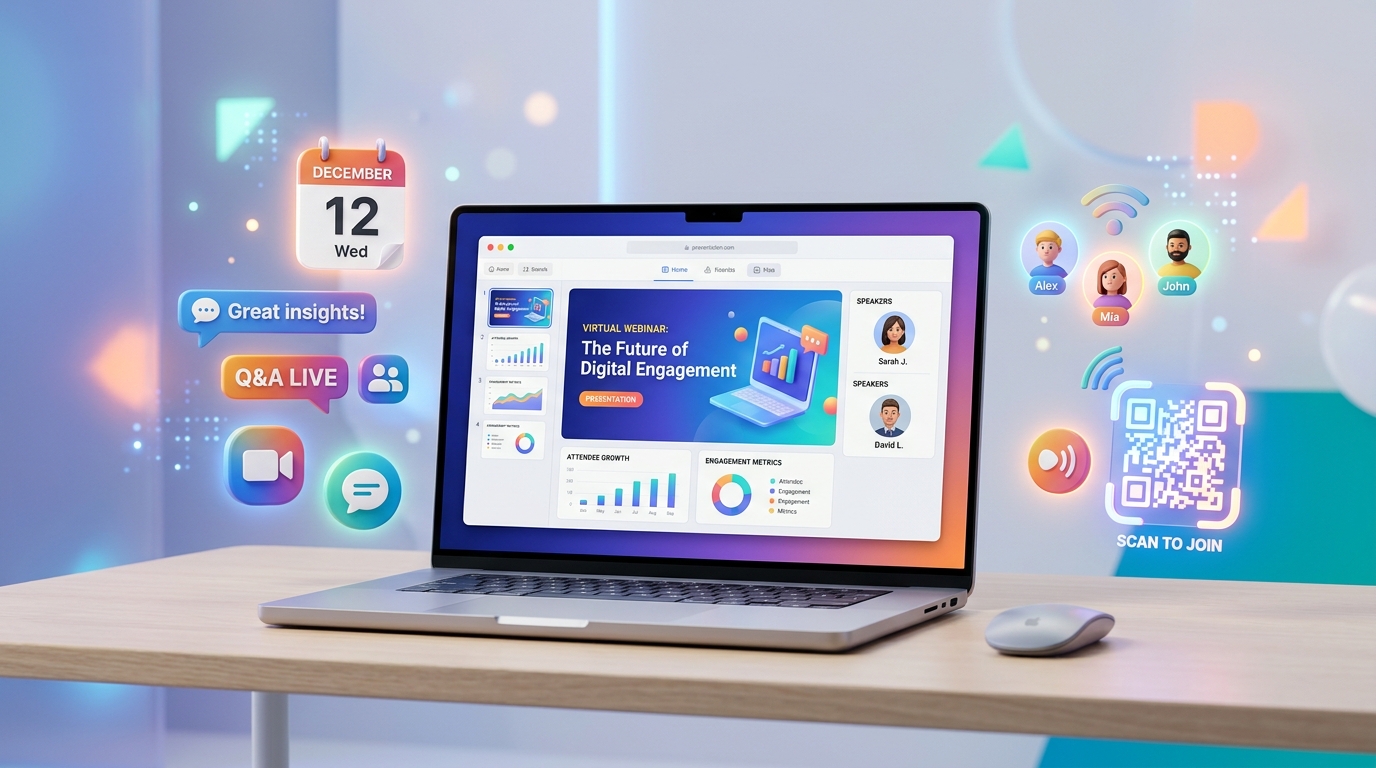
With the rise of remote work and digital learning, virtual events, online summits, and webinars have become key strategies for businesses, educators, and creators. While virtual events eliminate geographical barriers, organizers still face a major challenge: ensuring a seamless, high-engagement digital experience from sign-up to post-event follow-up.
A friction-filled registration flow or difficult slide-sharing process can result in low attendance and poor feedback.
Dynamic QR codes offer a powerful solution. By integrating QR codes into your promotional emails, presentation slides, and follow-up sequences, you can automate event logistics and boost audience engagement.
Here is how modern digital organizers leverage QR codes to optimize virtual events and webinars.
Key Benefits of QR Codes in Virtual Event Management
1. Frictionless Registration
Instead of typing long URLs from promotional posts or videos, potential attendees can scan a QR code on their screen or mobile device to open the registration page instantly. This simplifies the signup funnel and improves conversion rates.
2. Time-Based Smart Routing
With QR Zam's dynamic smart routing, a single QR code can route users to different destinations based on the event phase. Before the webinar, the QR code leads to the registration page. During the live stream, it redirects scanners to the Zoom or YouTube Live room. After the event, it automatically switches to a feedback survey or a replay recording.
3. Immediate Resource Sharing
Speakers can display a QR code on their presentation slides. Scanners can instantly download PDF guides, slide decks, or product demo links, preventing attendees from getting distracted by typing links or checking chat boxes.
4. Automated Feedback Collection
Gathering feedback immediately after a webinar is critical for measuring success. Displaying a feedback QR code during the Q&A session allows attendees to complete surveys on their phones while the content is fresh in their minds.
Practical Applications for Webinar Organizers
Interactive Slide Decks and Handouts
Instead of sharing link lists in chat boxes that get buried, speakers can place a QR code in the corner of their slides. Attendees scan it to access case studies, templates, or download resources in real-time.
Driving Lead Magnets and Newsletter Sign-ups
Turn your webinar viewers into email subscribers. Embed a dynamic QR code that points to a landing page offering a free checklist, ebook, or exclusive discount code related to the webinar topic.
Calendar Invites & Reminders
Ensure registered users actually show up. Provide a QR code in confirmation emails that automatically adds the virtual event to their Google Calendar or Outlook Calendar with a single tap.
Virtual Networking Rooms
For online networking events, generate QR codes that link directly to Zoom breakout rooms, Slack channels, or Discord servers, allowing participants to join smaller groups and collaborate.
Steps to Set Up a Virtual Event QR Code with QR Zam
- Define the Destination: Determine what the QR code will link to (e.g., registration page, calendar invite, live stream link, or feedback form).
- Select QR Code Type: Go to qrzam.com and select the URL or Smart Routing option.
- Use Dynamic Settings: Ensure the dynamic setting is enabled. This allows you to update the destination link (e.g., redirecting from registration to the live stream) without generating a new QR code.
- Customize the Design: Add your brand colors, center your logo, and apply an engaging frame (e.g., "Scan for Slides" or "Register Now").
- Publish and Embed: Download the high-resolution code and embed it into your emails, social media graphics, slides, and videos.
FAQs
1. Can I change where the QR code points to after I have sent it in an email campaign? Yes. As long as you generated a Dynamic QR Code on QR Zam, you can update the destination URL in your dashboard at any time. Scanners will be immediately redirected to the new link without you needing to send a new email.
2. How do I track attendee engagement? QR Zam's analytics dashboard tracks total scans, unique scans, time of scans, and the operating systems used. This helps you identify which slides, resources, or promotions generated the most interest.
3. Will the QR code scan clearly on virtual screens? Yes, but ensure you use high-quality PNG or SVG files and display them with enough contrast against the slide background. Avoid placing the QR code too close to the screen edges where some video streams might cut it off.