

Using QR Codes for Travel Agencies and Tour Operators
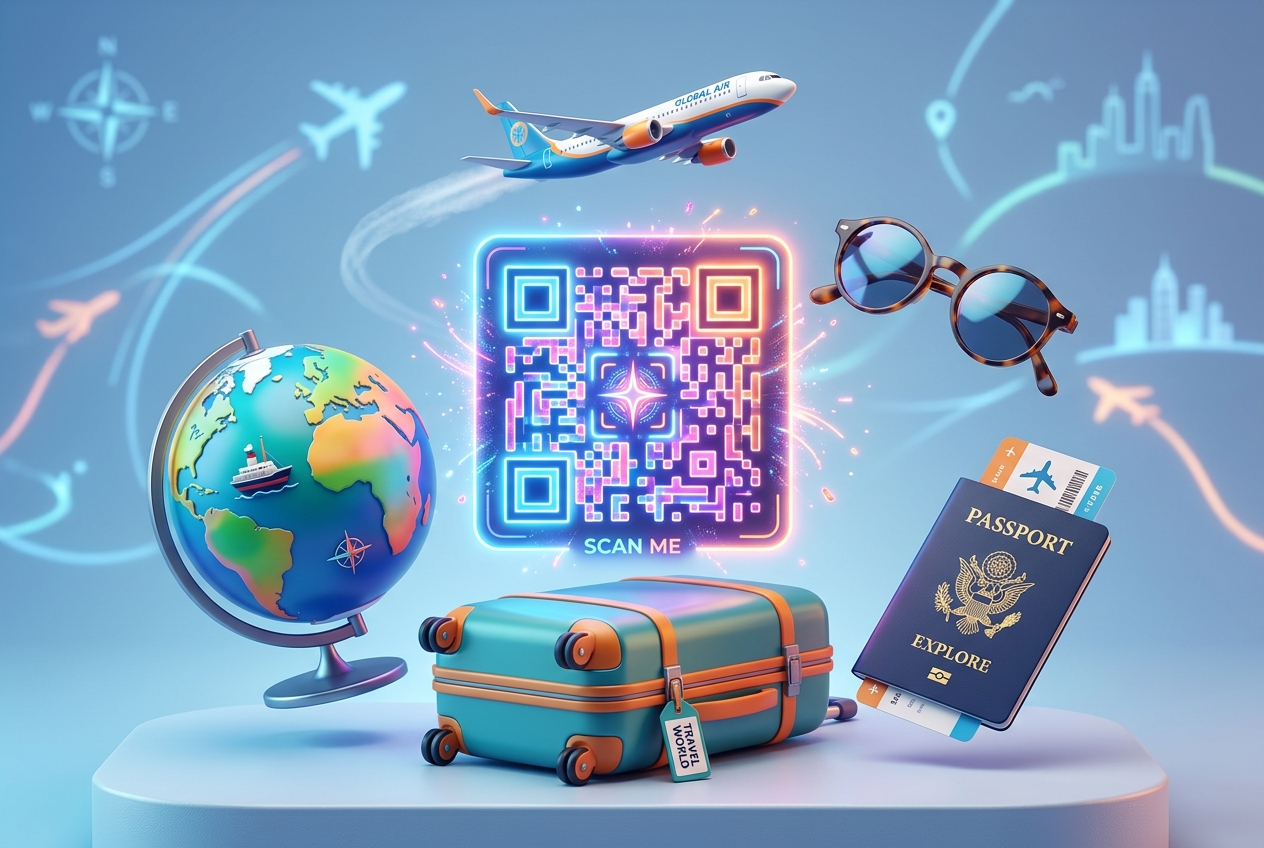
In the competitive travel and tourism industry, providing a smooth, modern, and engaging experience for travelers is crucial. Today's tourists expect instant access to information on their smartphones. Dealing with stacks of printed booking vouchers, paper flight tickets, and physical travel guide booklets is increasingly becoming a thing of the past.
For travel agencies and tour operators, finding efficient ways to share dynamic travel updates, collect customer feedback, and promote new packages is a constant challenge.
Travel QR codes offer a versatile and contactless solution. By utilizing dynamic QR codes throughout the customer journey, travel businesses can streamline operations, enhance client satisfaction, and boost booking conversions.
Here is a guide on how travel agencies and tour operators are leveraging QR codes to transform the guest experience.
Key Benefits of QR Codes for the Travel Industry
1. Paperless Digital Itineraries
Instead of printing multi-page travel itineraries that are easy to lose, provide travelers with a dynamic QR code printed on their booking card or sent via email. Scanning the code opens a mobile-optimized page containing live flight times, hotel reservations, and daily sightseeing schedules. If travel plans change, you can update the digital itinerary on the fly without needing to resend documents.
2. Streamlined Group Tour Check-ins
For tour guides managing large groups, checking in guests at the start of a trip can be slow. By placing a QR code on boarding passes or vouchers, tour guides can quickly scan the QR codes using a smartphone or tablet to confirm reservations, track attendee lists, and speed up boarding for buses, boats, or walking tours.
3. Effortless Feedback and Review Collection
Online reviews on sites like TripAdvisor and Google Reviews are the lifeblood of travel agencies. At the end of a tour, make review collection simple by placing a QR code on feedback cards, hotel checkout envelopes, or sending it in a follow-up WhatsApp message. The code takes guests directly to your review page, eliminating the steps of searching for your business name.
4. Interactive Local Tour Guides
Enhance self-guided excursions by placing QR codes at key historic points, monuments, or scenic viewpoints. Tourists can scan the codes to listen to audio guides, watch documentary videos, or read history in their preferred language.
Practical Applications for Travel Businesses
Travel Brochures and Marketing Materials
Add dynamic QR codes to physical marketing brochures, posters, or magazine ads. Instead of showing static pricing, link the QR code to your live booking system, allowing potential customers to view current availability, watch video trailers of the destinations, and complete their bookings instantly.
Smart Luggage Tags
Provide clients with custom luggage tags featuring a unique QR code. If a bag goes missing during transit, anyone who finds the luggage can scan the QR code to access the owner's encrypted contact details and easily arrange return delivery, keeping private phone numbers and home addresses secure.
Tour Bus and Transportation Vehicles
Place QR codes on the back of passenger seats or near the entrance of tour buses. Guests can scan the codes to view the day's route, find Wi-Fi credentials for the bus, or download local maps of the cities they are visiting.
Emergency and Safety Information
Give travelers peace of mind by placing a QR code on their travel wallets or cards labeled: "Emergency Contacts & Safety Guidelines." Scanning the code provides immediate offline-accessible info, including local police numbers, embassy locations, and travel insurance policy details.
How to Set Up Travel QR Codes with QR Zam
Creating custom QR codes for your travel agency or tour brand is simple:
- Host Your Travel Content: Save your itineraries, safety sheets, or guides as PDFs, or host them on your booking website.
- Generate Your QR Code: Log into qrzam.com. Select URL for linking to booking pages, PDF for sharing itineraries, or Google Reviews for feedback collection.
- Use Dynamic Settings: Always choose the dynamic option. This ensures that if flight schedules, tour details, or hotel bookings change mid-trip, you can update the destination link instantly in your dashboard without printing new codes.
- Customize the Design: Add a travel icon or your company logo in the center of the QR code, apply your brand's colors, and add a frame with a clear call-to-action such as "Scan to View Itinerary."