

Using QR Codes for Taxi and Ride-Sharing Services: Enhancing Passenger Experience and Cashless Operations
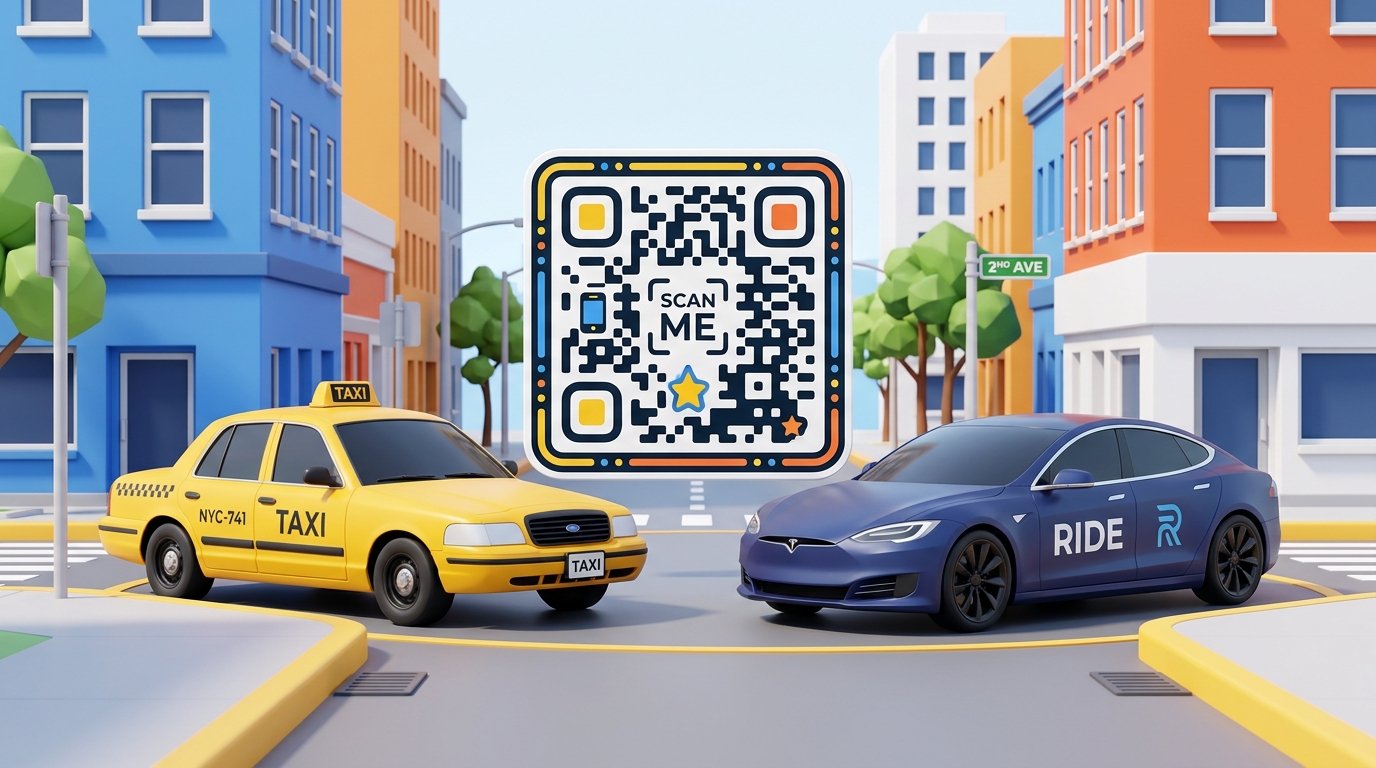
In the transportation industry, speed, convenience, and safety are the pillars of a great passenger experience. For taxi drivers, fleet operators, and ride-sharing service partners (such as Uber, Lyft, Grab, or local taxi unions), the pressure is constantly on to streamline operations, facilitate frictionless payments, and improve customer satisfaction.
With the massive shift toward cashless transactions and digital convenience, Dynamic QR Codes have emerged as an invaluable tool for modern transit. Placed on seatbacks, headrests, dashboard displays, or window decals, QR codes bridge the gap between physical rides and digital interactions. They allow passengers to pay fares, tip drivers, submit reviews, connect to Wi-Fi, and download ride-hailing apps with a simple smartphone scan.
In this use case, we’ll explore how transit operators use QR codes to modernize their services, increase driver tips, and build customer loyalty.
Key Benefits of QR Codes for Taxis & Ride-Sharing
Integrating QR codes into vehicles and digital receipts offers major advantages for both passengers and drivers:
1. Frictionless Cashless Tipping & Payments
Many passengers no longer carry cash. While ridesharing apps handle standard fares, tipping can sometimes be forgotten, and local taxis often struggle with cashless tips. A tipping QR code linking to payment apps (like Venmo, ZaloPay, MoMo, PayPal, or Stripe) makes tipping instant and cashless.
2. Streamlined Review & Feedback Collection
Customer ratings are critical for drivers and fleets. A feedback QR code on the back of the front seat invites passengers to rate their ride on Google Maps, TripAdvisor, or internal fleet portals. Placing this directly in front of the passenger during the trip maximizes the chance of receiving reviews.
3. Quick & Secure Wi-Fi Connections
Providing in-car Wi-Fi is a premium differentiator, but sharing long WPA keys verbally is tedious. A Wi-Fi QR code allows passengers to scan and instantly connect to the vehicle's hotspot without typing a password.
4. Direct App Downloads for Fleet Operators
For taxi fleets looking to compete with major ride-sharing platforms, promoting their own booking app is vital. A QR code displayed inside and outside the vehicle links directly to the App Store or Google Play Store, driving immediate downloads.
How Transit Operators Apply QR Codes in Practice
Here are the most common and effective ways to position QR codes inside and outside vehicles:
| QR Code Location | Target Destination | Key Outcome |
|---|---|---|
| Seatback / Headrest | Tipping & Review Portal | Boosts driver tips and Google Ratings. |
| Dashboard Display | Wi-Fi Access or Digital Business Card | Quick customer onboarding to Wi-Fi; taxi booking details. |
| Window Decals (Exterior) | App Download or Quick Taxi Booking | Promotes fleet booking app to waiting or passing passengers. |
| Digital/Printed Receipts | Customer Support or Feedback Survey | Simplifies post-ride support and receipt tracking. |
Case Study: Fleet Tip Optimization
A local taxi fleet in a tourist destination implemented QR Zam dynamic QR codes printed on custom seatback cardholders. Each driver linked the QR code to their personal digital tipping profile. Within three months, the fleet reported a 40% increase in average driver tips, and over 15% of passengers left a Google review before exiting the vehicle, significantly boosting the fleet's online visibility.
How to Create QR Codes for Your Taxi Fleet with QR Zam
Creating custom QR codes for your transportation service is fast and simple:
Step 1: Go to https://qrzam.com and sign up for an account.
Step 2: Select the QR code type that fits your goal:
- URL QR Code: For tipping links, Google Maps reviews, or booking websites.
- WIFI QR Code: To share in-car hotspot credentials securely.
- App Store QR Code: To promote your fleet's ride-hailing app.
Step 3: Customize the design. Add your brand colors, custom frames, and your logo (e.g., your company icon or a custom "Scan for Wi-Fi/Tip" CTA).
Step 4: Download the QR code in SVG format for high-quality printing, print them on durable seatback cards or window decals, and start boosting your passenger engagement!
Conclusion
QR codes are a simple, highly cost-effective technology that completely transforms the in-transit passenger experience. By eliminating the friction of cash, passwords, and manual searches, ride-sharing partners and taxi fleets can secure higher tips, generate positive reviews, and foster direct relationships with their passengers.
Modernize your fleet today with dynamic QR codes generated on QR Zam!