

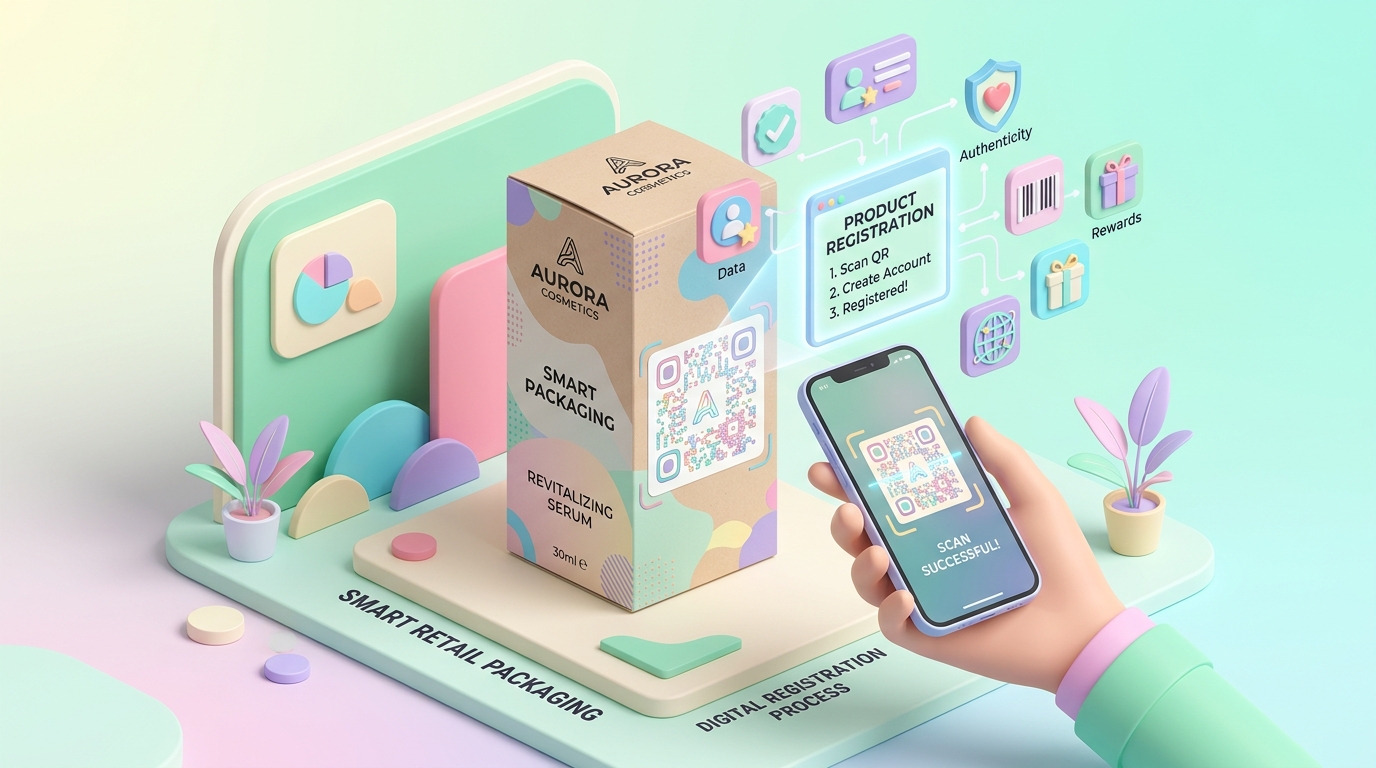
Physical product packaging is often the very first tactile experience a customer has with your brand. However, traditional retail channels create a massive data wall between manufacturers and end consumers. When a consumer buys a product off a retail store shelf or Amazon marketplace, the brand usually gains zero direct customer insight.
By incorporating Dynamic QR Codes powered by QR Zam into smart retail packaging, brands can bridge the gap between physical unboxing and digital customer retention.
Key Benefits of QR Codes on Smart Retail Packaging
1. Instant Warranty & Product Registration
Eliminate paper registration cards that customers throw away. A quick scan takes the buyer directly to a mobile-optimized registration form, auto-filling device identifiers or batch numbers to activate extended warranties in seconds.
2. Direct Zero-Party Data Collection
Collect valuable customer data—such as email addresses, phone numbers, usage preferences, and birthdates—directly from end users, allowing brands to build post-purchase email flows and loyalty programs without relying on third-party marketplace data.
3. Digital Unboxing Guides & User Manuals
Replace bulky paper user manuals with dynamic digital guides, video tutorials, and interactive setup steps. Updating product documentation digitally via QR Zam ensures customers always access the latest instructions without reprinting physical packaging.
4. Counterfeit Protection & Authenticity Verification
Protect brand equity by linking dynamic QR codes to secure verification landing pages or serial number lookup databases, allowing customers to confirm genuine product origins instantly upon purchase.
5. Automated Upsells & Cross-Sells
Drive secondary revenue by serving personalized product recommendations (accessories, replacement filters, refills, or subscription options) right when customer engagement is at its peak during unboxing.
Step-by-Step Guide: Setting Up Smart Packaging QR Codes with QR Zam
Creating high-performing packaging QR codes is simple with QR Zam:
- Step 1: Define Your Post-Purchase Goal
Log in to qrzam.com and select your campaign objective (Product Registration Form, Digital PDF Manual, landing page with video tutorial, or Smart App Download link). - Step 2: Generate a Dynamic QR Code
Create a dynamic QR code so you can update the destination URL or promotional offer at any time, even after thousands of packaging units have already been printed and distributed. - Step 3: Customize Design & Aesthetic
Utilize QR Zam's custom branding features—apply your brand color palette, add your logo to the center of the QR code, select rounded corner modules, and add a clear Call-To-Action frame such as "Scan for 2-Year Free Warranty". - Step 4: Configure UTM Attribution & Scan Analytics
Append standardized UTM parameters to your registration destination URL so your e-commerce analytics platform captures packaging attribution, and monitor real-time scan activity (total/unique scans, geography, and device/OS breakdown) in the QR Zam Scan Analytics Dashboard. - Step 5: High-Res Vector Export
Download your finalized code in vector format (SVG/EPS) and pass it to your packaging design and printing team.
Best Practices for Printing QR Codes on Product Packaging
- Minimum Size: Ensure the printed QR code is at least $2 \text{ cm} \times 2 \text{ cm}$ ($0.8 \text{ in} \times 0.8 \text{ in}$) for effortless camera scanning.
- High Contrast: Maintain strong color contrast between the dark foreground modules and light background.
- Clear CTA Frame: Always pair the QR code with an explicit incentive, such as "Scan to Activate Warranty & Get 15% Off Refills".
- Quiet Zone: Keep a clean margin around the QR code boundaries to prevent box art from interfering with optical camera scanners.
Transform Product Packaging into a Direct Revenue Engine
Smart retail packaging with dynamic QR codes turns static product boxes into interactive digital sales and support channels. By capturing zero-party data and streamlining onboarding, brands increase customer lifetime value (LTV) while slashing support inquiry costs.
Start creating custom dynamic QR codes for your product packaging on QR Zam today.