

Using QR Codes for Recruitment and Job Fairs: Streamlining Talent Acquisition
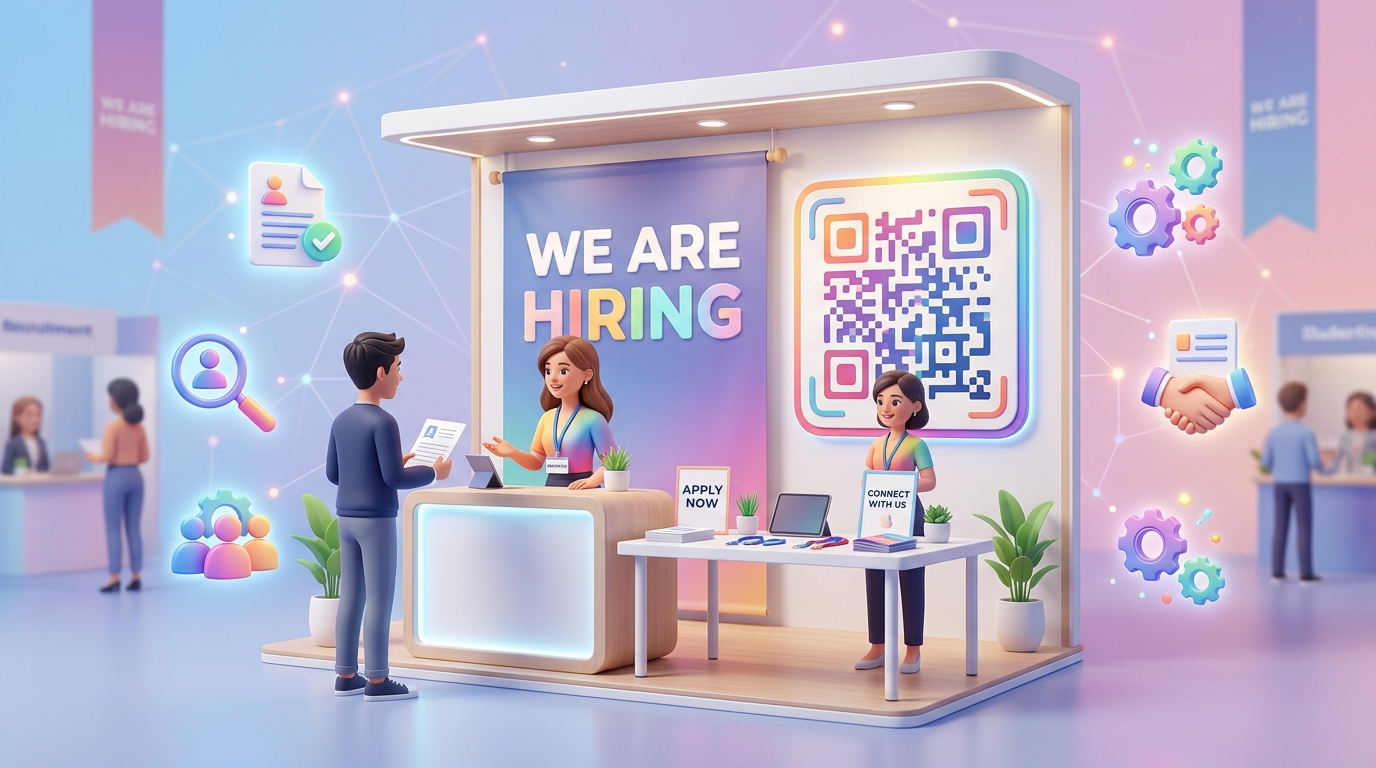
In a highly competitive job market, attracting and securing top talent requires speed, efficiency, and a modern candidate experience. Traditional recruitment processes at job fairs or local hiring events often rely on physical resumes, paper sign-up sheets, and manual data entry. This creates friction for candidates and hours of administrative overhead for human resources (HR) teams.
To modernize talent acquisition, forward-thinking HR departments are turning to dynamic QR codes.
In this use case, we will explore how companies utilize QR codes during job fairs, campus recruiting, and local hiring drives to eliminate paper waste, capture candidate information instantly, and accelerate the hiring lifecycle.
Key Benefits of QR Codes in Recruitment
By placing QR codes on recruitment banners, brochures, and company booths, HR teams bridge the gap between offline interactions and online candidate databases.
1. Instant Mobile Job Applications
Instead of asking candidates to remember a website URL or manually search for your careers page, a single QR code scan takes them directly to your active job listings or application form on their mobile device. Candidates can apply on the spot or bookmark the page to apply later.
2. Contactless Resume Collection
Say goodbye to carrying boxes of paper resumes back to the office. By directing candidates to an upload portal via a QR code, you receive resumes in a digital format (PDF or Word) directly into your Applicant Tracking System (ATS), keeping your candidate pipeline organized and secure.
3. Automated Interview Scheduling
For high-priority roles or pre-screened candidates, you can set up a QR code that links directly to scheduling tools like Calendly or your team's Google Calendar. Candidates scan, pick a slot, and book an introductory call instantly, reducing the back-and-forth email scheduling loop.
4. Interactive Company Portals
Provide job seekers with rich media resources that cannot fit on a printed flyer. Use QR codes to share corporate culture videos, employee testimonial pages, details about benefits and perks, or virtual office tours.
How to Deploy Recruitment QR Codes with QR Zam
Deploying QR codes for your next hiring event is straightforward with QR Zam:
- Step 1: Identify your destination URL (e.g., your ATS application page, careers site, or scheduling link).
- Step 2: Log into the QR Zam dashboard and create a Dynamic URL QR code.
- Step 3: Customize the design to match your corporate branding. Change the colors to align with your brand book, add your corporate logo in the center, and use a frame with a clear call-to-action (CTA) like "Scan to Apply" or "We're Hiring - Scan Here".
- Step 4: Print high-resolution SVG or PNG formats of the QR code onto your pull-up banners, table signs, brochures, and team business cards.
- Step 5: Track candidate engagement in real time via the scan analytics dashboard, monitoring which events or locations generate the most interest.
Real-World Case Study: Global Tech Recruitment Campaign
The Challenge
A leading software engineering firm was participating in multiple university career fairs across the country. They wanted to attract junior developer talent but found that students rarely carried printed resumes, and manually typing down candidate contact details led to spelling errors and slow follow-ups.
The Solution
The firm set up three pull-up banners at their booth, each featuring a large QR code generated through QR Zam:
- Banner 1 (Engineering Roles): Linked directly to the junior software engineer application page.
- Banner 2 (Internships): Directed students to the internship program landing page.
- Banner 3 (Culture): Shared a short video showcase of the office space, team hackathons, and company culture.
They also printed a mini QR code on the back of all staff business cards that linked to the recruiter's direct scheduling link.
The Results
- The recruitment team collected over 450 digital applications across four university events.
- Candidate follow-up time was reduced from 5 days to 24 hours, as candidate details were sent directly to the ATS.
- Recruiters booked 65 pre-screening calls on-site as candidates scanned the business card QR codes right after speaking to a team member.
FAQs
1. Can we update the job listings link if the job is filled mid-event?
Yes. By using QR Zam's dynamic QR codes, you can change the target URL in your dashboard instantly without reprinting your banners or signs. You can redirect users to a generic talent pool form or other open positions.
2. What size should we print recruitment QR codes?
For pull-up banners or posters, print the QR code at least 15cm x 15cm so it can be easily scanned from a distance. For desk signs or flyers, 3cm to 5cm is ideal.
3. Do candidates need a special app to scan the code?
No. Almost all modern iOS and Android smartphones have QR code scanning built natively into their camera apps. Candidates simply open their camera, point it at the code, and click the pop-up link.
Connect with Top Talent Instantly
Don't let top talent slip away due to slow and outdated processes. Bring your recruitment campaigns into the digital age with context-aware, trackable QR codes.