

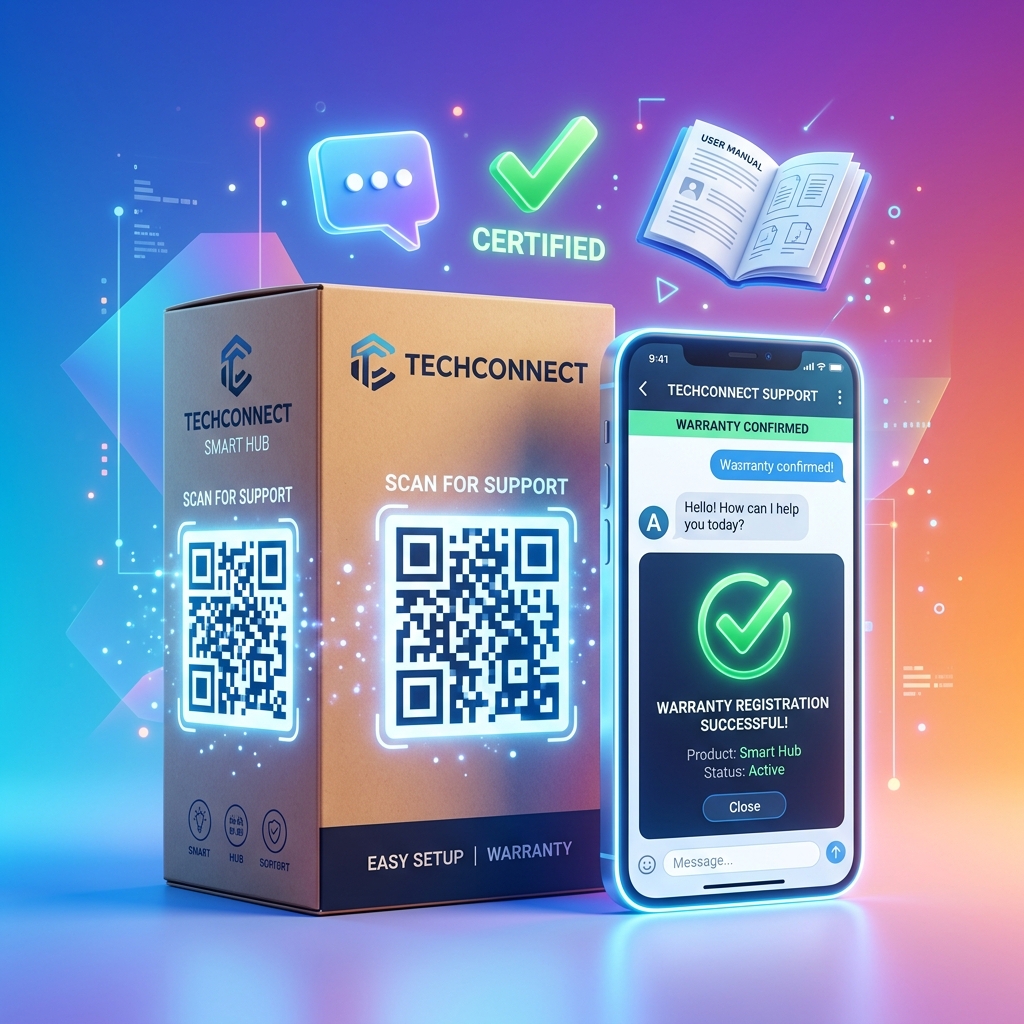
In the retail and consumer goods industries, the customer relationship doesn't end at checkout—it begins there. However, traditional post-purchase workflows are notoriously inefficient. Brand owners struggle to get customers to register their warranties (often requiring filling out paper cards or typing complex URLs), and customers dread searching through file drawers for printed user manuals or dialling toll-free support numbers.
Product registration QR codes provide a direct, frictionless link between physical products and digital customer databases. By printing a custom dynamic QR code on product packaging, user manuals, or the product itself, brands can capture valuable customer data, lower support overhead, and increase customer lifetime value.
Here is how modern retail brands leverage QR codes to revolutionize post-purchase engagement.
Key Benefits of QR Codes in Product Management
1. Boost Warranty Registration Rates
Typing a long website URL to register a product is a major friction point. Consequently, only a tiny percentage of customers ever complete registration. A QR code labeled "Scan to Register Warranty" allows customers to scan, autofill their details, and complete registration in under 30 seconds. Higher registration rates provide brands with direct channels to communicate with their end-users.
2. Replace Paper Manuals with Digital Guides
Printing thick, multi-language instruction booklets is expensive, bad for the environment, and difficult to update. Replacing physical manuals with a single QR code pointing to a dynamic PDF or an interactive video guide reduces packaging weight, cuts printing costs, and allows you to update instructions or troubleshooting steps in real-time.
3. Streamline Customer Support and Troubleshooting
When a customer runs into an issue, they want help immediately. Placing a support QR code directly on the device allows them to instantly open a chat conversation (via WhatsApp, Live Chat, or Facebook Messenger), initiate a support ticket, or search a knowledge base tailored to their specific product model.
4. Direct Marketing and Upsell Opportunities
Once a customer registers their product, you can show them relevant accessories, extended warranty plans, or related items in your catalog. This turns a simple support scanner into an active customer acquisition and retention channel.
Practical Applications on Packaging and Products
On-Product Rating and Safety Plates
For appliances, power tools, or electronics, place a small, durable QR sticker next to the serial number. This allows customers to access model-specific safety information, spare parts catalogs, or professional repair requests years after the initial purchase.
Retail Packaging Graphics
Incorporate a branded QR code on the exterior of the product box. Include a compelling call-to-action like "Scan for Quick Setup Video & Get 10% Off Your Next Order." This captures customer interest immediately during unboxing.
Quick Start Guides
Print a prominent QR code on a single-page setup sheet. This directs users to step-by-step video tutorials, reducing assembly errors and product return rates due to initial user confusion.
How to Set Up Support QR Codes with QR Zam
- Prepare Your Destination: Set up a landing page with registration forms, product PDFs, or links to your support channel.
- Generate a Dynamic URL QR Code: Go to qrzam.com and create a Dynamic QR code. This allows you to update the destination URL (e.g., if you update your support software or change registration forms) without printing new packaging.
- Design for Your Brand: Add your logo, select brand colors, and add an action frame (e.g., "Scan for Support").
- Use Smart Routing (Optional): If you distribute globally, set up rules in QR Zam to automatically route users to English, Spanish, or Vietnamese support pages based on their phone's default browser language.
- Print and Test: Download high-resolution vector files (SVG) and integrate them into your packaging layout.