

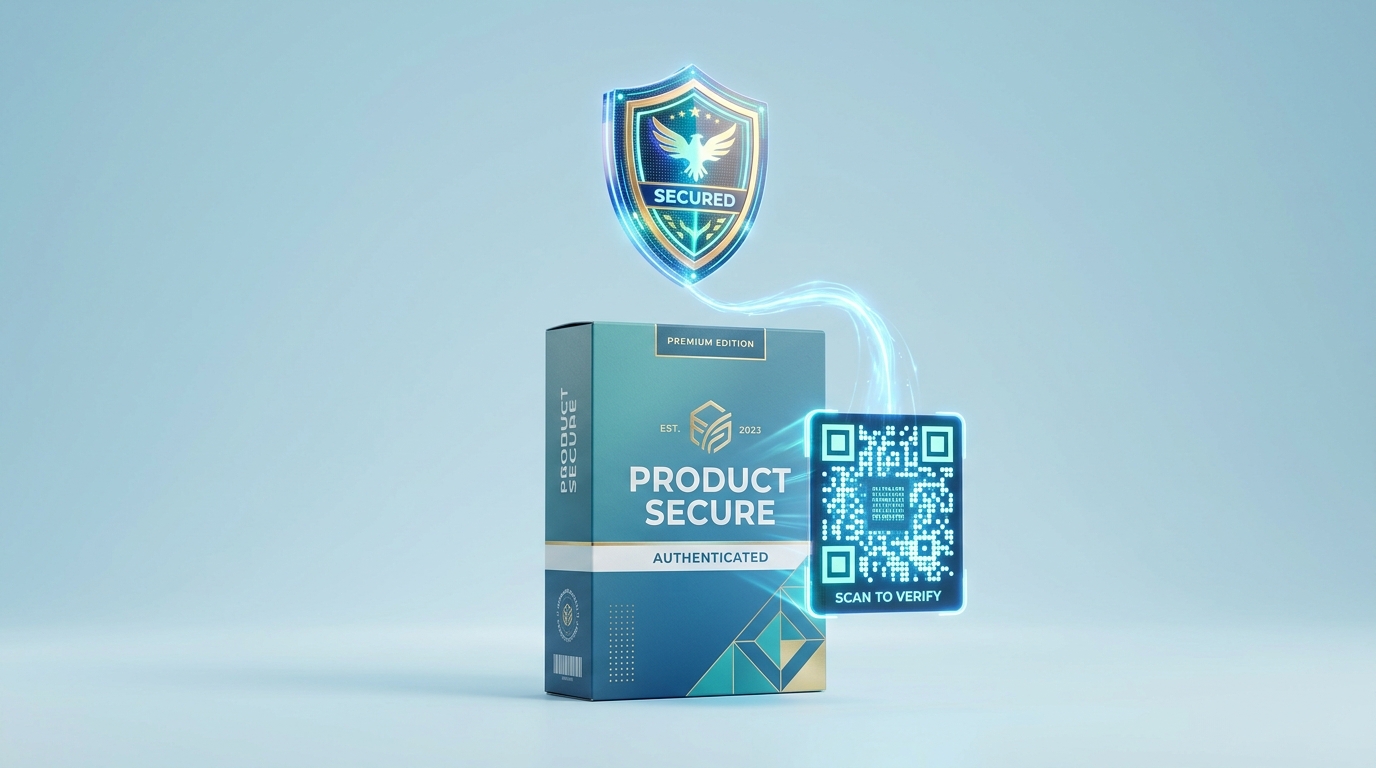
Counterfeiting is a multi-billion-dollar global challenge that threatens consumer safety, damages brand reputation, and drains legitimate company revenues. While traditional packaging security features like specialized watermarks and holographic stickers are expensive and difficult for consumers to check, QR codes provide an instant, digital-first verification method that requires no training.
By printing a serialized dynamic QR code on each product, brands can empower customers to verify their purchase in seconds using any smartphone camera, while simultaneously collecting valuable distribution and authentication analytics.
Here is how brands leverage QR Zam to construct robust, enterprise-grade product verification systems.
Key Benefits of QR Code Authentication
1. Instant Consumer-Led Verification
There is no need for customers to download specialized apps. By scanning the QR code printed on a retail package, sticker, or certificate of authenticity, the consumer is instantly redirected to a secure verification page confirming the authenticity of the item.
2. Unit-Level Serialization (UIDs)
By generating unique dynamic QR codes for each specific item in a production batch using the QR Zam Bulk QR Code Generator, brands create a digital footprint for every unit. This prevents counterfeiters from copy-pasting a single QR code onto thousands of fake products, as the system will flag excessive scans on the same ID.
3. Trustworthy Custom Domains
Using a branded short link (e.g., verify.brandname.com) instead of a generic domain establishes immediate trust during the scan. The user knows they are interacting directly with the manufacturer, eliminating any concern about phishing or qishing redirects.
4. Real-Time Geolocation Tracking
Dynamic QR codes track where and when scans occur. If a serialized product meant for sale in one region is scanned in another, or if the same serial number is scanned simultaneously in two different countries, the system immediately alerts the brand's security team of a potential leak or counterfeiting operation.
Industry Applications
Luxury Goods & Fashion
Luxury watchmakers, designer handbag brands, and premium apparel labels insert serialized QR codes inside pockets, on hangtags, or printed on warranty cards. This secures secondary resale markets and provides buyers with proof of ownership.
Cosmetics & Skincare
High-end skincare brands place unique QR codes on bottle caps or seals. Scanning the code verifies the product is genuine and redirects users to batch expiry dates, ingredient transparency sheets, and usage tutorials.
Pharmaceuticals & Nutrients
To protect patient safety, pharmaceutical and supplement companies print secure QR codes on blister packs or box seals. Scanning the code proves the medicine is authentic and links directly to dosage guidelines and side-effect warnings.
Consumer Electronics
Manufacturers print serialized QR codes on the bottom of devices or on packaging boxes. Customers scan the code to verify authenticity, register their warranty, and access digital user manuals.
How to Implement Verification with QR Zam
- Map the Verification Workflow: Design the landing page that will display the authentication status to customers based on the serial number parameter (e.g.,
?sn=ABC123). - Generate Serialized URLs in Bulk: Use the QR Zam Bulk QR Code Generator via CSV upload to batch-create unique, dynamic URLs and export a ZIP archive of print-ready SVG/PNG codes for your production run.
- Customize Design for Security: Integrate your brand colors, custom patterns, and logo into the QR code design. Download vector formats (SVG/PDF) for printing on physical packaging.
- Publish the Target Page: Host a verification lookup database. If the serial number exists in your database and has only been scanned once, show a green checkmark. If scanned multiple times, trigger a warning.
- Monitor Your Dashboard: Review scan analytics on QR Zam. Set up alerts for geographic anomalies or unexpected spikes in scan volume.
Frequently Asked Questions
Can counterfeiters copy the QR codes? Counterfeiters can copy the physical print, but they cannot copy the backend database. If a counterfeiter clones a serial code and prints it on 1,000 packages, the second scan onward will trigger a warning message to the customer that the code has already been scanned, indicating a fake.
Do customers need a special app to scan? No. QR Zam codes are designed to be scanned using the native camera app built into all iOS and Android devices, ensuring a frictionless user experience.
Can we change the redirect URL after the product is shipped? Yes! Because you are using dynamic QR codes, you can change the target page, update warning messages, or modify promotion details at any time from your QR Zam dashboard without changing the physical print.