

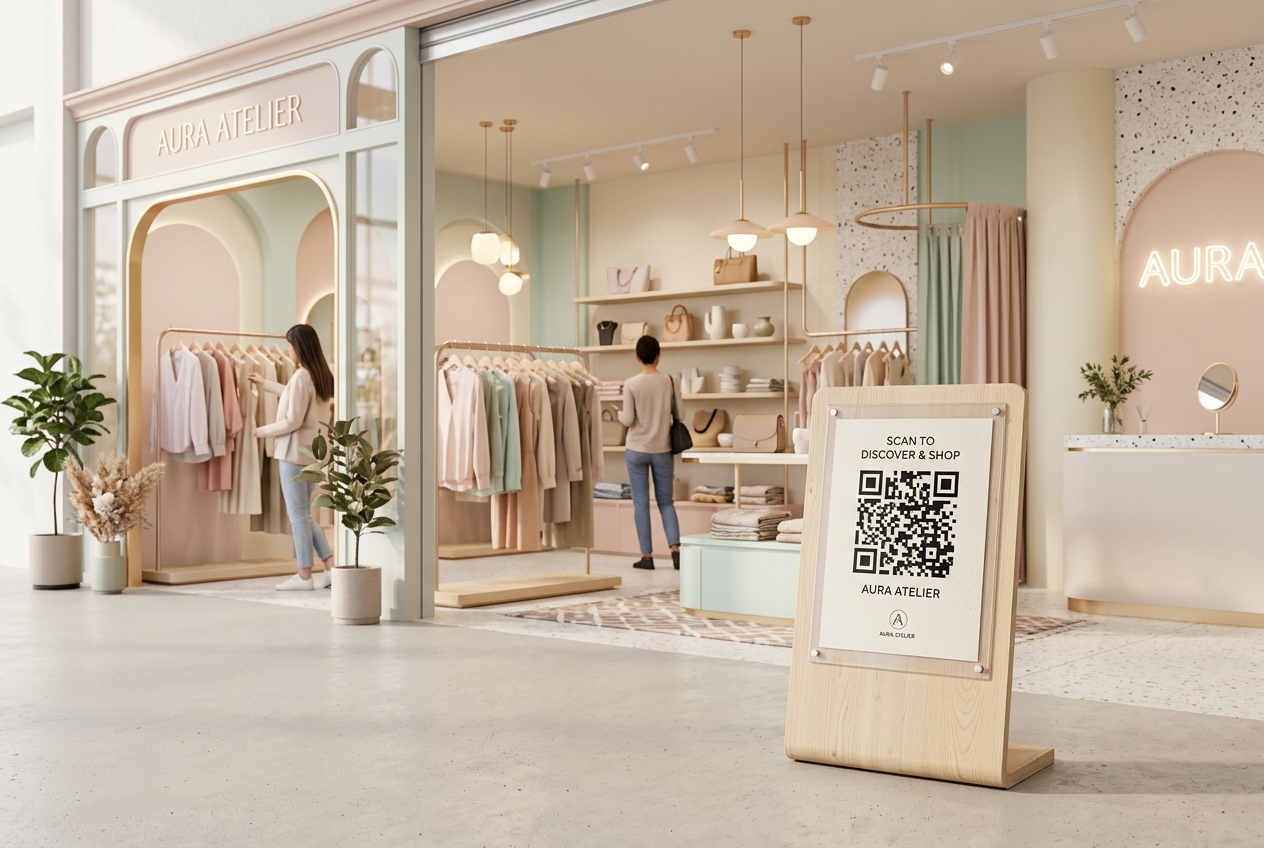
Pop-up shops and temporary retail events have become vital tools for direct-to-consumer (DTC) brands, creators, and local businesses. These short-term retail spaces build buzz, foster human connection, and allow brands to test new markets without the overhead of long-term commercial leases.
However, operating a temporary retail space comes with its own set of hurdles. Space is often tight, inventories are limited, checkout lines can form quickly, and capturing the contact details of visitors before they walk away is challenging.
Integrating QR codes into your pop-up shop design is a simple, cost-effective way to solve these issues. By bridging the offline-to-online (O2O) gap, QR codes allow you to turn casual visitors into digital subscribers and long-term customers.
Key Benefits of QR Codes for Pop-Up Shops & Retail Events
1. Endless Aisle: Sell Out-of-Stock Items Instantly
In a pop-up shop, display space and inventory are limited. You might not have every size, color, or variant of a product in stock.
By placing a dynamic QR code next to product displays, you create an "endless aisle." Customers can scan the code to view all available sizes and colors on your online store, purchase the item immediately, and have it shipped directly to their home. You never miss a sale due to physical inventory constraints.
2. Frictionless Checkout and Mobile Payments
Long queues are the leading cause of cart abandonment in physical retail. If your checkout line is too long, customers will leave empty-handed.
Place QR codes on table tents or at counter displays that link to mobile checkout flows (such as Apple Pay, Google Pay, or Shopify Shop Pay). Customers can scan, pay on their own devices in seconds, and show their digital receipt to your staff before exiting.
3. Interactive Product Storytelling
Modern consumers care about where products come from, how they are made, and who made them. But printing this information on cardboard tags is cluttered and expensive.
With a QR code placed on product tags, you can share:
- Behind-the-Scenes Videos: Show how the product was crafted.
- Sustainability Credentials: Detail the organic materials or ethical labor behind the brand.
- Product Guides & Care Instructions: Help customers extend the lifespan of their purchases.
4. Build Your Email & SMS Lists (First-Party Data)
The real value of a pop-up shop isn't just today's sales—it's the lifetime value (LTV) of the customers you meet.
Encourage visitors to scan a QR code to join your VIP club, unlock a 10% discount on today's purchase, or enter a raffle. By linking the QR code to a high-converting sign-up form, you turn foot traffic into email and SMS subscribers who you can market to long after the pop-up closes.
5. Social Media Contests and Virality
Pop-up shops are inherently visual and shareable. Leverage this by adding QR codes that link directly to:
- Instagram/TikTok Effects: Let users scan to open custom brand filters.
- Social Media Follow Pages: Make it easy to follow your profile with a single tap.
- Review Sites: Ask customers to scan and write a Google review of the pop-up experience.
Step-by-Step Implementation with QR Zam
Creating a digital-first physical experience is easy with QR Zam:
- Step 1: Map Your Customer Journey: Determine where QR codes will add the most value (product labels, banners, cash register, entrance).
- Step 2: Generate Dynamic QR Codes: Use QR Zam to create dynamic URL codes. This allows you to update the links (e.g., changing the discount code or product URL) during the event without reprinting physical signs.
- Step 3: Customize the Design: Brand your QR codes using your logo, colors, and a clear Call-to-Action (CTA) such as "Scan to View Colors" or "Scan to Join VIP."
- Step 4: Display Professionally: Place QR codes in high-quality acrylic stands, print them on fabric clothing tags, or include them on stickers on the shopping bags.
- Step 5: Monitor Scan Analytics: Use QR Zam's dashboard to track scan metrics (time, device, location) to measure which products and signages attracted the most digital interest.
FAQs
1. Can I use the same QR code for different pop-up locations?
Yes, but we recommend creating separate dynamic QR codes for each location. This allows you to track scan data separately in your QR Zam dashboard, letting you compare the performance of a pop-up in New York versus one in Los Angeles.
2. What happens if our pop-up Wi-Fi is slow or disconnects?
If your physical network goes down, customers can still scan QR codes using their mobile data (4G/5G). Because QR Zam's redirect links are lightweight and optimized for speed, they load quickly even on weaker cell signals.
3. How can we track how many sales were driven by the pop-up?
You can append UTM tracking parameters to the destination URLs of your QR codes (e.g., ?utm_source=popup&utm_medium=qrcode&utm_campaign=ny_event). When customers scan the code and buy online, your web analytics platform (like Google Analytics or Shopify) will credit the sales to your pop-up campaign.
4. Do QR codes work on digital screens at events?
Yes. If you have TV screens, iPads, or digital displays at your booth, you can show QR codes on them. Make sure the screen resolution is high and the code is large enough to be detected from a distance.
5. Can I protect a discount QR code so it can't be shared online?
While you cannot stop someone from taking a screenshot, you can use QR Zam's password protection feature or set an expiration date/scan limit on the dynamic link to prevent the discount code from going viral outside of your event attendees.