

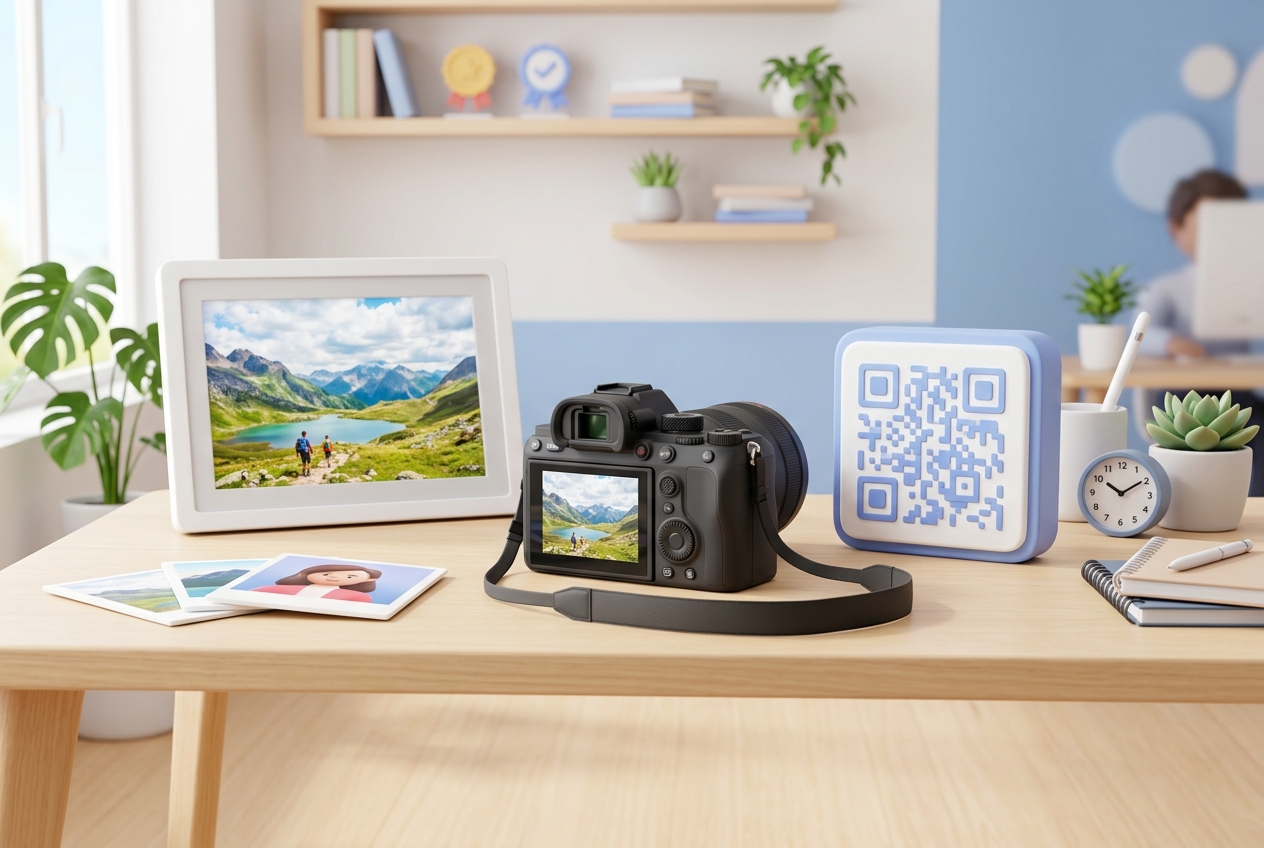
In the highly visual world of photography, first impressions are everything. Photographers and studios need seamless ways to display their work, connect with potential clients, and streamline client delivery.
QR codes have become an invaluable tool for modern photographers, bridging the gap between physical touchpoints (like business cards, studio flyers, and backdrops) and digital assets (like online portfolios, gallery deliveries, and booking systems).
Here is a comprehensive breakdown of how photography studios and freelance photographers can leverage QR codes to grow their business and improve client satisfaction.
Key Benefits of QR Codes for Photographers
1. Instant Portfolio Sharing
Instead of asking potential clients to search for your name on Instagram or type out a long website URL, a custom QR code on your marketing materials takes them directly to your digital portfolio in one scan.
2. Contactless Client Gallery Delivery
After a shoot, photographers can share online proofing galleries by providing clients with a personalized QR code. This is particularly popular for event photography (like weddings or corporate gatherings), where guests can scan a QR code on a sign to view and download photos in real-time.
3. Streamlined Booking and Scheduling
Simplify your onboarding by linking a QR code directly to your scheduling tool (such as Calendly or Pixieset). Clients can scan your studio flyer or print ads to choose a package and book a session instantly.
4. Boosted Google Reviews
Positive reviews are crucial for local SEO and building trust. Placing a Google Review QR code on your invoices, thank-you cards, or studio walls makes it incredibly easy for clients to leave feedback before they leave.
Steps to Create a QR Code for Your Photography Studio with QR Zam
Creating a custom QR code for your studio is quick and easy with QR Zam:
Step 1: Go to https://qrzam.com and select the QR code type that matches your goal. For instance, choose "URL" for your portfolio, "VCard" for your digital business card, or "PDF" to share pricing guides.
Step 2: Enter the destination link, such as your Pixieset gallery link or your website's contact form.
Step 3: Customize the appearance of your QR code. To match your creative brand, use custom brand colors, add your studio logo, and choose a stylized frame with a call to action like "Scan to View Gallery."
Step 4: Test the QR code with your smartphone camera to ensure it scans correctly.
Step 5: Download the high-resolution files (SVG/PNG) suitable for print, and add them to your business cards, flyers, or studio signage.
Practical Applications for Photography Studios
Business Cards
Add a dynamic vCard or URL QR code to the back of your business card. When potential clients scan it, they can instantly save your contact details or browse your latest photo collections, making your networking efforts highly interactive.
Wedding and Event Signs
At weddings or corporate events, place a table sign with a QR code linked to a shared digital photo folder. Guests can scan it to upload their own guest photos or access the professional event photos once they are uploaded.
Price Lists and Studio Guides
Instead of printing expensive brochures that get outdated quickly, print a dynamic QR code pointing to a PDF price sheet or packages guide. When your prices or packages change, you can update the PDF in your QR Zam dashboard without printing new flyers.
Studio Window Displays
If you have a physical studio storefront, place a prominent QR code in the window. Passersby can scan it after hours to view your portfolio, book a session, or find your social media profiles.