

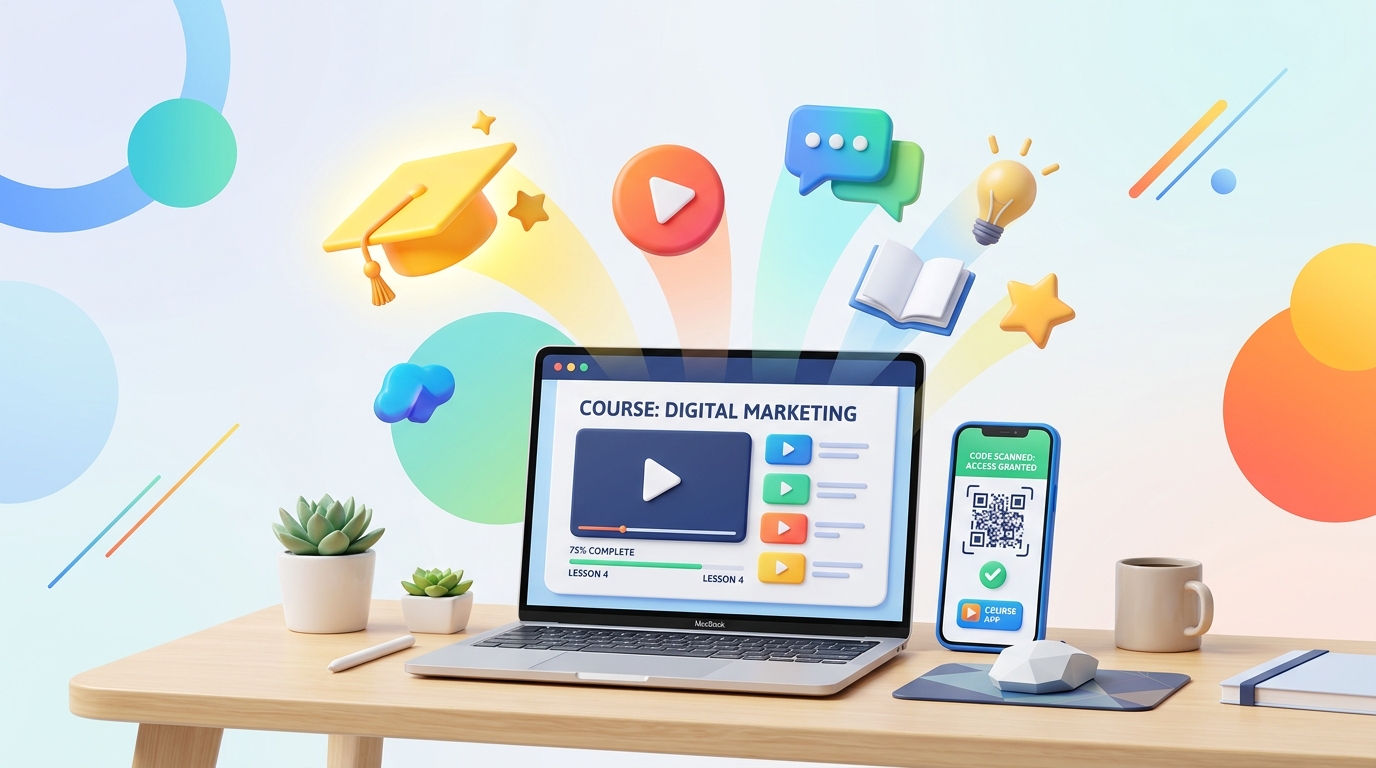
In the rapidly growing e-learning sector, student engagement and completion rates are the ultimate success metrics. Although online education offers unmatched convenience, keeping students motivated through self-paced online materials remains a key hurdle.
To boost learning outcomes, many educators use hybrid models—shipping printed workbooks, syllabus sheets, and flashcards to complement digital video platforms. However, moving students from printed pages back to their digital dashboards is a high-friction process.
QR codes are the perfect bridge. E-learning platforms and independent course creators use dynamic QR codes to integrate physical learning assets with online LMS (Learning Management System) portals, keeping students on track and deeply engaged.
Key Benefits of QR Codes for Online Courses and e-Learning Platforms
1. Seamless Desktop-to-Mobile Learning
If your e-learning platform offers a dedicated mobile app for studying on the go, displaying a QR code on your web portal or welcome kit removes download friction. Students scan the code to instantly download your app, sync their progress, and continue learning from their mobile device.
2. Zero-Friction Video and Audio Playback
Embedding QR codes directly inside printed workbooks and course slide printouts allows students to scan and instantly play companion audio tracks, explanation videos, or interactive 3D models. They get immediate visual explanation without leaving their desk setup.
3. Automated VIP Community Invites
Many course creators host discussions on platforms like Discord, Slack, or Facebook groups. Instead of emailing links that get lost in spam, placing a QR code in the physical welcome package lets students join their cohort’s group chat in one scan, boosting networking and course satisfaction.
4. Interactive Knowledge Checks
Place QR codes at the end of modules to direct students to mock exams, surveys, or submission portals. This keeps students active rather than passively reading, helping them check their understanding in real-time.
Steps to Create an e-Learning QR Code with QR Zam
Creating interactive QR codes for your course materials is simple:
- Step 1: Go to your QR Zam dashboard and click Create QR Code.
- Step 2: Choose Dynamic URL (to link to videos or portals) or PDF (to share digital workbooks). If you are promoting mobile apps, select the URL type and use Smart Routing to direct users based on their device OS.
- Step 3: Enter your destination link (such as a YouTube video, a community invite, or an LMS lesson page).
- Step 4: Brand your QR code. Choose your course brand colors, upload your logo, and add a helpful frame with a Call to Action (e.g., "Scan to Watch Lesson").
- Step 5: Download the code in high-resolution vector format (SVG) and place it directly into your workbook design, PDF guides, or slide templates.
Real-World e-Learning Use Cases for QR Codes
Printed Workbooks and Study Guides
Educators insert QR codes next to complex exercises or diagrams. Scanning the code opens a video of the instructor solving the problem step-by-step.
Flashcards and Memorization Aids
Language learning courses use physical flashcards with QR codes. Students scan the card to hear the correct pronunciation audio file, combining visual and auditory memory.
Slide Decks and Lecture Notes
When presenting slides during live webinars or lectures, instructors place QR codes on the screen so students can quickly scan to download the lecture notes, templates, or references.
Feedback and Course Reviews
At the end of the final course module, a QR code directs students to write an online review or fill out a course feedback questionnaire, increasing review completion rates.
FAQs
1. Can I change the video link of a printed QR code if I update the course content?
Yes! By using QR Zam's Dynamic QR Codes, you can update the destination URL at any time in your dashboard. The printed QR code on your books or guides will automatically redirect students to the new video without requiring you to reprint.
2. How do Smart Routing QR codes improve app downloads?
Smart Routing QR codes detect the operating system of the scanning smartphone. An iOS device is automatically sent to the Apple App Store, while an Android device is routed to the Google Play Store, avoiding the need for multiple codes.
3. Can I track student scans?
Yes. QR Zam provides real-time analytics showing total scans, unique scanners, geographic locations, and device types. This helps you understand which chapters or worksheets students struggle with or scan the most.
4. Are PDF QR codes mobile-friendly?
Absolutely. When students scan a PDF QR code generated by QR Zam, the document is hosted on our secure, fast servers and renders beautifully on any mobile browser for instant reading.