

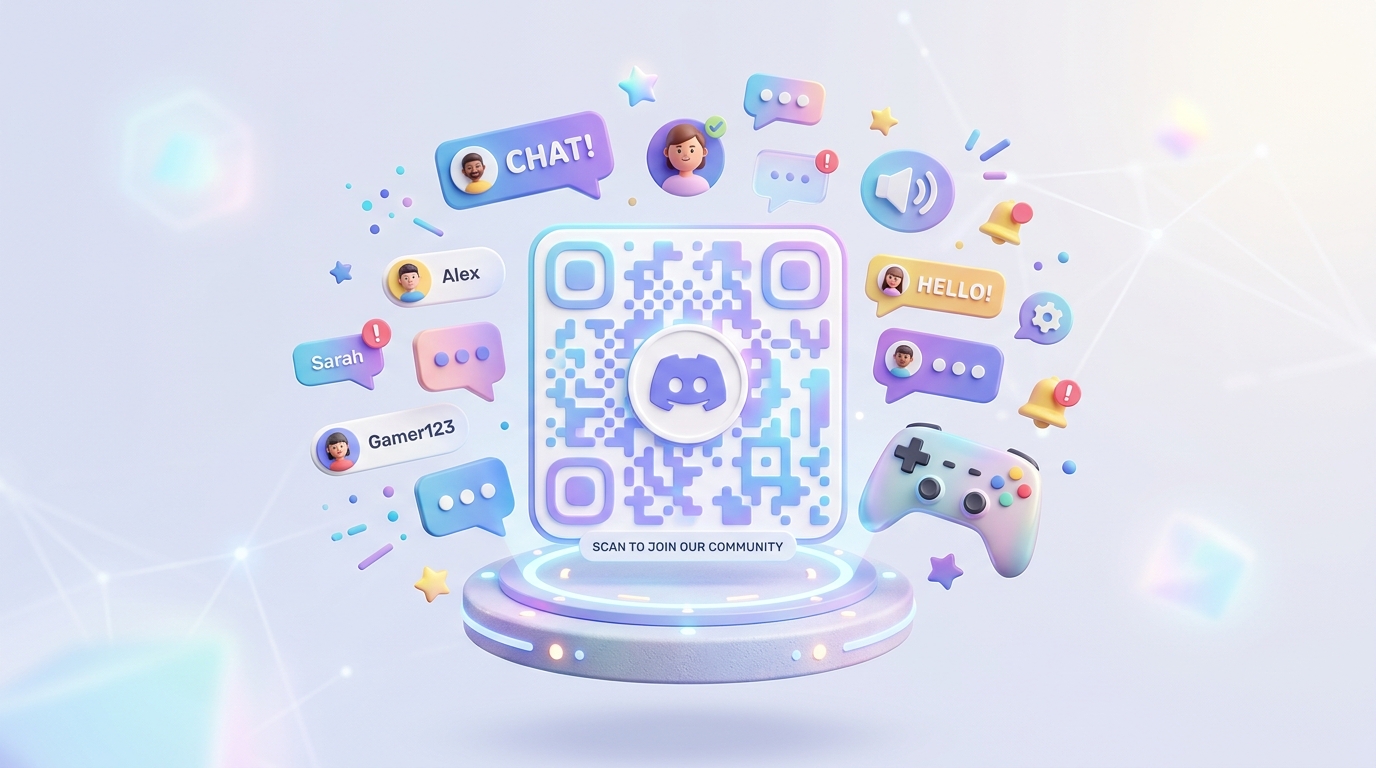
In the digital-first era, community is the new currency. Brands, content creators, gaming studios, and Web3 projects are moving away from traditional broadcast marketing and focusing on building interactive online spaces. Discord has emerged as the premier platform for hosting these interactive hubs, allowing members to engage in real-time chat, voice calls, and collaborative events.
However, moving offline audiences—or even customers browsing physical retail spaces—into a digital Discord server presents a significant friction point.
Online community QR codes solve this handoff problem. By placing dynamic QR codes in key offline and digital touchpoints, community managers can seamlessly onboard new members, verify purchases, and drive active engagement.
Key Benefits of QR Codes for Online Communities
1. Instant Desktop-to-Mobile Handoff
For desktop website visitors, scanning a QR code with their mobile phone is the fastest way to join a community on the go. It opens the Discord app directly on their smartphone, eliminating the need to type links or log in on a desktop browser.
2. Updatable Invite Targets
Discord invite links can occasionally change due to server reorganizations, security locks, or link expirations. By using dynamic QR codes, you can change the target URL in your dashboard at any time without reprinting any physical banners, card inserts, or packaging.
3. Location-Based and Language Routing
With smart routing, you can use a single QR code that redirects users to different invitation links or landing pages depending on their browser language or geographic location. This is crucial for global brands that run localized Discord channels (e.g. routing Vietnamese users directly to a Vietnamese welcome channel).
4. Custom Branding to Prevent Phishing
Trust is paramount in online communities, particularly in Web3 and gaming. A generic, unbranded black-and-white QR code can look suspicious. A customized QR code featuring your community's official avatar and colors signals authenticity, reassuring members that the invite is safe to scan.
How Online Communities Use QR Codes in Practice
1. Product Packaging and E-commerce Inserts
Include a QR code on product insert cards or product packaging. Encourage customers to join the Discord server to unlock exclusive setup guides, receive priority customer support, or participate in beta testing for upcoming products.
2. Events, Meetups, and Gaming Tournaments
Place QR codes on roll-up banners, badges, and slides during presentations at physical events. Attendees can scan the code to instantly join the event's Discord channel, where they can network, share photos, and access event resources in real time.
3. Merchandising and Physical Apparel
Brands and creators printing hoodies, t-shirts, or hats can embed a styled QR code directly into the apparel design or on the hangtag. Scanning the code connects the buyer to the creator's inner circle community, turning physical merchandise into a portal for digital connection.
4. Direct Mail and Print Advertising
If you run print ads in magazines or distribute flyers, include a QR code with a compelling offer: "Scan to join our community and get access to weekly member-only discount codes." This allows you to track offline campaign ROI in real time.
Step-by-Step: How to Launch Your Community QR Code with QR Zam
Setting up your community gateway is simple with QR Zam:
- Step 1: Go to QR Zam and select the campaign type (use URL for Discord invite links).
- Step 2: Generate a permanent invite link in your Discord server settings and paste it into the URL field. Ensure "Dynamic QR Code" is enabled so you can track scans and update the link later.
- Step 3: Design your QR code to match your community's identity. Customize the pattern, eyes, and upload your community avatar or the Discord logo as a center icon.
- Step 4: Test scan the QR code with multiple mobile devices to ensure it redirects seamlessly.
- Step 5: Download the vector SVG file for printing or high-res PNG for digital use.
- Step 6: Monitor your member onboarding stats and scan counts in your QR Zam analytics dashboard.