

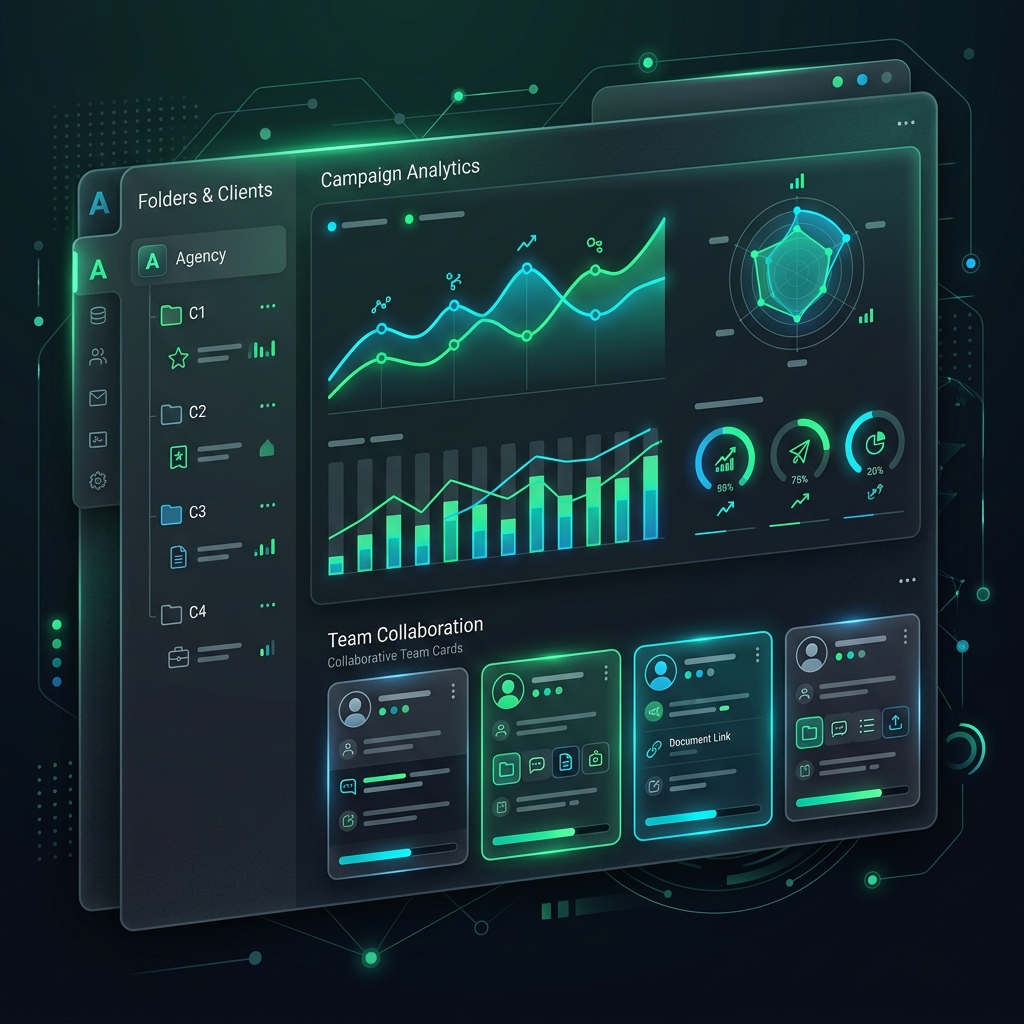
For modern marketing agencies, managing offline-to-online (O2O) campaigns across a diverse portfolio of clients can be a operational nightmare. Each client has unique branding requirements, distinct domain preferences, separate analytics dashboards, and varying team access needs.
To deliver high-performing campaign results while keeping workflow organization clean, agencies require professional QR solutions built for scale.
Here is how top-tier marketing and advertising agencies utilize QR Zam to manage multi-client campaigns, control branding, and prove campaign ROI.
The Core Agency Challenges in QR Code Marketing
When agencies execute QR campaigns without an agency-focused platform, they run into several bottlenecks:
- Brand Dilution: Using generic redirect URLs (like
qrzam.comor other provider links) exposes a third-party tool to client audiences, decreasing click-through rates and breaking brand consistency. - Asset Disorganization: Managing hundreds of active QR codes across retail, print, and digital channels for 10+ clients in a single flat list quickly leads to errors and incorrect links.
- Proof of ROI: Agencies need to present clean, structured data showing exact scan volumes, scan locations, and times to justify campaign spending.
- Security & Client Collaboration: Sharing raw credentials or forcing clients to create separate accounts to view their campaign metrics is unprofessional and inefficient.
How QR Zam Solves Agency Needs
QR Zam offers a suite of collaborative features specifically designed to help agencies streamline operations:
1. Dedicated Client Folders and Multi-Tenant Workspaces
Agencies can organize campaign assets into dedicated folders or workspaces for each client. This keeps dynamic QR codes, campaigns, and files completely separate, preventing cross-client confusion and ensuring account security.
2. Multi-Brand Custom Domains
With QR Zam, agencies can link multiple custom domains under a single agency account. You can assign qr.client-a.com to Client A's campaigns, and scan.client-b.net to Client B. The redirect links remain 100% on-brand for each client, boosting user trust and click-through rates by up to 34%.
3. High-Conversion AI QR Designs
To stand out in competitive markets, agencies can use QR Zam’s built-in AI QR Code Generator. Instead of basic black-and-white boxes, you can generate stunning, artistic QR designs that match a client's specific creative direction. Agencies can deliver unique, visually impressive campaigns that double as artwork.
4. Dynamic Routing & Real-Time Corrections
Mistakes happen, and print materials can have errors. If a brochure is printed with a wrong URL or if a client changes their landing page mid-campaign, agencies can update the destination link instantly in the QR Zam dashboard. The printed QR code remains the same, saving thousands of dollars in reprinting costs.
5. Detailed Analytics & Automated Reporting
QR Zam tracks total scans, unique scanners, locations, device OS, and time distributions. Agencies can download these reports in CSV or PDF format to share directly with clients during weekly syncs, demonstrating concrete marketing ROI.
Step-by-Step Guide: How Agencies Set Up a Client Campaign
Here is a typical workflow for setting up a client campaign using QR Zam:
- Create a Workspace: In your dashboard, create a new workspace or folder named after the client.
- Bind Client Domain: Add the client's custom subdomain (e.g.,
go.clientdomain.com) to the settings and point the DNS CNAME to QR Zam. - Generate Dynamic QR Codes: Generate the campaign QR codes under that workspace, selecting the client's custom domain.
- Apply Creative Styling: Use client brand colors, upload their corporate logo, or use the AI Generator to create a customized design.
- Distribute and Track: Export high-resolution formats (PNG for web, SVG/EPS for packaging and print) and monitor the analytics dashboard in real time.
Frequently Asked Questions (FAQs)
1. Can my clients log in to view their specific campaign analytics?
Yes! QR Zam supports team management and granular access controls. You can invite client team members with read-only permissions to their specific workspace so they can monitor their campaign's performance without having access to other clients' folders.
2. Is there a limit to how many custom domains an agency can link?
Our Pro and Custom Enterprise plans allow you to link multiple custom domains, giving you the flexibility to support all your active clients under one centralized account.
3. What formats should I use for printing QR codes on billboards and packaging?
Always download and export your QR codes in vector formats (SVG, EPS, or PDF) for high-quality printing. Vector files can be scaled to any size (like giant billboards or tiny product labels) without losing sharpness, ensuring they remain scannable.
Elevate Your Agency's Marketing Campaigns Today
Providing a seamless, branded digital experience is key to retaining high-value clients. By leveraging QR Zam's custom domains, artistic AI designs, and clean workspace collaboration, your agency can manage campaigns more efficiently while proving clear marketing ROI.
Choose QR Zam Pro today and scale your agency's O2O marketing campaigns!