

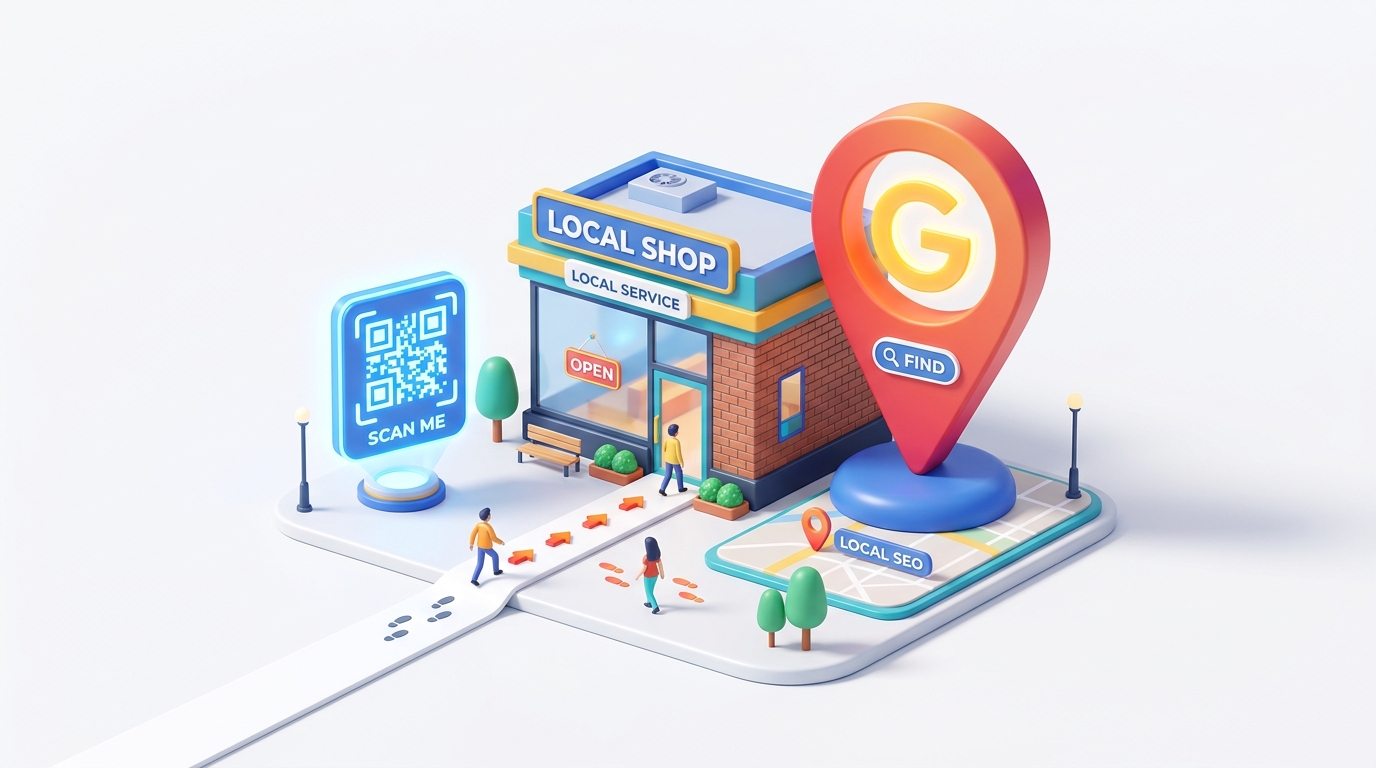
For physical businesses, local search engine optimization (Local SEO) is the lifeblood of customer acquisition. When consumers search for "restaurants near me," "dentist in city," or "boutique clothing store," they rely on search engines to guide their decisions. A higher ranking on local search results directly correlates with more store visits and revenue.
While SEO is traditionally viewed as a purely digital strategy, QR codes serve as a powerful physical bridge. They connect offline customer touchpoints with online search signals, helping businesses capture more local reviews, drive foot traffic, and improve overall search engine visibility.
Key Benefits of QR Codes for Local SEO
1. Accelerating Google Review Collection
High-quality, frequent Google reviews are one of the most critical ranking factors for the Google Local Pack (the map listings that appear at the top of search results). QR codes make it incredibly easy for customers to leave reviews by linking directly to your business's review writing page.
2. Streamlining Storefront Location Discovery
Placing a location-specific QR code on printed advertisements, flyers, or business cards helps potential customers find your store instantly, boosting store visits and building local relevance.
3. Boosting Online Engagement Signals
When users scan a QR code to view your website or location page, they send positive engagement signals (CTR, session duration) to search engines, showing that your business is active and popular.
4. Direct and Cost-Effective Local Marketing
Rather than investing heavily in local print ads with untrackable results, dynamic QR codes allow you to measure exactly how many people scanned, when they scanned, and which physical locations are driving the most digital engagement.
Practical Applications: How to Leverage QR Codes for Local SEO
1. In-Store Google Review Prompts
The best time to ask for a review is right after a positive transaction. Place customized QR codes at your checkout counters, on table tents, or on paper receipts with a clear call-to-action: "Loved your experience? Scan to leave us a Google review!" This directs customers straight to your review link, bypassing the step of searching for your business name.
2. Location-Based Smart Routing
If your business has multiple branches, you can use QR Zam's dynamic smart routing to redirect customers to their nearest branch's Google Maps location or landing page based on their GPS coordinates or preferred language.
3. Print-to-Map Navigation for Events and Launches
For grand openings, pop-up events, or marketing campaigns, include a Google Maps QR code on banners, posters, and flyers. When scanned, it immediately launches the navigation app on the user's phone, showing them the route to your venue.
4. Interactive Storefront Windows
Even when your shop is closed, your storefront window can work for you. Display a large, branded QR code that links to your Google Business Profile. Passersby can scan it to view your operating hours, browse products, or call your customer service line.
Best Practices for Implementing Local SEO QR Codes
- Use Dynamic QR Codes: Always generate dynamic QR codes. If Google changes its review link structure or if you update your maps URL, you can update the destination link in QR Zam without reprinting your physical flyers or counter cards.
- Provide a Clear Call to Action (CTA): Tell users exactly what they will get when they scan. Instead of a blank QR code, write: "Scan to navigate to our storefront" or "Scan to write a quick review."
- Verify Contrast and Size: Make sure the QR code stands out visually against its background and is large enough to scan comfortably from a reasonable distance.
- Add Your Branding: Use QR Zam's customization tools to add your business logo and brand colors. Branded QR codes build trust, resulting in higher scan rates than generic black-and-white codes.