

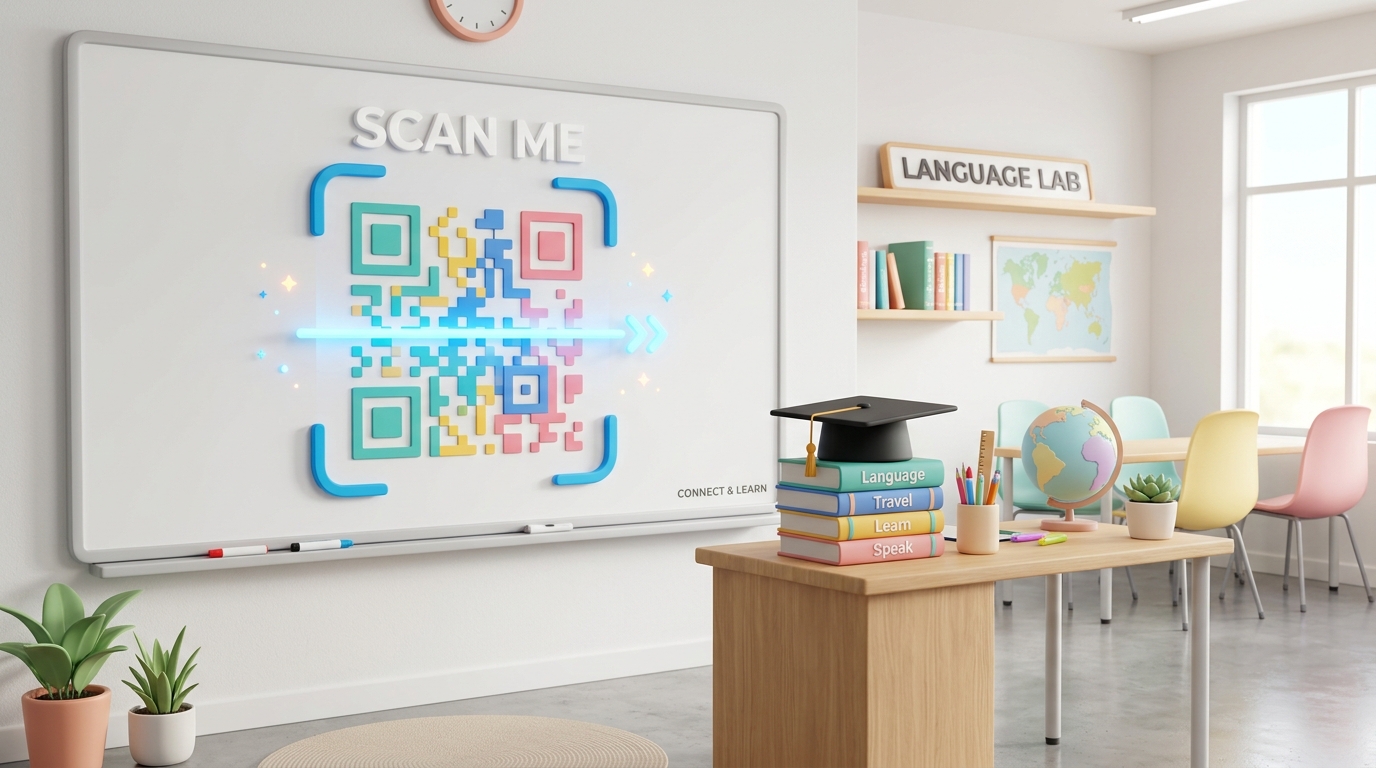
In today’s fast-paced educational environment, language schools, tutoring hubs, and test preparation centers are constantly looking for ways to improve the student experience while reducing administrative workload.
Managing paper handouts, printing updated course schedules, sharing listening comprehension audio files, and collecting feedback can create significant overhead for teachers and staff.
QR codes for education offer a simple, seamless, and cost-effective bridge between physical learning environments and digital resources. By integrating QR codes into classrooms, marketing materials, and student portals, learning centers can increase student engagement, go paperless, and streamline daily operations.
Here is how modern language schools and educational hubs are leveraging QR codes to elevate their learning experience.
Key Benefits of QR Codes for Learning Centers
1. Instant Sharing of Audio and Digital Study Materials
Language learning heavily relies on listening comprehension. Instead of emailing large MP3 files or handing out outdated CDs, teachers can place a QR code on study worksheets. When students scan the code, they instantly open or download audio exercises, listening tracks, or PDF answer keys directly on their mobile devices.
2. Streamlined Course Registration & Inquiry
Marketing local courses requires reaching busy students and parents. Placing a dynamic QR code on street banners, flyers, or window displays allows prospective students to scan and immediately view course details, check schedules, or submit an inquiry form. This reduces friction and boosts enrollment rates.
3. Contactless Attendance and Student Feedback
Rather than manually calling out names or passing around paper signup sheets, schools can project an attendance QR code on the classroom screen at the start of a lesson. Students scan the code to mark themselves present. Similarly, placing feedback QR codes at the reception desk makes it easy for parents and students to leave Google reviews or complete course surveys.
4. Interactive Homework and Notion Portals
Many modern tutors use Notion or Google Drive to manage student homework. Tutors can print a single, dynamic QR code sticker and place it on a student’s notebook or folder. By linking this code to their digital portal, students can scan it every week to see their updated homework assignments, grades, and teacher notes.
Practical Applications Around Your Campus
Classroom Whiteboards
Teachers can place permanent QR code magnets or stickers on the corner of the classroom whiteboard. One QR code can link to the school’s digital dictionary or dictionary app, while another links to the current week's listening practice folder.
Marketing Brochures and Flyers
Instead of printing bulky brochures detailing every single course level and price (which change frequently), print a clean, minimalist flyer. Include a dynamic QR code labeled "Scan to view latest class schedules and tuition fees." If schedules change, you can update the destination URL without reprinting the flyers.
Reception Desk Welcome Sign
Place a small framed sign at the reception desk with a QR code directing visitors to connect to the guest Wi-Fi network, follow the school's social media pages, or check in for their scheduled placement test.
How to Set Up Your School's QR Codes with QR Zam
Creating custom QR codes for your language center or tutoring hub is fast and simple:
- Host Your Educational Content: Upload your worksheets to Google Drive, save audio files on a hosting service, or create registration forms on Google Forms.
- Generate the QR Code: Go to qrzam.com. Choose the URL generator for registration forms, the PDF generator for worksheets, or the Wi-Fi generator for classroom internet access.
- Use Dynamic QR Codes: Always choose the dynamic option for class materials and schedules. This allows teachers to change the destination URL (e.g., swapping this week's audio exercise for next week's) without printing new worksheets or posters.
- Customize and Brand: Customize the QR code colors to match your school’s branding. Add your school logo in the center and use a custom frame with a clear call-to-action like "Scan for Audio Listening" or "Scan to Register".
- Download and Print: Export your design in high resolution and print it for worksheets, posters, or classroom boards.
Ready to digitize your classroom and simplify school administration? Create your first QR code with QR Zam today.