

Using QR Codes for HR and Employee Onboarding: Streamlining the Workplace
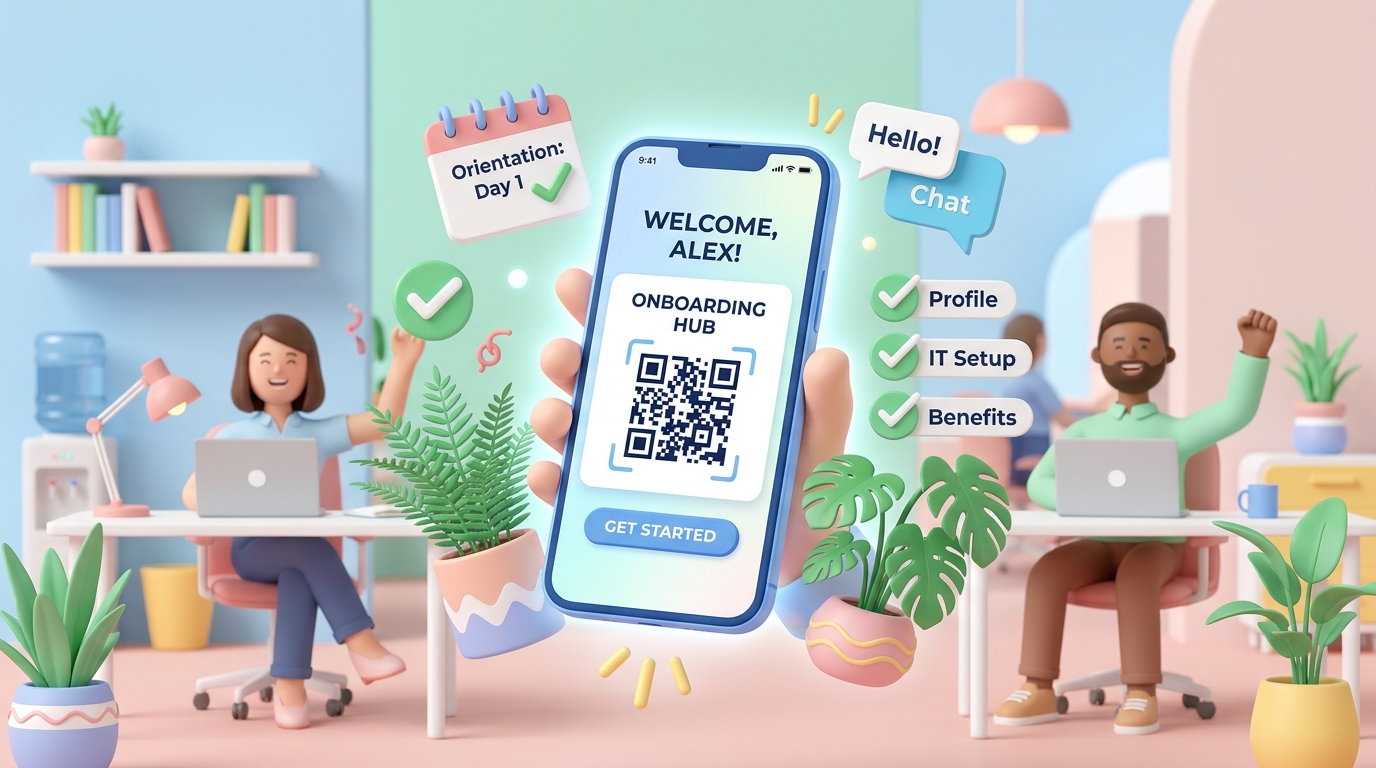
The first few weeks of a new job are critical for employee retention and productivity. Yet, traditional corporate onboarding is often bogged down by massive stacks of paperwork, printed employee handbooks, scattered training links, and complex office tours.
Human Resource (HR) departments are increasingly turning to digital solutions to make this process smoother and more engaging. Among these tools, QR codes have emerged as a highly effective bridge, connecting new hires to vital company resources instantly from their mobile devices.
In this use case, we will explore the benefits of integrating QR codes into your HR and employee onboarding workflows, practical applications, and how QR Zam can help you build a modern, paperless workplace.
Key Benefits of QR Codes in HR
By replacing printed handouts with dynamic QR codes, HR teams can modernize operations and improve the overall employee experience.
1. Instant Access to Critical Documents
Rather than emailing dozens of PDF attachments or printing heavy manuals, HR teams can place a single QR code on a welcome packet, desk sign, or internal portal. New hires can scan it to instantly open the employee handbook, benefits portals, or tax forms.
2. Real-Time Content Updates (Dynamic QR Codes)
Company policies, insurance providers, and office procedures change frequently. With dynamic QR codes, HR can update the target destination link in the QR Zam dashboard without having to print new materials or redistribute new codes.
3. Track Onboarding Completion (Scan Analytics)
HR managers can track scan statistics to monitor engagement. For example, if a QR code linked to a mandatory safety training video has only received scans from 50% of the new hire cohort, HR can follow up with those who haven't completed the task.
4. Language-Based Routing for Global Teams
For multinational companies with offices worldwide, QR Zam's Smart Routing allows a single printed QR code to automatically redirect employees to the correct handbook version based on their device's language settings (e.g., English, Vietnamese, Spanish).
Practical HR Applications for QR Codes
Here are some of the most effective ways human resource teams use QR codes in day-to-day operations:
1. Welcome Packages and Office Swag
When new hires arrive on day one, they are often greeted with office swag (e.g., notebooks, water bottles, hoodies). Adding a neat, branded QR code sticker to their notebook cover that links to the Onboarding Hub gives them an instant, easily accessible entry point to get started.
2. Interactive Office Navigation & Desk Setup
Make desk setup and office navigation self-guided. You can place QR codes at:
- Printers & Copy Machines: Linking to step-by-step connection guides or video tutorials.
- Meeting Rooms: Linking to the room booking calendar.
- IT Support Desks: Linking to the ticket generation portal or Wi-Fi configuration settings.
3. Digital Employee Handbooks & Benefits Guides
Print a single card or brochure containing a QR code for the digital employee handbook. This saves thousands of sheets of paper each year and ensures that employees always have access to the latest, most up-to-date version of policies.
4. Training Materials and Learning Management Systems (LMS)
Integrate QR codes into training slides or physical handouts. During orientation presentations, presenters can display a QR code on the screen, allowing employees to scan and take quizzes, submit surveys, or download templates in real-time.
How to Get Started with QR Zam for HR
Setting up a digital onboarding program with QR Zam is fast and straightforward:
- Create Dynamic QR Codes: Generate dynamic QR codes for each of your key resources (Handbooks, IT Support, Welcome Guides).
- Apply Custom Branding: Use your corporate brand colors and upload your company logo to make the QR codes look official and trustworthy.
- Download in High Resolution: Export the codes as high-quality PNGs or vector SVGs to print on banners, brochures, or stickers.
- Monitor Analytics: Check the QR Zam dashboard to see scan volumes and ensure new hires are actively engaging with the materials.
Modernize your company's onboarding flow and reduce administrative friction. Sign up for a QR Zam account today and start building a smarter, connected office environment!