

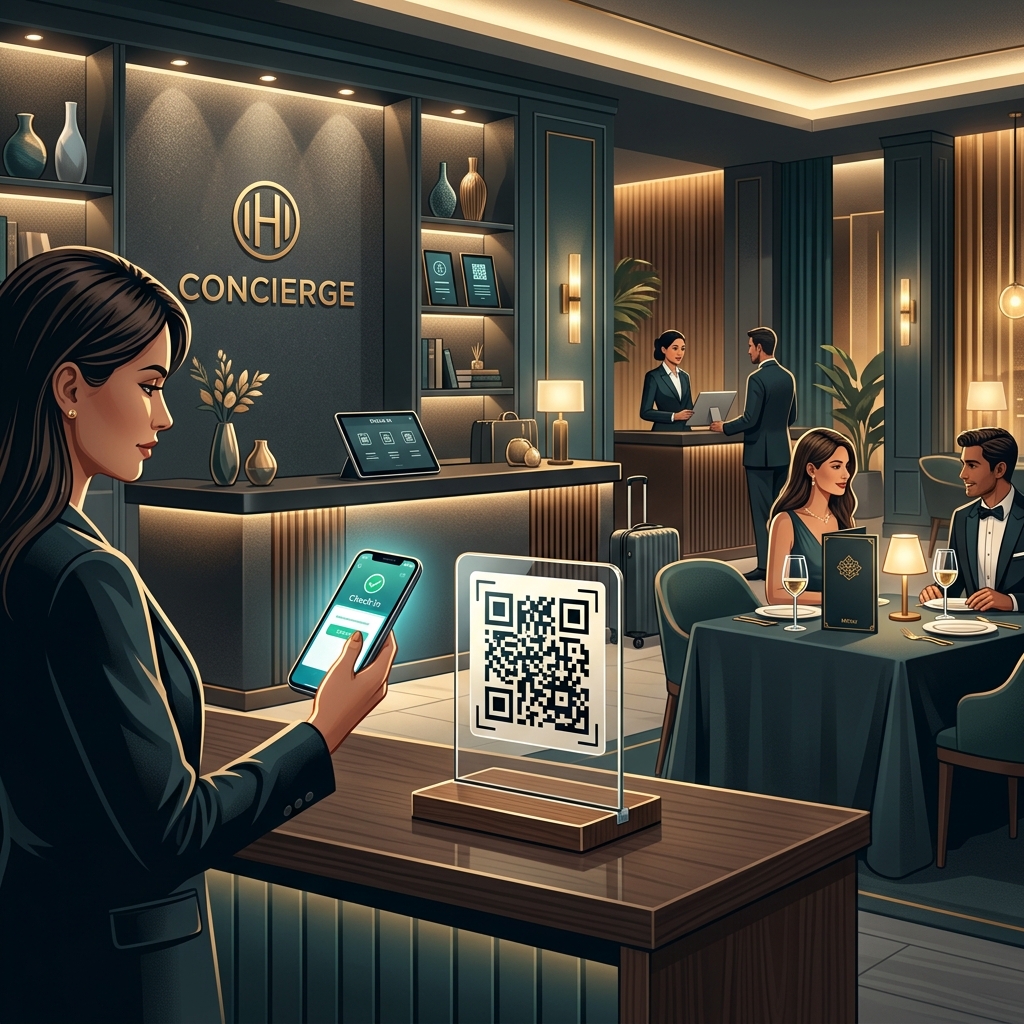
In the modern hospitality industry, delivering an exceptional guest experience means combining luxury comfort with digital convenience. Modern travelers expect seamless, friction-free interactions from the moment they arrive at a hotel to the time they check out.
QR codes have become an essential tool for hotels, resorts, guest houses, and restaurants. By acting as a simple, instant gateway, QR codes connect guests to a variety of digital services, eliminating paper waste, reducing wait times at reception desks, and streamlining staff operations.
Key Benefits of QR Codes for Hotels and Hospitality
1. Contactless Convenience
With QR codes, guests can access menus, room directories, and local area guides directly on their own smartphones, without downloading a dedicated app. This increases accessibility and improves guest hygiene comfort.
2. Reduced Operational Costs & Paper Waste
Updating printed room service menus, channel guides, and hotel maps is both time-consuming and expensive. Digital guest directories powered by dynamic QR codes allow you to edit information instantly online without reprinting a single page.
3. Dynamic Service Updates
If your restaurant changes its daily specials, or if spa hours change, you can update the destination link in your dashboard. The physical QR codes placed in rooms or at the front desk remain exactly the same.
4. Direct Marketing and Booking Channels
QR codes help you bypass third-party booking agents (OTAs) by redirecting guests to your direct booking portal. By offering QR-based loyalty registration or feedback surveys, you can build a direct database of repeat guests.
How Hotels and Hospitality Businesses Use QR Codes in Practice
1. Contactless Check-In and Check-Out
Long lines at the reception desk can ruin a guest's first impression. Placing a QR code stand at the front desk or in the lobby allows guests to scan and complete their registration forms, upload identification, or finalize checkout payments directly from their phones.
2. In-Room Digital Guest Directory
Replace bulky, paper-filled binders with a single custom QR code placed on the bedside table or desk. When scanned, guests can view spa services, room service menus, hotel Wi-Fi credentials, pool hours, and local sightseeing recommendations.
3. Room Service and Contactless Dining
Let guests order food and drinks at their own pace. QR codes placed on the bedstand, pool loungers, or restaurant tables link directly to an interactive digital menu, allowing guests to order and pay securely online.
4. Instant Wi-Fi Setup
Instead of printing complex network names and passwords, use a Wi-Fi QR code. Guests scan the code and are automatically connected to the hotel's secure network in seconds.
5. Instant Guest Feedback and Reviews
Direct guests to review sites like TripAdvisor or Google Reviews by placing custom review QR codes in key areas (e.g., reception desk, dining area, elevator lobby). This helps hotels gather real-time feedback and continuously boost their online ratings.
Steps to Create a QR Code for Your Hotel with QR Zam
Creating a custom, professional QR code for your hospitality brand is easy with QR Zam:
- Step 1: Go to QR Zam and select the campaign type (URL for menus/directories, Wi-Fi for network access, or Feedback for reviews).
- Step 2: Enter the destination URL or network configuration details.
- Step 3: Design your QR code to match your brand. Customize colors (e.g., gold and dark teal for luxury), add your hotel logo in the center, and select a premium frame like "Scan for Room Service."
- Step 4: Perform a test scan to ensure it works correctly on different smartphones.
- Step 5: Download the high-resolution file (PNG for displays, SVG/EPS vectors for professional signages or acrylic stands).
- Step 6: Print and place the QR codes in guest rooms, tables, reception, or brochures.
FAQs
1. Can we edit the contents of our guest directory QR code without reprinting the signs in the rooms?
Yes! By using dynamic QR codes from QR Zam, you can change the target URL at any time. The physical QR code printed on your in-room acrylic stands or cards remains identical, making updates quick and cost-free.
2. Do guests need to download a special app to scan the QR codes?
No. Almost all modern smartphones have built-in QR readers directly in their default camera apps. Guests simply open their camera, point it at the code, and tap the notification link to open the page.
3. How do we prevent security risks associated with public QR codes?
Using a custom domain (e.g., qr.yourhotel.com) with QR Zam ensures that guests see your hotel's official brand name in the link preview before clicking it. This protects your brand reputation and reassures guests that the link is safe and authentic.
4. Is QR Zam affordable for independent boutique hotels?
Absolutely. With pricing starting at just $4.5/month for our Starter plan and $12.5/month for our Growth plan (which supports custom domains), QR Zam provides premium enterprise-grade features at a fraction of the cost of other generators.