

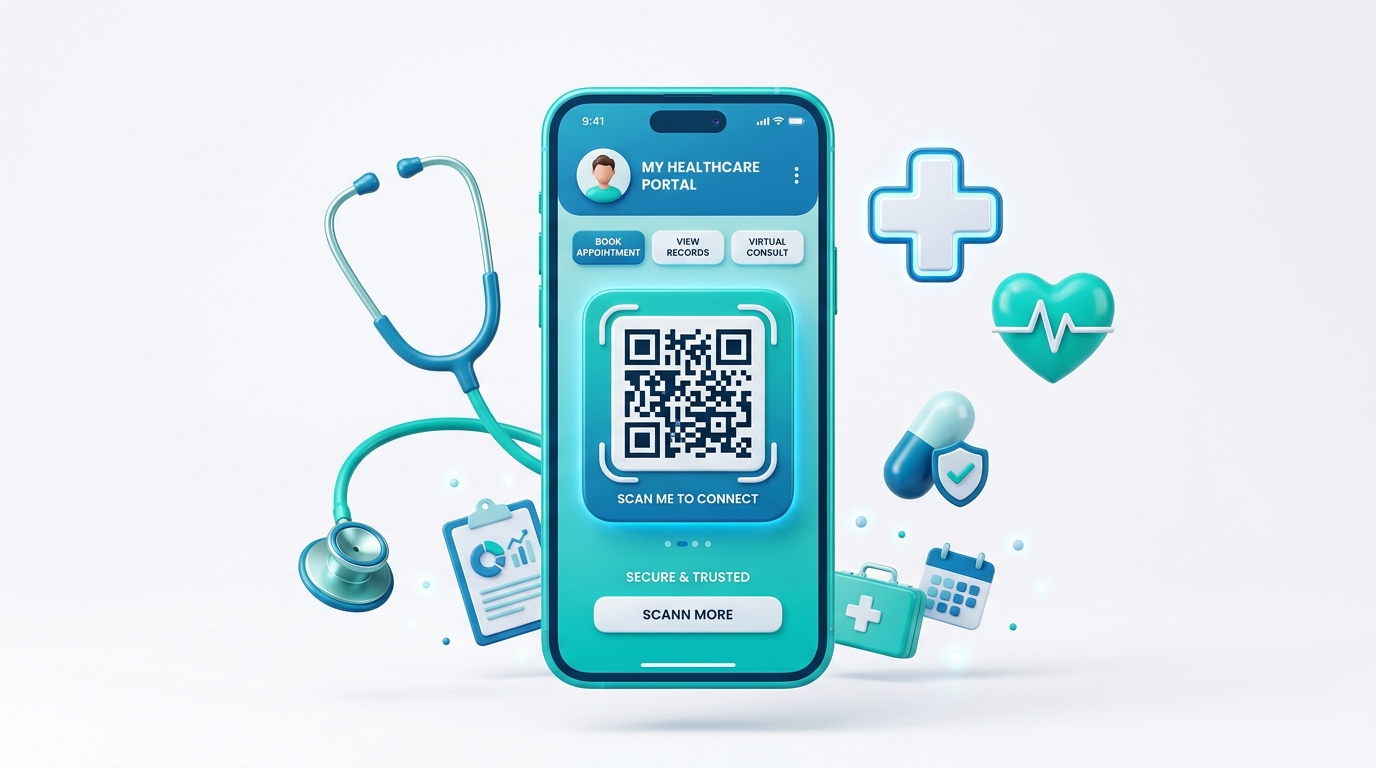
In the fast-paced world of healthcare and medical services, efficiency and patient satisfaction are critical. Patients expect prompt care, clear instructions, and seamless processes from the moment they walk into a clinic to the time they receive their prescriptions.
QR codes have emerged as a vital technology for hospitals, clinics, private practices, and pharmacies. By serving as an instant portal to digital systems, QR codes streamline patient registration, simplify access to digital portals, and improve clinical operations while eliminating unnecessary paper use.
Key Benefits of QR Codes in Healthcare
1. Seamless Patient Intake and Registration
Filling out paper registration forms manually leads to long waiting room queues and requires administrative staff to manually transcribe data into Electronic Health Record (EHR) systems, introducing errors. QR codes allow patients to scan and fill out forms digitally on their own devices.
2. Contactless Safety & Hygiene
Reducing touchpoints is vital in a medical environment. By replacing clipboards, physical menus, or printout brochures with QR codes, clinics can significantly lower the risk of cross-contamination and promote a hygienic environment.
3. Quick Access to Telehealth and Portals
Many patients struggle to find their clinic’s patient portal or download telehealth apps. A dynamic QR code on clinic materials points patients directly to the correct app store link or secure login page, simplifying digital healthcare access.
4. Dynamic Updates for Patients
Medical guidelines, clinic hours, and doctor availability can change frequently. Dynamic QR codes allow clinics to update the underlying target URL or document instantly without replacing physical stands, brochures, or posters.
How Healthcare Clinics Use QR Codes in Practice
1. Reception Desk & Self-Check-in
Placing a QR code stand at the clinic entrance or front counter lets patients check in instantly. The QR code links to a secure registration form where patients input details, upload insurance cards, and sign consent documents from their smartphones.
2. Patient Portals & Medical Records
Print QR codes on discharge papers or appointments cards. When scanned, patients are taken directly to their patient portal to view test results, consult records, or request doctor refills without searching through websites.
3. Patient Wristbands & Safety
Hospitals utilize custom QR codes printed on patient wristbands. Scanning the wristband lets authorized medical personnel verify identity, check allergies, and view active treatments in real-time, preventing errors.
4. Waiting Room Wi-Fi Access
Provide seamless internet access to waiting patients. Instead of sharing complex passwords, a Wi-Fi QR code allows patients to scan and connect to the secure guest network in seconds.
5. Prescription & Medication Guides
Pharmacies place QR codes on prescription packaging. Scanning the code opens video guides, detailed dosage sheets, or side-effect information in multiple languages, ensuring patient safety.
Steps to Create a QR Code for Your Clinic with QR Zam
Setting up custom QR codes for your medical practice is easy with QR Zam:
- Step 1: Go to QR Zam and choose your campaign type (URL for intake forms, Wi-Fi for patient network, or PDF for patient brochures).
- Step 2: Enter the destination URL or configuration details.
- Step 3: Design your QR code to match your branding. Choose professional clinic colors, add your logo to the center, and use frames like "Scan to Check In."
- Step 4: Perform a scan test on multiple mobile devices to verify readability.
- Step 5: Download the file in high resolution (PNG for digital display, SVG for professional clinic signs and acrylic stands).
- Step 6: Print and place the QR codes in patient areas, check-in desks, or brochures.
FAQs
1. Are QR codes HIPAA-compliant?
Yes. QR codes themselves do not store patient health records or Personal Identifiable Information (PII). They act as a redirection link. As long as the destination URL (e.g., patient intake form or portal) is hosted on a secure, encrypted, HIPAA-compliant platform, using QR codes is fully compliant.
2. Can we update the intake form link without printing new QR codes?
Absolutely. With QR Zam's dynamic QR codes, you can change the target URL in your dashboard at any time. The printed QR codes in your waiting room or check-in counters remain the same and will instantly route patients to the new link.
3. Why should our clinic use custom domains for QR codes?
Using a custom domain (e.g., qr.yourclinic.com) reassures patients that the QR code is authentic and official. Seeing your branded domain in the link preview before clicking it builds trust and protects against potential security concerns.
4. Is QR Zam affordable for local clinics and dental practices?
Yes. Our plans are built for businesses of all sizes. The Starter plan starts at just $4.5/month, and our Growth plan (supporting custom domains and advanced tracking) is $12.5/month. These plans provide professional, enterprise-grade tools at an accessible price.