

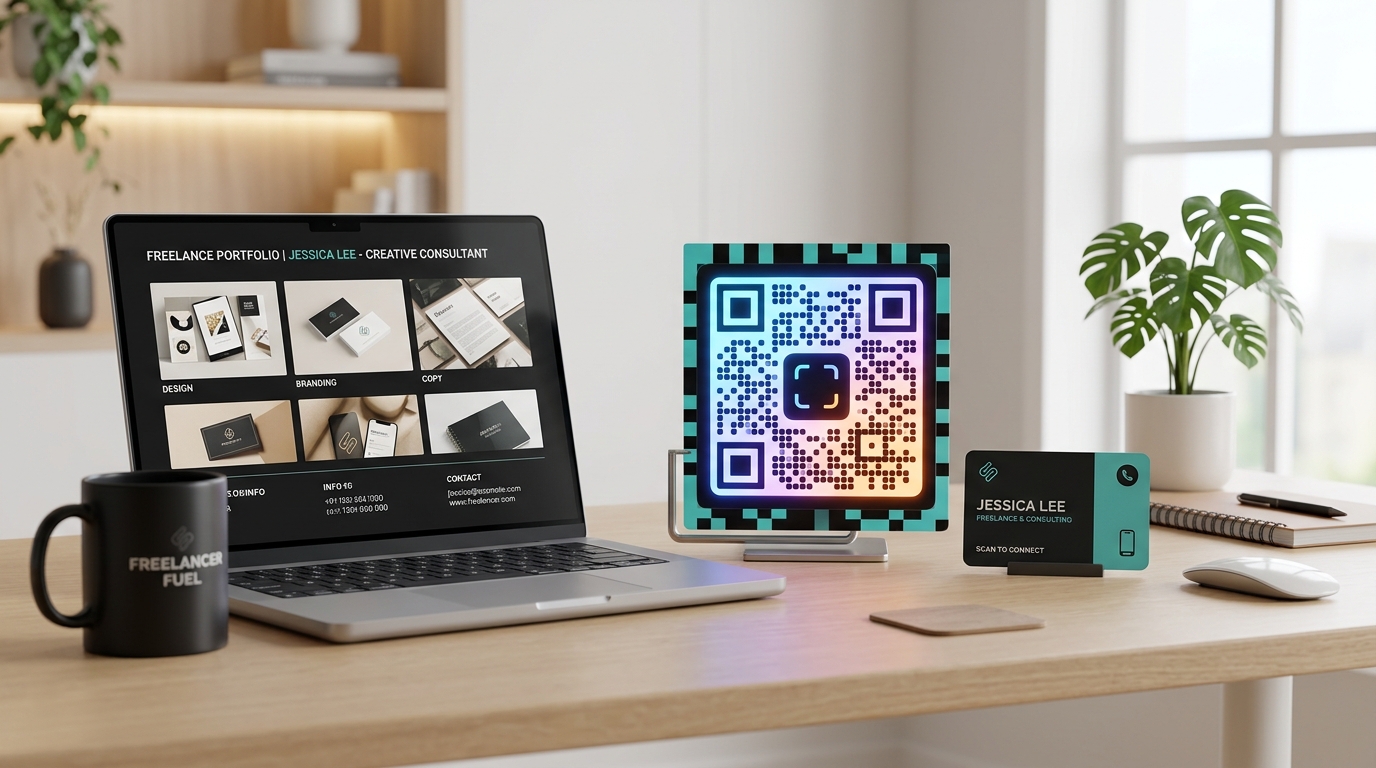
In today’s highly competitive gig economy and consulting landscape, establishing a strong personal brand and maintaining a professional edge is essential. Whether you are a freelance designer, an independent marketing consultant, a copywriter, or an executive coach, success relies on how quickly and easily potential clients can access your services.
When networking in person, sending proposals, or presenting at industry events, you need to minimize friction.
Custom QR codes have become a vital tool for freelancers and consultants. They act as an instant bridge, allowing prospective clients to scan and access your digital portfolio, calendar, contact card, or payment pages in a matter of seconds.
Key Benefits of QR Codes for Freelancers and Consultants
1. Frictionless Meeting Booking
Instead of sending back-and-forth emails to find a suitable meeting time, you can link a dynamic QR code directly to your scheduling page (such as Calendly, TidyCal, or your website scheduler). Prospective clients can scan the code on your digital business card or proposal, view your availability, and book a consultation instantly.
2. Instant Portfolio and Proposal Access
Your portfolio is your strongest sales tool. By placing a custom QR code on your resumes, printed flyers, or presentation slides, you allow clients to jump straight to your latest design work, case studies, or video introductions. You can even update the destination of the dynamic qr codes over time as you complete new projects, without changing the printed code.
3. Real-Time Contact Sharing (vCard)
Traditional business cards are frequently misplaced or thrown away. By using a vCard QR code, you enable clients to scan and save your full contact details—including name, phone number, email, website, and social handles—directly to their smartphone’s address book instantly.
4. Seamless Payments and Invoicing
Getting paid on time is a common challenge for independent professionals. By adding a QR code to your PDF invoices or proposal contracts, you allow clients to scan and pay immediately via Stripe, PayPal, or bank transfer, reducing payment delays.
How Freelancers and Consultants Use QR Codes in Practice
Business Cards (Physical and Digital)
Add a custom QR code to the back of your business card. Route it to your custom link-in-bio page containing your calendar link, portfolio, and social media handles. Combined with QR Zam's custom domains, you can show a branded link (e.g., meet.yourname.com) to look highly professional.
Proposals and Pitch Decks
When sending a proposal PDF or presenting a pitch deck to a corporate client, embed a QR code on the final slide or closing page. A call-to-action like "Scan to schedule our kickoff call" encourages immediate action while the client is most engaged.
Resumes and CVs
Make your resume stand out by adding a small, elegant QR code in the header or footer. Link it to an introductory video message, your GitHub profile, your Behance portfolio, or a page showcasing recommendations from past clients.
Speaking Engagements and Webinars
If you present at conferences, host webinars, or run workshops, place a large QR code on your opening and closing presentation slides. Audience members can scan the code to download your slides, sign up for your newsletter, or claim a free coaching consultation.
Steps to Create a QR Code for Your Consulting Brand with QR Zam
Creating a custom QR code is simple. Follow these steps:
- Step 1: Go to QR Zam and select the generator type (e.g., vCard for contact info, or URL for portfolios or calendar pages).
- Step 2: Enter the destination URL or fill in your contact information.
- Step 3: Customize the design. Choose colors that match your personal brand guidelines, add an elegant frame (e.g., "Book a Call"), and upload your headshot or personal logo to place in the center.
- Step 4: Test scan the QR code using your own mobile device to ensure it routes correctly.
- Step 5: Download the high-resolution file. Use PNG for digital resumes and presentations, and SVG for printed business cards.
FAQs
1. Should I use static or dynamic QR codes for my booking links?
Always use dynamic QR codes. If you switch booking tools (e.g., from Calendly to TidyCal) or change your website URL, you can update the destination link instantly in your QR Zam dashboard. If you used a static code, you would have to print new business cards and send new PDFs.
2. Can I design the QR code to match my personal style?
Yes. QR Zam's ai qr code generator and styling features allow you to choose custom colors, select unique corner patterns, and place a headshot or logo in the center while maintaining flawless scannability.
3. How do I track scans to measure my networking efforts?
By using dynamic QR codes, you gain access to QR Zam's qr code analytics dashboard. You can track how many people scanned your code, their geographic locations, and the dates/times of the scans. This helps you identify which conferences or marketing assets are generating the most interest.
4. What is the advantage of using a custom domain for my QR links?
Using a custom domain (e.g., qr.yourname.com instead of a generic short link) builds immense trust and brand consistency. Clients are much more likely to scan a link that is clearly associated with your personal brand.