

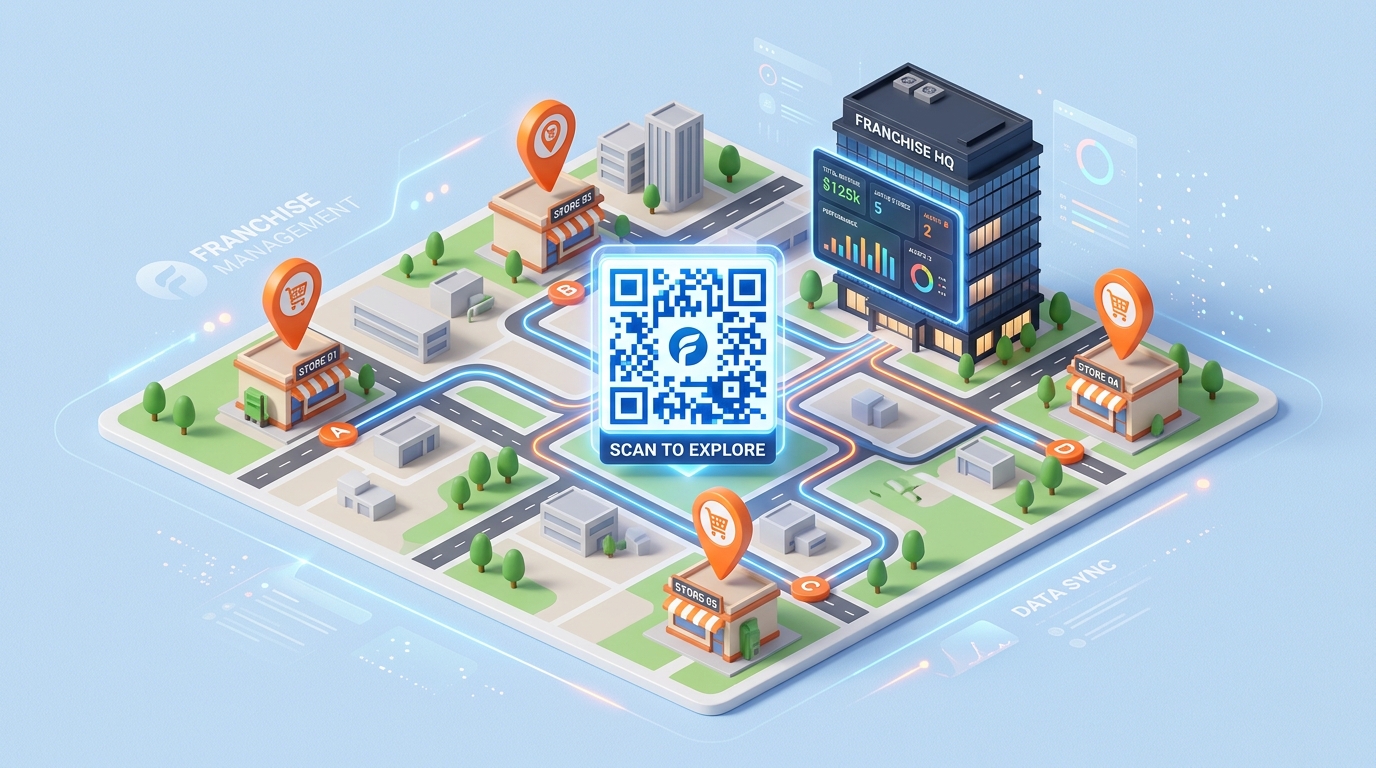
For multi-location brands and franchise systems, maintaining brand consistency while enabling localized marketing is a major operational challenge. Each franchise location needs to run its own local promotions, drive google reviews, gather feedback, and engage customers in its specific community, all while staying aligned with corporate guidelines.
Printed marketing materials (flyers, banners, window displays, table tents) are costly to print and update. If a promotion changes or a store location moves, the printed materials become obsolete.
Dynamic QR codes solve this challenge by acting as a flexible bridge between physical locations and localized digital experiences. By using a centralized platform like QR Zam, franchise networks can deploy, track, and manage QR codes at scale with absolute control.
Here is how franchise systems and multi-location brands utilize QR codes to scale their localized marketing campaigns.
1. Centralized Management with Localized Flexibility
One of the biggest issues in franchise marketing is brand dilution. Corporate teams want control over the messaging, while local operators need to customize details for their specific stores.
With QR Zam's team management features, corporate marketing managers can set up a master account to oversee all locations:
- Custom Templates: Corporate can pre-design branded QR codes featuring the brand logo, colors, and standard templates.
- Access Control: Franchisees can be granted access to manage only their specific location’s QR codes, preventing accidental modifications to other branches.
- Bulk Generation: Corporate can instantly generate hundreds of QR codes at once for new product launches or nation-wide promotions, then distribute them to local operators.
2. Dynamic Redirection for Menu and Promo Changes
In the food and retail industry, menus, pricing, and active promotions change frequently.
With static QR codes, changing a link means re-printing all physical marketing collateral. Dynamic QR codes allow you to change the destination URL behind the code at any time without changing the printed graphic.
- If a franchise branch runs out of a promotional item, they can instantly update the QR link from their dashboard to point to an alternative menu or offer.
- Short-term seasonal promotions can be updated weekly or monthly on the same printed signage, saving thousands of dollars in print costs.
3. Location-Specific Smart Routing
Using a single QR code on nationwide printed packaging or national TV commercials can still deliver highly localized experiences. QR Zam's Smart Routing features allow you to direct users dynamically based on their parameters:
- Geographical Location: A single QR code printed on product packaging can detect the scanner's city or state and automatically route them to the nearest store location page.
- Language Detection: The code can automatically route users to a Spanish menu or English menu depending on their phone's language settings, improving customer experience.
4. Scaling Local SEO and Google Reviews
For local businesses, Google Reviews are the lifeblood of customer acquisition. A higher rating and review count directly boosts search rankings.
Franchises can print a google review qr code and place it at checkout counters, on receipts, or on table tents.
- Each store location has a unique dynamic QR code pointing directly to its specific Google Business Profile review page.
- Store managers can monitor which branches are generating the most reviews and run internal competitions to incentivize staff performance.
5. Aggregated and Individual Branch Analytics
To measure campaign ROI, corporate teams need high-level aggregated data, while local franchisees need store-specific metrics.
QR Zam's tracking dashboard provides:
- Corporate Overview: Track total scans, peak scanning hours, and device distributions across all locations nationwide to identify which marketing campaigns perform best.
- Branch Reports: Filter analytics to show scan data for individual locations, helping store owners understand local engagement and adjust their promotions accordingly.
How to Get Started for Franchises and Brands
Setting up QR codes for a multi-location network is simple:
- Map Your Locations: List all store locations and the specific goals for each (e.g., store locator, local menu, review page, localized newsletter signup).
- Set Up a Master Team Account: Register an enterprise or Pro account on QR Zam. Create sub-projects or folders for each franchise branch.
- Use Custom Domains: Bind your custom domain (e.g.,
qr.yourbrand.com) to maintain brand consistency and security across all QR links. - Generate and Customize: Generate the dynamic QR codes in bulk. Apply your pre-configured brand templates and logos.
- Monitor and Optimize: Review scan performance monthly on the dashboard to double down on high-performing locations and refine campaigns for lower-performing ones.
Scale your franchise marketing today with QR Zam. Visit qrzam.com to request custom enterprise solutions or start your team trial.