

Using QR Codes for Dental Clinics and Dentists
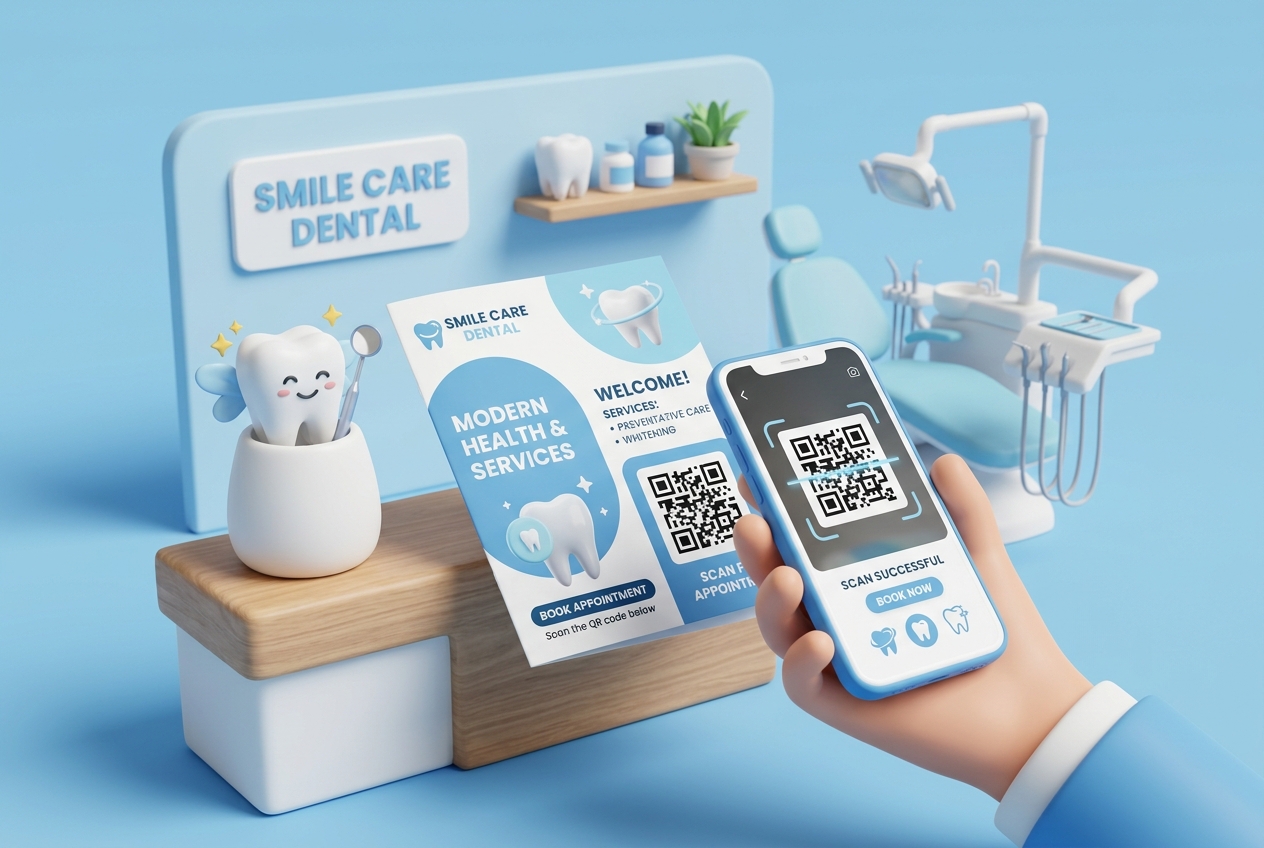
In the healthcare industry, patient experience is the ultimate differentiator. For dental clinics and practitioners, running a smooth operation involves managing appointments, collecting patient intake forms, keeping patients informed, and constantly acquiring new reviews to build local search engine authority.
Traditional dental offices rely heavily on manual paperwork and verbal reminders, which can lead to administrative bottlenecks, appointment gaps, and missed feedback opportunities.
Implementing QR codes for dental clinics offers a low-cost, high-impact digital solution. By placing customized dynamic QR codes at key touchpoints, you can modernize your practice, reduce staff workload, and provide a seamless, contact-free experience for your patients.
Here is how modern dental practices are using QR codes to elevate patient care and grow their business.
Key Benefits of QR Codes in Dental Practices
1. Direct Appointment Scheduling
One of the most effective ways to use QR codes is for booking appointments. By generating a dynamic URL QR code pointing to your online scheduling tool (such as Calendly, Zocdoc, or your practice's booking portal), patients can schedule their next checkup in seconds. You can print these QR codes on appointment cards, recall letters, or promotional flyers.
2. Accelerated Google Reviews
Local SEO is critical for dentists. Over 90% of patients read online reviews before choosing a new dentist. By placing a QR code pointing directly to your Google Business Review page on the reception desk or check-out counter, patients can leave feedback before even leaving the clinic. This is the single most effective way to boost your clinic's search rankings.
3. Contactless Check-In and Intake Forms
Instead of handing patients a clipboard and a pen upon arrival, display a check-in QR code at the front desk. Patients scan the code on their mobile devices to fill out digital health questionnaires, insurance details, and consent forms. This keeps your records digital and minimizes wait-time in the reception area.
4. Digital Post-Treatment Care Instructions
After a procedure (such as an extraction, root canal, or teeth whitening), patients often forget verbal instructions. Instead of printing paper sheets that get lost, provide a QR code on a small card that links to a PDF guide or a short video explaining post-op care. Patients can access this guide on their phone whenever they need it.
Practical Applications Around Your Dental Office
Reception Desk / Check-In Counter
Place a small framed sign at the reception desk with dual QR codes:
- "Scan here to check in and complete your intake form."
- "Scan to connect to our guest Wi-Fi."
Treatment Rooms
Mount a small QR code sticker on the corner of the patient mirror or side table. While patients are sitting in the chair waiting for the dentist, they can scan the code to read about cosmetic dental options, teeth whitening promotions, or payment plans.
Check-Out Counter
The moment a patient finishes their treatment is the best time to ask for feedback. A small desk placard reading "Happy with your smile today? Scan here to leave us a Google review!" will dramatically increase your collection rate.
How to Set Up Your Dental QR Codes with QR Zam
Creating custom, branded QR codes for your dental office is simple with a professional QR code generator:
- Prepare Your Content: Gather your online booking URL, Google review direct link, Wi-Fi details, or upload your patient care guides as PDFs.
- Select the Type on QR Zam: Go to https://qrzam.com and choose the appropriate type (URL, PDF, WIFI, or vCard for doctor business cards).
- Brand Your QR Code: Customize the appearance. Add a friendly clinic logo in the center, adjust colors to match your practice branding, and select a professional frame.
- Download and Print: Export the code in high-resolution vector format (SVG) for print materials, or PNG for digital displays.
- Track Scans: Use the qr code tracking dashboard to see how many patients are scanning your codes for reviews versus appointment bookings.