

Using QR Codes for Daycares and Preschools
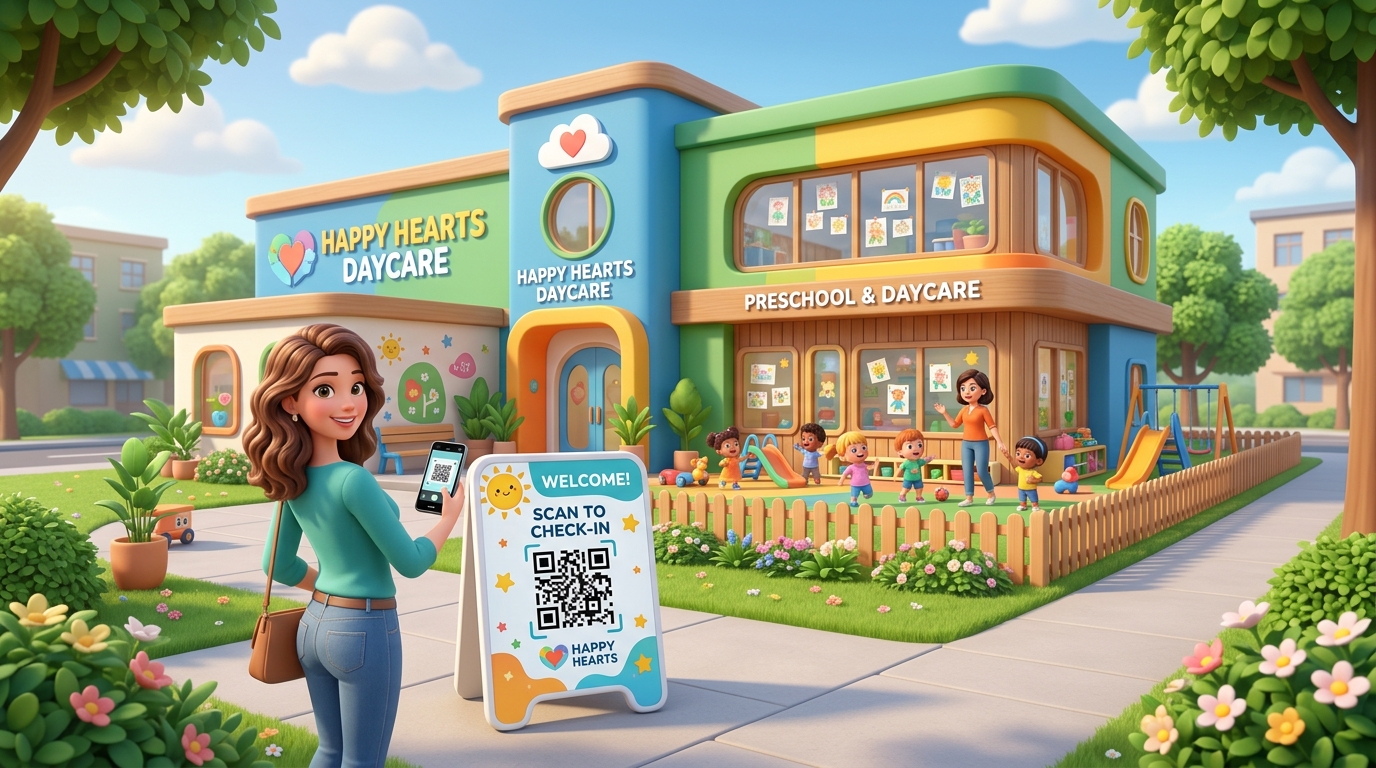
In the early childhood education and childcare sector, smooth daily operations and clear communication are key to building parent trust. Parents drop off their children during busy morning hours, and any administrative delay or manual sign-in sheet can create stressful bottlenecks in the lobby.
At the same time, daycares and preschools manage an enormous amount of daily information: attendance logs, activity updates, weekly lunch menus, permission slips, and tuition invoices. Managing all this on paper is slow, expensive, and prone to getting lost.
QR codes offer an elegant, affordable solution. By placing custom QR codes in key areas or on digital newsletters, daycares and preschools can connect parents to administrative tasks instantly, saving staff hours of manual bookkeeping.
Key Benefits of QR Codes for Daycares and Preschools
1. Frictionless Morning Drop-off & Afternoon Pick-up
Paper sign-in sheets slow down parents who are in a rush. With QR codes, parents can scan a dedicated display at the front door to log their child’s attendance instantly on their smartphones, removing lobby bottlenecks.
2. Up-to-Date Daily Menus and Schedules
Daycares frequently change weekly meals or activity plans. Instead of printing hundreds of pages of menus that change constantly, a dynamic QR code on the bulletin board links directly to a digital calendar or PDF menu that staff can update online in seconds.
3. Faster Tuition & Event Payments
Collecting tuition checks manually is a hassle. By displaying payment QR codes at the reception desk or on digital invoices, parents can scan and complete secure payments via Apple Pay, card, or bank transfer immediately.
4. Eco-Friendly Operations
Replacing printed flyers, permission slips, and newsletters with digital files linked to QR codes helps child care centers significantly reduce their paper waste and printing costs, showcasing an eco-friendly brand image.
How Child Care Centers Use QR Codes in Practice
1. Contactless Sign-In and Attendance
Place a secure, dynamic QR code at the entrance lobby or in each classroom. When parents arrive, they scan the code using their phone camera, verify their identity, and log the exact drop-off or pick-up time. This automates attendance logs and ensures accurate records for licensing compliance.
2. Digital Activity Calendars & Lunch Menus
A single QR code placed on the classroom door or bulletin board can direct parents to the weekly curriculum, daily activity schedule, or nutritional lunch menu. Since it links to a dynamic URL, staff can update the PDF document or web link in their dashboard without printing a new QR code.
3. Tuition Payments & Donations
Simplify billing by placing a payment QR code on monthly invoices or at the reception desk. When scanned, it opens your school's payment gateway (such as Square, Stripe, or PayPal), allowing parents to pay tuition securely from their mobile device.
4. Secure Photo & Video Portals
Parents love seeing what their children are doing during the day. You can link a password-protected QR code to a secure cloud folder (like Google Drive or Dropbox) where teachers upload photos and videos of daily activities. Parents scan the code, enter the passcode, and see their child's happy moments.
5. Parent Feedback and Surveys
Improve your daycare operations by making it easy for parents to share their thoughts. Place a feedback QR code near the exit door with a sign: "Help us grow! Scan to share your thoughts." This links to a private Google Form or feedback survey.
Steps to Create Daycare QR Codes with QR Zam
Creating custom, professional QR codes for your preschool is simple with QR Zam:
- Step 1: Go to QR Zam and select the campaign type (URL for menus/calendars, WIFI for lobby guest network, or PDF for digital booklets).
- Step 2: Enter the destination URL, upload the PDF, or input the network credentials.
- Step 3: Design the QR code to fit your school's branding. Choose warm, playful colors (like soft blue or bright orange), add your daycare logo in the center, and choose a friendly, rounded dot pattern.
- Step 4: Add a custom frame with a clear call-to-action (CTA) like "Scan to Check-In" or "Scan for Menu."
- Step 5: Perform a test scan to verify that it scans quickly and routes correctly.
- Step 6: Download the high-resolution file (PNG for newsletters/screens, SVG vector for large printed signage or door decals).
FAQs
1. Can we change the link on a QR code without reprinting the signs on the classroom doors?
Yes! That is the primary advantage of dynamic QR codes from QR Zam. If you want to change the weekly lunch menu PDF or update the activity calendar link, you simply change the destination URL in your dashboard. The printed QR code remains exactly the same.
2. Are QR codes secure enough to share photos of children?
Yes. The QR code simply acts as a shortcut to a link. If you route the QR code to a password-protected webpage, a secure Google Drive folder, or a portal that requires a parent login, the children's privacy remains fully protected.
3. Do parents need to install an app to scan the QR codes?
No. Parents can scan the QR code using the native camera app built into their iPhone or Android devices. It takes less than two seconds to scan and open the link.
4. How much does it cost to use QR Zam for our preschool?
QR Zam offers affordable plans perfect for small local daycares. Our Starter plan is only $4.5/month, and our Growth plan is $12.5/month, which includes advanced analytics, custom domain branding, and unlimited dynamic edits.