

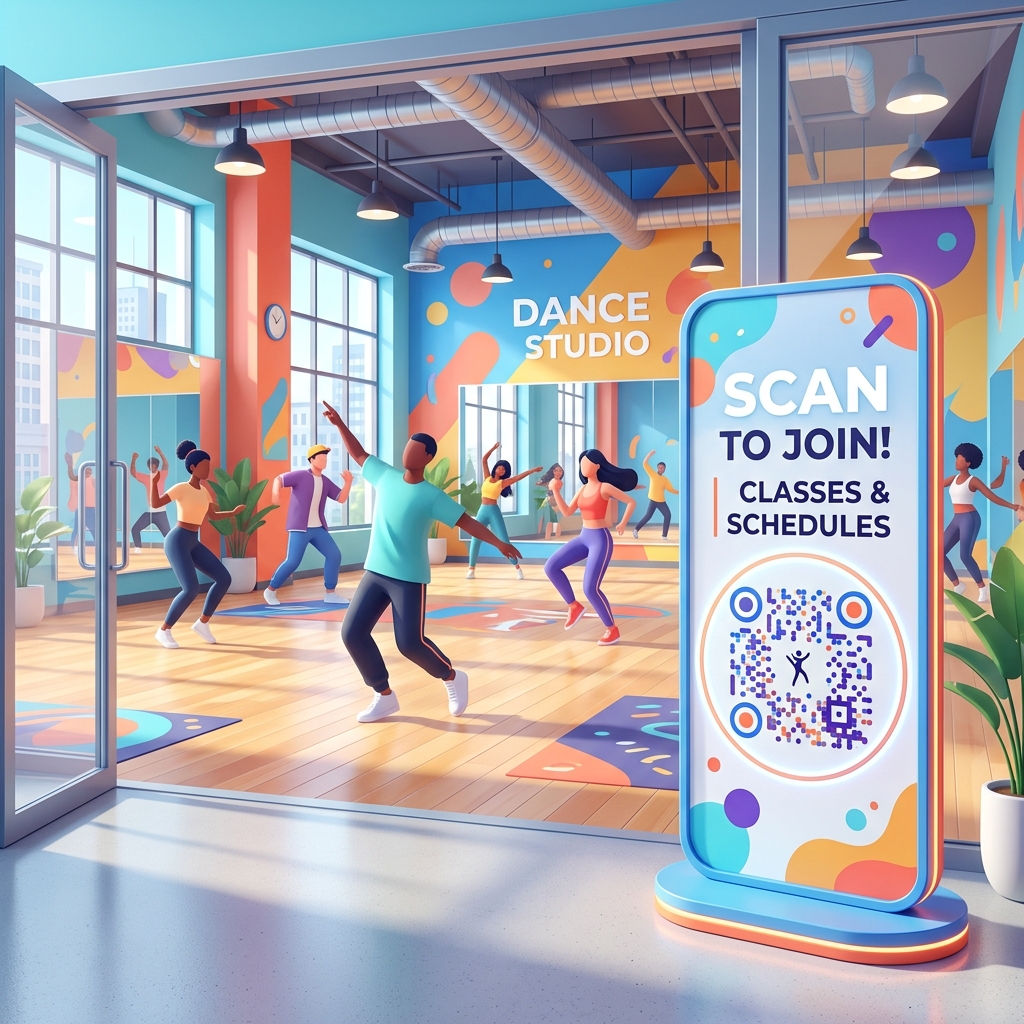
In the competitive fitness and performing arts market, running a successful dance studio requires managing multiple moving parts: class schedules, student attendance, payment collection, and marketing to prospective students.
Traditional methods of communication—like printed paper schedules, manually updated bullet boards, and cash payments at the desk—often lead to errors and consume valuable administrative hours.
Dance studio QR codes provide a modern, contactless, and efficient solution. By converting your studio's schedules, registrations, and promotional materials into dynamic QR codes, you can improve student satisfaction, reduce administrative workload, and boost class attendance.
Here is how modern dance studio owners and independent dance instructors are using QR codes to streamline operations and enhance the student experience.
Key Benefits of QR Codes for Dance Studios
1. Instant Schedule Sharing and Class Booking
Dance studio timetables change frequently due to instructor availability, seasonal programs, or class capacity. Static printed schedules become outdated quickly.
- Up-to-Date Rosters: By generating a dynamic URL QR code with QR Zam and placing it at your front desk, students can scan to view the most current weekly schedule on their mobile phones.
- Instant Bookings: Link the QR code directly to your scheduling software (like Mindbody, WellnessLiving, or Acuity). Students scan, select their class, and book their spot in seconds.
2. Streamlined Class Registrations and Check-ins
Manual registration forms at the front desk create bottlenecks before classes start, causing delays and administrative headaches.
- Frictionless Signups: Place QR codes on your promotional materials and lobby signs. Prospective students can scan, fill out waiver forms, and complete their profile registration on their own devices.
- Self-Service Check-ins: Speed up the class entry process by displaying a check-in QR code at the entrance. Students scan to log their attendance automatically, reducing queue times at the front desk.
3. Effortless Payments and Membership Sales
Collecting payments for single classes, class cards, or monthly memberships should be as smooth as possible.
- Contactless Checkout: Display a QR code at your checkout desk or in billing emails. Scanners are redirected to a secure payment portal where they can purchase class packages via credit card, Apple Pay, or Google Pay.
- Recurring Billing Signups: Use QR codes to drive students directly to your membership sign-up page, converting drop-in students into recurring monthly members.
4. Direct App Downloads and Member Portal Access
If your dance studio uses a dedicated mobile app for bookings and student communication, getting members to download it is key to building loyalty.
- Smart App Downloads: Create a smart QR code using QR Zam's device-based smart routing. Place it in your lobby. When scanned, it automatically redirects iOS users to the Apple App Store and Android users to the Google Play Store to install your app.
Practical Applications Around Your Studio
Main Entrance and Lobby
Place a framed sign at your reception counter with your main welcome QR code. Label it clearly: "Welcome! Scan to check in, view today's schedule, or register for classes." This reduces front desk strain, especially during peak hours when multiple classes start simultaneously.
Studio Mirrors and Classroom Doors
Place small QR code decals on classroom doors or corner mirrors. Link them to the booking page for the next hour's class or a feedback survey. If students enjoyed a guest choreographer's class, they can scan on their way out to rate the class or tip the instructor.
Promotional Posters and Street Flyering
If you are promoting a seasonal dance workshop, summer camp, or studio showcase, print posters and flyers featuring a customized QR code. Link it directly to a video preview of the choreography or the early-bird ticket registration page.
How to Set Up Your Dance Studio QR Codes with QR Zam
Creating custom QR codes for your studio is simple and takes just a few steps:
- Prepare Your Content: Set up your class schedule webpage, Google Form registration link, or digital payment portal.
- Generate Your QR Code: Go to qrzam.com. Choose the URL generator for schedules and booking pages, or the Social Media option to share your studio's Instagram, TikTok, and YouTube channels.
- Use Dynamic Settings: Always choose the dynamic option. This allows you to change the redirected web link (e.g., if you switch scheduling software or update a payment link) without needing to reprint the physical QR signs in your studio.
- Customize the Design: Match the QR code to your studio's brand colors. Upload your logo to place in the center, and add a frame with a clear call-to-action like "Scan for Schedule".
- Print and Display: Download the high-resolution vector format (SVG) for printing. Display the QR codes in clean frames at eye level throughout your studio.