

Using QR Codes for Customer Feedback and Surveys: Elevate Your Customer Experience
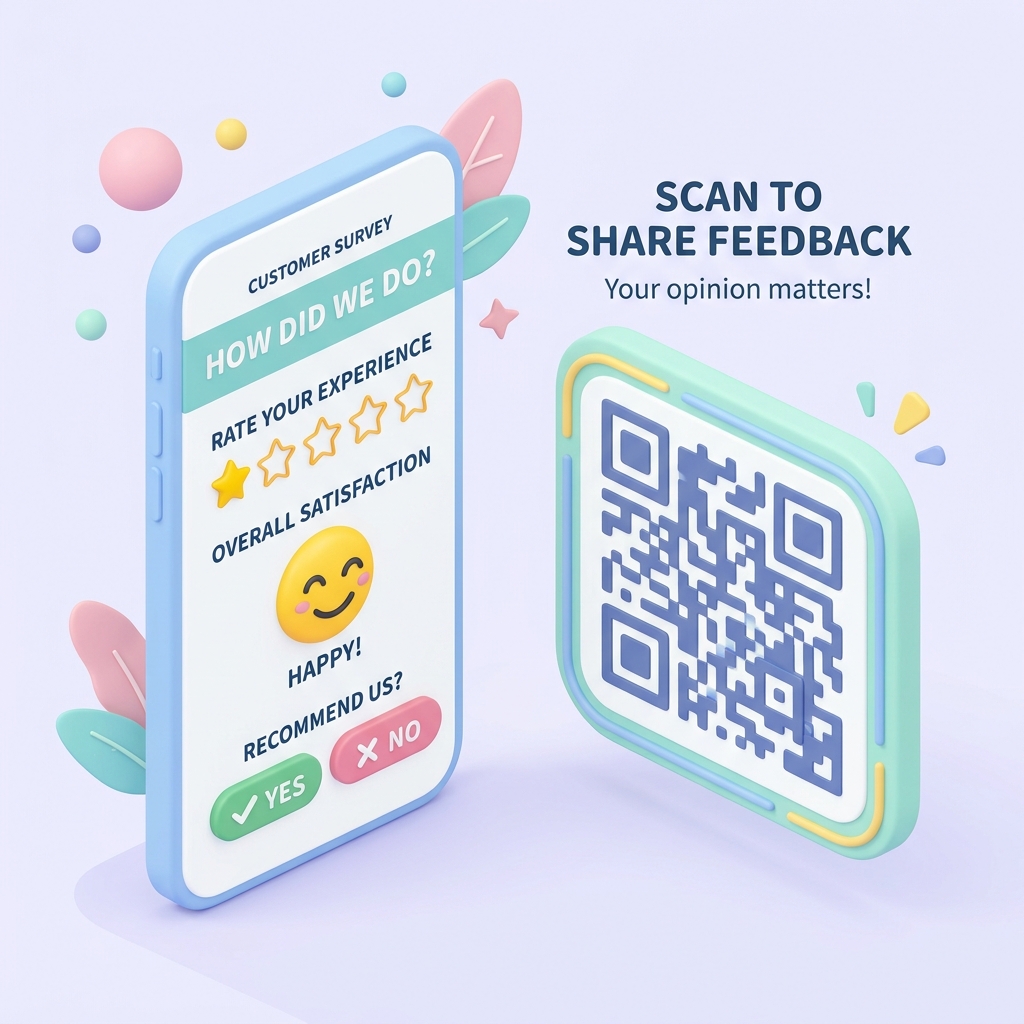
Customer feedback is the lifeblood of any successful business. It helps you understand what you're doing right, identify areas for improvement, and show your customers that their opinion matters. However, getting customers to actually fill out feedback forms or leave reviews is notoriously difficult. Traditional methods like printing a long URL on a receipt or sending follow-up emails hours after the interaction often yield very low response rates.
Feedback QR codes solve this problem by eliminating friction. By scanning a QR code placed directly in front of them, customers can access your survey or review page in a single tap, right at the moment when their experience is freshest in their mind.
Here is how modern businesses are leveraging QR codes to dramatically increase their survey response rates and improve online ratings.
Why QR Codes are Perfect for Surveys and Feedback
1. Zero Friction for the Customer
Instead of manually typing a complex website URL or searching for your business online, a customer simply opens their phone's camera, points it at the QR code, and taps. The survey opens instantly in their browser.
2. Capture Real-Time, Accurate Feedback
The best time to ask for feedback is immediately after the service is delivered—whether it's at the dining table, in a hotel room, or right at the checkout counter. QR codes capture responses while the customer's memory of their experience is vivid and accurate.
3. Boost Google and Yelp Reviews
A positive online reputation is crucial for attracting new customers. By using QR codes linked to your Google Review page, you make it incredibly easy for happy customers to leave 5-star ratings before they even walk out the door.
4. Switch Surveys Instantly
With dynamic QR codes from QR Zam, you can change the target survey URL at any time from your dashboard without reprinting your signs or table tents. Test different questions, run weekly polls, or switch between Google Forms, Typeform, and Jotform seamlessly.
Real-World Applications Across Industries
Restaurants, Cafes, and Bars
Place feedback QR codes on table tents, coasters, or at the bottom of customer receipts. Use a call-to-action (CTA) like "Tell us how we did today and get 10% off your next visit!" to encourage scans.
Retail Stores and Boutiques
Display a prominent QR code at the checkout counter or print it directly on shopping bags. This allows you to collect quick insights about the store cleanliness, staff helpfulness, and overall checkout experience.
Hotels and Hospitality
Place QR codes on guest room key cards, nightstands, or in-room digital screens. Gathering feedback mid-stay allows your management team to resolve any complaints before the guest checks out, preventing negative online reviews.
Salons, Spas, and Fitness Centers
Display a desk sign with a QR code at the reception desk. Invite clients to scan and rate their stylist, therapist, or personal trainer immediately after their session.
How to Set Up a Feedback QR Code with QR Zam
- Create Your Survey: Set up your questionnaire using tools like Google Forms, Typeform, SurveyMonkey, or create a direct link to your Google Business Profile review section.
- Generate a Dynamic QR Code: Go to qrzam.com and paste the survey URL. Make sure to toggle on Dynamic QR Code so you can update the survey link later if needed.
- Design for Trust: Customize the QR code with your brand colors, upload your company logo, and add a friendly call-to-action frame (e.g., "We Value Your Feedback!" or "Scan to Rate Us").
- Print and Place: Download the vector file (SVG) for high-quality printing on table tents, acrylic desk stands, receipts, or stickers.
Best Practices for Maximizing Response Rates
- Keep It Short: Customers are doing you a favor by filling out your survey. Keep it to 3–5 simple questions that take less than 60 seconds to complete.
- Offer an Incentive: Boost participation by offering a small reward, such as entry into a monthly raffle, a free dessert, or a discount code for their next purchase.
- Ensure Mobile Optimization: Because 100% of QR scans happen on mobile devices, make sure your feedback form or survey template is perfectly optimized and responsive on smartphones.
- Act on the Insights: The most important step is what you do with the data. Monitor reviews regularly and use customer insights to make continuous improvements to your service and product offerings.