

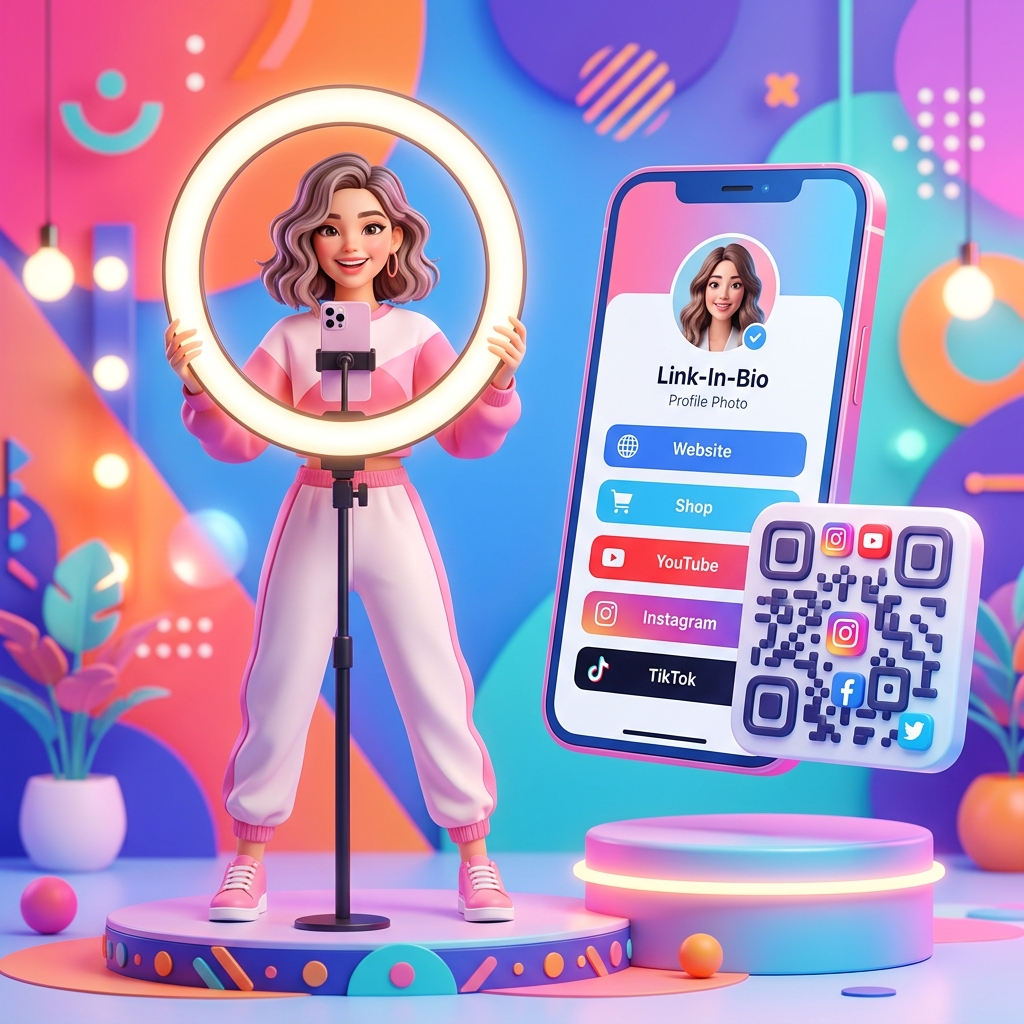
In today’s hyper-connected creator economy, driving traffic across multiple platforms is a major challenge. Creators and influencers operate on various networks—TikTok, Instagram, YouTube, Twitch, Spotify, and Substack. Guiding your audience from a video or a physical event to your other channels, merchandise store, or sponsor links requires minimizing every bit of friction.
QR codes have emerged as a vital tool for content creators and digital influencers. They act as an instant bridge, allowing fans to scan and connect with your entire digital ecosystem in less than two seconds.
Key Benefits of QR Codes for Creators and Influencers
1. Frictionless Link-in-Bio Access
Instead of forcing fans to navigate to your profile, find your bio, and click a link, a QR code routes them there instantly. This is particularly effective during live streams, in video overlays, or when printed on physical assets.
2. Branding Customization
As a creator, your personal brand is your business. QR Zam allows you to move beyond boring black-and-white patterns. You can integrate your brand colors, embed your profile picture or logo in the center, and add custom frames that match your aesthetic, making your QR code instantly recognizable.
3. Dynamic QR Code Routing
With dynamic QR codes, you never have to worry about broken links or outdated prints. If you launch a new merch drop, release a new podcast episode, or change your sponsor link, you can update the destination URL in your QR Zam dashboard. The physical QR code printed on your merchandise or overlays remains exactly the same.
4. Advanced Scan Analytics
Knowing your audience is key to scaling your brand and landing sponsorships. Dynamic QR codes provide rich analytics. You can track exactly how many people scanned your code, their geographic locations, peak scan times, and the operating systems (iOS or Android) they used. This data is invaluable when proving engagement to brand sponsors.
Steps to Create a QR Code for Your Creator Brand with QR Zam
Creating a custom QR code is simple. Follow these steps:
- Step 1: Go to QR Zam and select the URL generator or create a dedicated link-in-bio page.
- Step 2: Enter your Link-in-Bio URL (e.g., Linktree, Beacons) or your primary social media channel link.
- Step 3: Customize the design. Select your signature colors, add a custom frame like "Scan to Subscribe," and upload your profile picture as the center logo.
- Step 4: Scan the QR code with your phone to ensure it routes correctly.
- Step 5: Download the high-resolution file (PNG for digital graphics, SVG/EPS for printing on merchandise).
How Creators Use QR Codes in Practice
Stream Overlays (Twitch and YouTube Live)
Live streamers place custom QR codes in the corner of their video feed. Viewers watching on desktops or smart TVs can easily scan the QR code with their phones to join the streamer’s Discord server, tip them, check out their merchandise, or access the active sponsor’s landing page.
Physical Merchandise and Apparel
When selling merch like hoodies, hats, or posters, creators can add a small QR code to the neck tags, sleeve prints, or product packaging. This QR code can lead to a special "thank you" video, exclusive subscriber-only content, or a community signup page.
Meet-and-Greets & Fan Conventions
At offline events like VidCon or local meetups, creators can display a large QR code on banners, business cards, or table tents. Fans waiting in line can scan the code to follow all social channels, subscribe to a newsletter, or participate in a giveaway on the spot.
Podcasts and Audio Content
Podcasters include QR codes on their promotional graphics, social media posts, and YouTube video descriptions. Listeners can scan to subscribe on platforms like Apple Podcasts or Spotify, or access show notes and sponsor codes immediately.
FAQs
1. Should I use static or dynamic QR codes for my social links?
You should always use dynamic QR codes. If you ever change your username, switch link-in-bio providers, or want to redirect the code to a new YouTube video, you can update the link in your dashboard instantly. With static QR codes, you would have to reprint and redistribute a completely new code.
2. Can I put my logo or profile picture inside the QR code?
Yes! QR Zam allows you to upload any PNG or JPG logo/profile picture to place in the center of your QR code. The system automatically adjusts the pattern to keep the QR code perfectly scannable.
3. Is there a scan limit on my QR codes?
With QR Zam, your dynamic QR codes come with generous scan limits depending on your plan, and static QR codes have unlimited scans forever. Check our pricing page to choose the right fit for your brand's traffic size.
4. How can I use QR codes to increase my sponsor conversions?
When partnering with brands, place a dynamic QR code on your promotional materials with a unique referral link. You can track the exact number of scans and share these analytics reports directly with your sponsor to prove the ROI of your campaign.