

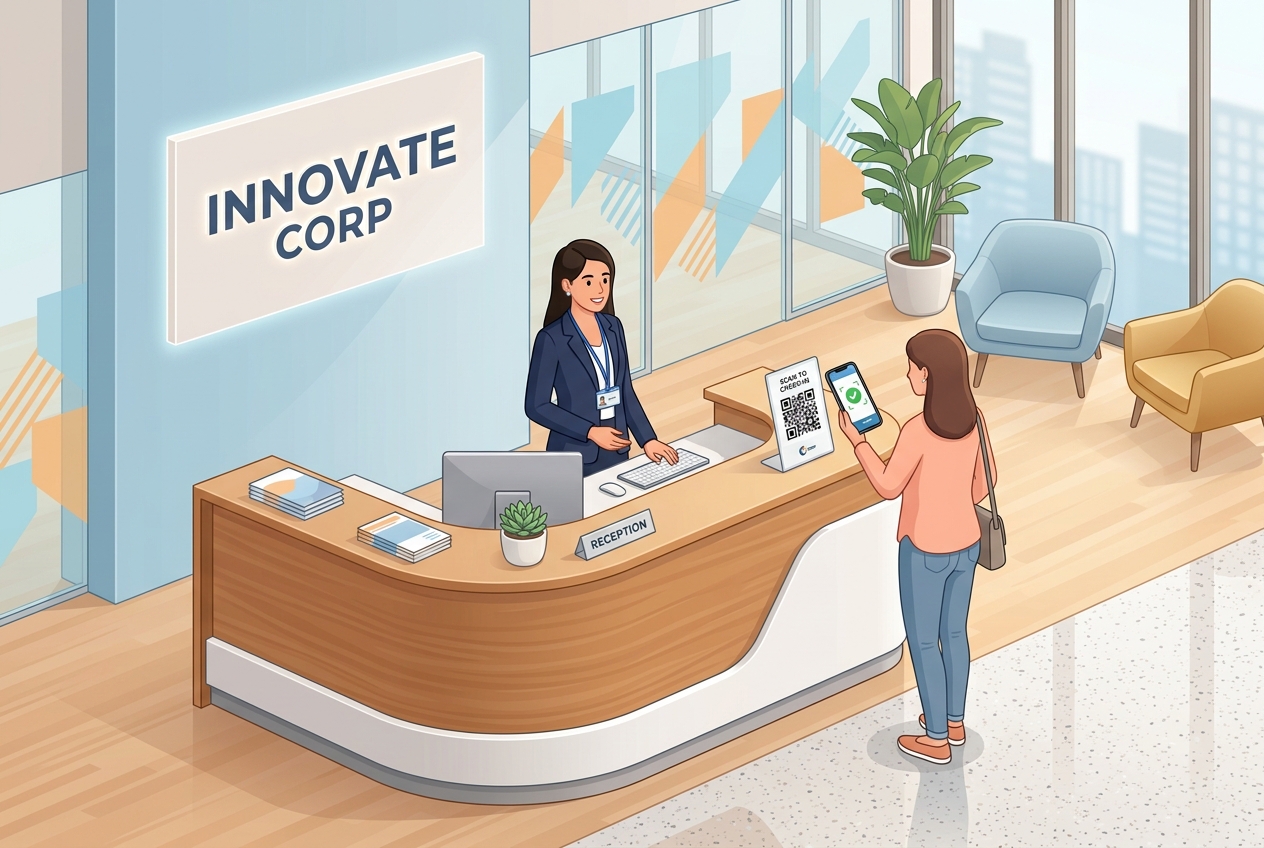
In today's fast-evolving business world, corporate offices are shifting towards smart building technologies to optimize operations and improve employee experiences. Traditional reception desk processes—relying on manual paper logbooks, plastic visitor badges, and typed passwords—create unnecessary bottlenecks and compromise data privacy.
Integrating QR codes into office workflows is a cost-effective, scalable way to modernize operations, improve security, and create a premium, contactless visitor experience.
Key Benefits of Office QR Codes
1. Contactless and Efficient Visitor Registration
Manual visitor sign-in sheets are slow and expose sensitive guest data to anyone looking at the desk. By displaying a check-in QR code at reception, visitors can scan the code, fill out their details on their own mobile devices, sign NDAs, and check in without touching shared tablets or pens.
2. Seamless and Secure Wi-Fi Sharing
One of the most frequent requests at any reception desk is the guest Wi-Fi password. Instead of printing passwords on sheets of paper or forcing guests to type complex strings, a custom Wi-Fi QR code lets visitors connect to the network instantly with a single scan.
3. Interactive Office Navigation and Meeting Room Scheduling
Large corporate headquarters can be confusing to navigate for clients and new hires. QR codes placed in elevator lobbies or entrance gates can link directly to digital floor plans or interactive maps. Additionally, meeting room doors equipped with scheduling QR codes allow employees to check availability and book rooms on the spot.
4. Direct Feedback and Facilities Management
Keep your office operating smoothly by empowering employees to report issues. QR codes placed on office equipment (like printers, coffee machines, or smartboards) or inside conference rooms can link to support tickets or facility maintenance forms, instantly alerting the IT or administration team when repairs are needed.
Steps to Create QR Codes for Your Office with QR Zam
Creating custom, branded QR codes for visitor management and office operations is quick and easy:
Step 1: Identify the destination URL or function. Decide whether the QR code will open a check-in form, share Wi-Fi details, download a PDF floor plan, or draft an IT support request.
Step 2: Log into QR Zam and select the corresponding QR code type (URL, WIFI, PDF, or SMS/Email).
Step 3: Input the details. For visitor check-in, paste the portal link. For Wi-Fi, input the SSID and password.
Step 4: Brand and customize the design. Add your company's official colors, upload your corporate logo for the center, and choose a clean frame with a clear call to action (e.g., "Scan to Check In").
Step 5: Test the scannability of the code under office lighting, download the vector format (SVG) for high-quality printing, and place it at key checkpoints.
Practical Application Scenarios
Reception Lobby and Visitor Check-In
When clients scan the check-in QR code at the lobby desk, your visitor management portal registers their arrival, notifies the host employee, and generates a digital visitor pass. This reduces reception desk workloads and ensures a warm, modern welcome.
Meeting Room Management
Dynamic QR codes placed on conference room signs can route employees to the room's live digital calendar. If the room is empty, they can scan to reserve it immediately. If it is occupied, the destination page shows when it will be free, reducing schedule conflicts.
Facilities Maintenance and IT Support
When a printer jams or a videoconferencing system fails, employees shouldn't have to search for the IT helpline. A support QR code printed on the machine lets employees report the breakdown in seconds, pre-populating the machine's ID number and model details for the technician.
Safe Access Control
For offices with restricted areas, dynamic QR codes can act as temporary access keys. Security teams can generate time-limited QR codes and email them to external vendors or contractors, giving them secure entry into specific zones during authorized hours.
FAQs
1. Is it secure to use QR codes for visitor check-in? Yes. Unlike paper logbooks where guest names and phone numbers are visible to everyone, QR codes route visitors to a private, secure digital form. Guest data is encrypted and saved directly to your company's secure visitor database.
2. Can we edit the destination of an office QR code after it is printed? Yes, if you use Dynamic QR Codes on QR Zam. If your check-in portal URL changes, or if you update the digital office map, you can update the destination link in your QR Zam dashboard without having to print and replace physical signs.
3. Do visitors need a specific app to scan the QR codes? No. Modern iOS and Android smartphones have QR code scanners built directly into their native camera applications, ensuring a frictionless process for everyone.
4. How can we share guest Wi-Fi safely using a QR code? QR Zam's Wi-Fi QR codes encrypt the network password. When scanned, the smartphone connects directly to the SSID without displaying the actual password on the screen, keeping your credentials secure from unauthorized sharing.