

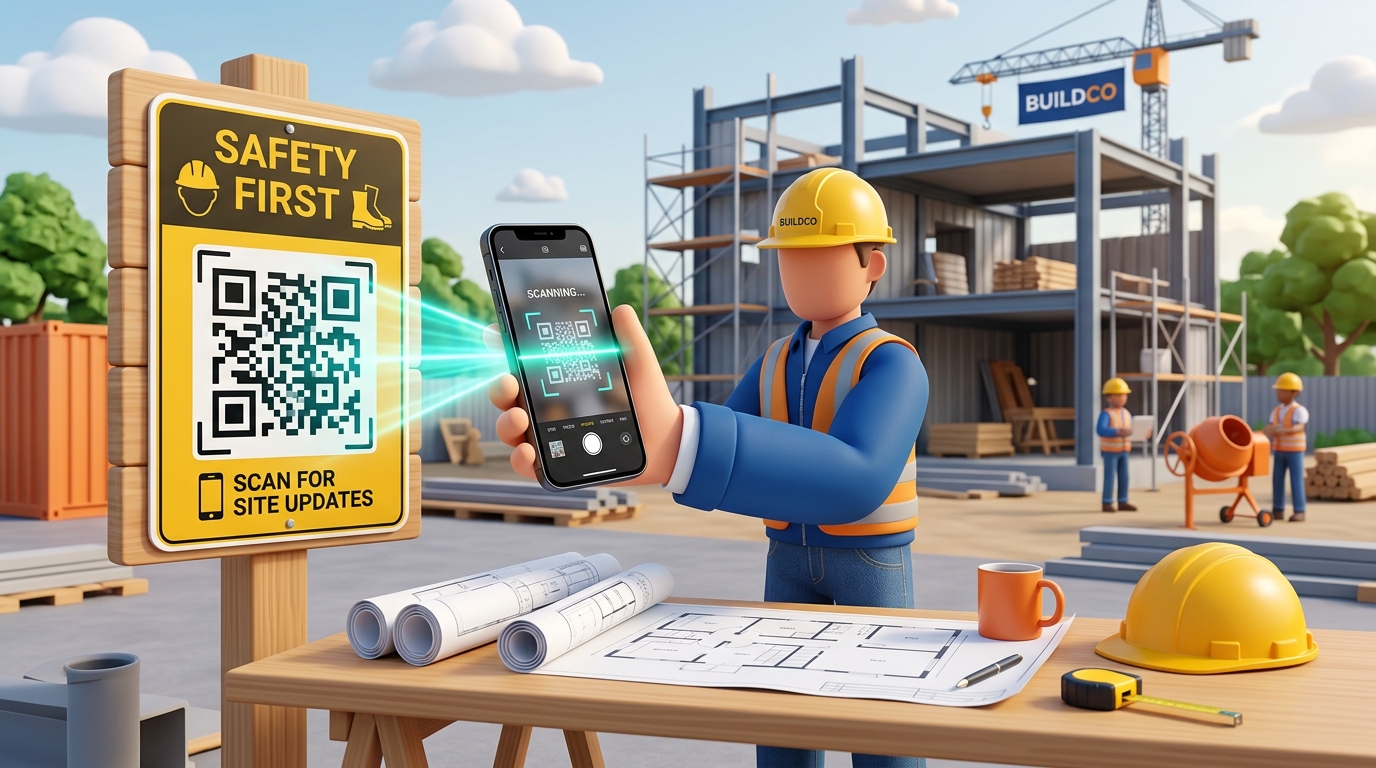
In the fast-paced, high-risk world of construction and site operations, keeping everyone on the same page is critical. Project managers, subcontractors, engineers, and laborers all need instant access to up-to-date information. However, managing physical paperwork—like blueprints, safety manuals, equipment inspection sheets, and compliance logs—in dusty, weather-exposed job sites is a constant struggle.
A single out-of-date blueprint or missing safety document can lead to costly structural errors, project delays, or severe safety compliance fines.
Custom QR codes bridge the gap between physical job sites and digital project management systems. By placing weather-resistant QR codes on signs, equipment, and blueprints, construction companies can streamline communication, ensure safety compliance, and boost operational efficiency.
Key Benefits of QR Codes on Construction and Job Sites
1. Instant Access to the Latest Blueprints and Revisions
Architectural drawings and engineering specifications change constantly. Working off an outdated print can lead to major construction mistakes. Placing a QR code on the main drawing board or blueprint binder allows workers to scan and instantly view the latest digital version in your cloud storage (Procore, Autodesk, Google Drive, etc.), confirming they have the most recent revision.
2. Paperless Safety Compliance and Site Induction
Laminated binders of safety guidelines and Materials Safety Data Sheets (MSDS) are easily lost or damaged. With QR codes, you can digitize your entire safety library. Workers can scan a QR code at the site entrance to view safety protocols, watch induction videos, or report incidents via digital forms.
3. Faster Equipment Inspection and Maintenance Logging
Heavy machinery requires regular safety checks. Placing a custom QR code on a crane, excavator, or power generator links operators directly to its maintenance history, safety checklist, and digital inspection forms. This ensures inspections are performed on time and logged digitally for audit purposes.
4. Simplified Daily Check-ins and Labor Tracking
Track who is on-site without manual clipboards. A check-in QR code at the main gate allows crew members and subcontractors to scan, fill in their name and crew details, and check in. This data can feed directly into a centralized dashboard, helping managers monitor labor hours and site occupancy in real-time.
How Construction Companies Use QR Codes in Practice
1. Site Entrance Welcome Boards
Place a large, visible poster at the main gate with QR codes for:
- Site Induction: Linking to the mandatory safety video and digital sign-off form.
- Attendance Sign-in: A quick check-in form for workers and visitors.
- Emergency Contacts & Map: Access to emergency protocols, first aid locations, and site layout.
2. Machinery and Tool Labeling
Attach durable QR code stickers to heavy equipment and power tools. When scanned by operators or mechanics, they can access:
- User manuals and safety operation instructions.
- Maintenance logs and next scheduled service dates.
- Request forms for repairs or spare parts.
3. Blueprint Corner Stamps
Print a dynamic QR code directly in the title block of printed blueprints. When scanned, it opens a page showing the drawing's approval status, revision number, and a link to download the live digital model. If the blueprint is updated, managers can update the destination link on QR Zam, immediately rendering the printed code pointing to the new file.
4. Hazard and Safety Signage
Replace standard warning signs with interactive safety notices. A "High Voltage" or "Confined Space" sign with a QR code can provide workers with specific safety procedures, list required personal protective equipment (PPE), and link to authorization request forms before entry.
Steps to Create QR Codes for Your Job Site with QR Zam
Creating custom, weather-resistant QR codes for your construction projects is simple with QR Zam:
- Step 1: Go to QR Zam and select the campaign type (URL for cloud folders/drawings, PDF for safety manuals, or Form for sign-ins).
- Step 2: Enter the destination URL or upload your PDF document.
- Step 3: Design your QR code for high visibility. Choose high-contrast colors (e.g., black or dark blue pattern on a bright yellow or white background) and add a clear frame like "Scan for Safety Rules."
- Step 4: Perform a test scan in various lighting conditions to ensure the code scans reliably under site lighting.
- Step 5: Download the high-resolution vector file (SVG or EPS) to ensure the QR code prints crisply on large weather-resistant boards, aluminum signs, or heavy-duty vinyl stickers.
- Step 6: Laminate or print on weather-resistant materials to protect from dust, mud, and rain.
FAQs
1. What happens if a blueprint is updated after we've already printed and posted the QR codes?
By using dynamic QR codes from QR Zam, you do not need to reprint anything. You can simply edit the QR code in your dashboard and update the destination URL or replace the linked PDF file. The physical QR codes on your job site signs will immediately direct workers to the new document version.
2. How do we ensure only authorized personnel can access sensitive project plans via the QR code?
QR Zam allows you to add password protection to your dynamic QR codes. When a worker scans the code, they will be prompted to enter a password before viewing the file. You can also link the QR codes to your secure construction management platform (like Procore or Autodesk BIM 360) which requires user login.
3. Will the QR codes still scan if they get dirty or scratched on site?
Yes, standard QR codes have built-in error correction. QR Zam allows you to select higher levels of error correction (up to Level H, which can tolerate up to 30% damage or dirt). However, it is best to place codes in clear plastic pockets or use high-durability engraved metal tags on heavy machinery.
4. Can we use our own brand name in the QR code link?
Yes. QR Zam's Growth and Pro plans support custom branded domains (e.g., docs.yourcompany.com). When workers or clients scan your codes, they see your official company domain in the camera preview, which increases security compliance and brand authority.