

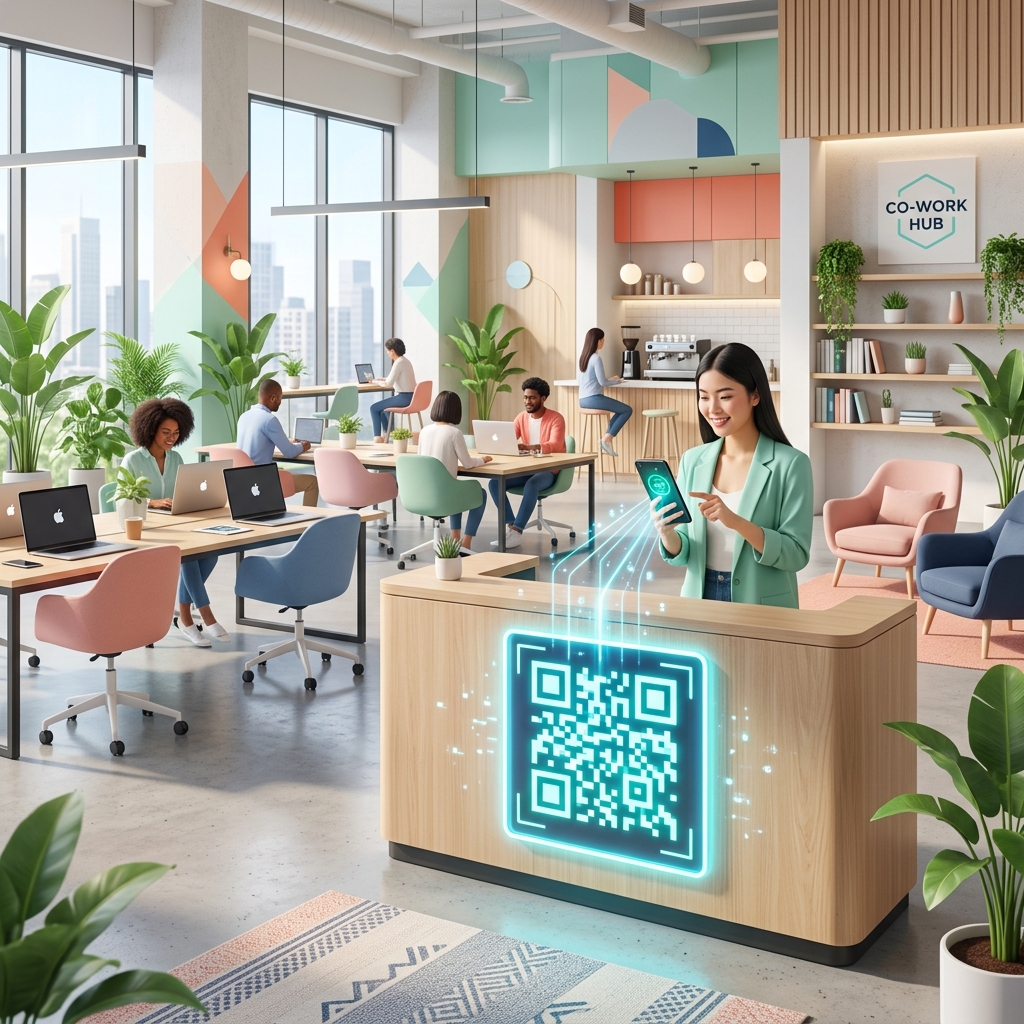
Co-working spaces have redefined the modern office environment. Hosting a dynamic mix of freelancers, entrepreneurs, remote teams, and corporate employees, these shared workspaces thrive on flexibility and speed.
However, managing a busy co-working hub presents unique operational challenges—from onboarding new members and securing Wi-Fi networks to managing meeting room bookings and guiding users through complex office equipment.
Integrating QR codes into your co-working space is a cost-effective, high-impact way to automate daily processes, eliminate friction, and elevate the member experience. Here is how co-working operators are leveraging QR codes for smarter workspace management.
Key Benefits of QR Codes in Co-working Spaces
1. Seamless Visitor Check-In and Security
Say goodbye to paper logbooks at the reception desk. By placing a dynamic QR code at the entrance, visitors and mail carriers can quickly scan it, fill out a digital check-in form, and notify their host automatically.
Additionally, co-working spaces can issue temporary QR code-based digital passes to hot-desk members or event attendees, allowing them secure access to specific zones of the building during authorized hours.
2. Frictionless Wi-Fi Access
The first thing every new member asks for is the Wi-Fi password. Typing long, secure passwords can lead to typos and load on your support staff.
With a Wi-Fi QR code placed at reception desks, phone booths, and hot-desk areas, members can connect to your secure network with a single scan. It is faster, more secure, and provides a premium, tech-forward first impression.
3. Instant Meeting Room and Hot-Desk Booking
Double-booked rooms are a major source of friction in shared workspaces. Placing a dynamic QR code on the door of each meeting room allows members to:
- View the room's real-time availability calendar.
- Book the room instantly on the spot.
- Report maintenance or cleaning issues.
By linking the QR code to your workspace management software (such as Optix, OfficeRnD, or Nexudus), you turn physical doors into smart booking interfaces.
4. Interactive Office Equipment Guides
Co-working spaces are packed with high-end but complex amenities: commercial printers, smart coffee machines, video conferencing systems, and smart lockers.
Instead of printing lengthy, easily lost paper instruction manuals, place a QR code directly onto each machine. Scanning the code opens a quick video tutorial, troubleshooting guide, or setup PDF, helping members help themselves.
5. Community Engagement and Local Partnerships
Co-working is as much about community as it is about desk space. Use QR codes to connect members and support local businesses:
- Community Boards: Post a QR code linking to your community Slack channel, Discord group, or members-only directory.
- Local Guides: Place a QR code in the kitchen area linking to a curated digital map of nearby cafes, gyms, lunch spots, and dry cleaners, often with exclusive member discounts.
Implementing QR Codes in Your Co-working Space with QR Zam
Setting up your smart co-working ecosystem is simple with QR Zam's suite of features:
- Step 1: Identify your touchpoints (Wi-Fi setups, printer desks, meeting rooms, reception).
- Step 2: Generate the appropriate code type on QR Zam. Use Wi-Fi codes for internet connection, Dynamic URL codes for booking systems, and PDF codes for equipment manuals.
- Step 3: Customize the design to match your co-working space's brand identity. Add your logo, use your brand colors, and add clear call-to-action (CTA) frames like "Scan to Book" or "Scan for Wi-Fi."
- Step 4: Print your codes using high-quality materials (acrylic signs, table tents, or stickers) and position them in high-visibility areas.
FAQs
1. Are QR codes safe to use on public Wi-Fi networks in co-working spaces?
Yes. The QR code itself is just a data carrier. For Wi-Fi connection, it securely transmits the SSID and password to the device's native network manager without exposing the password in plain text on screens. For other links, QR Zam uses HTTPS encryption to protect all redirection pathways.
2. Can we change the link on a meeting room door QR code if we switch booking software?
Absolutely, provided you use dynamic QR codes. If you switch booking platforms, you don't need to reprint the physical signs on your doors. Simply log in to your QR Zam dashboard and update the destination URL for each room's QR code.
3. Do members need a special app to scan these QR codes?
No. Almost all modern smartphones (iOS and Android) have built-in QR code scanners in their native camera apps. Users simply open their camera, point it at the code, and tap the notification link.
4. How can we prevent non-members from scanning and using our Wi-Fi?
You can set up your Wi-Fi QR code to point to your member portal login page rather than directly connecting to the raw network. Alternatively, you can use QR Zam's dynamic URL codes with password protection so only active members with the password can access the redirect link.
5. Can we track which QR codes are used the most?
Yes! QR Zam's dynamic QR codes offer detailed scan analytics. You can track how many times a printer guide is scanned, when meeting rooms are booked most frequently, and which areas of your space generate the most digital engagement.