

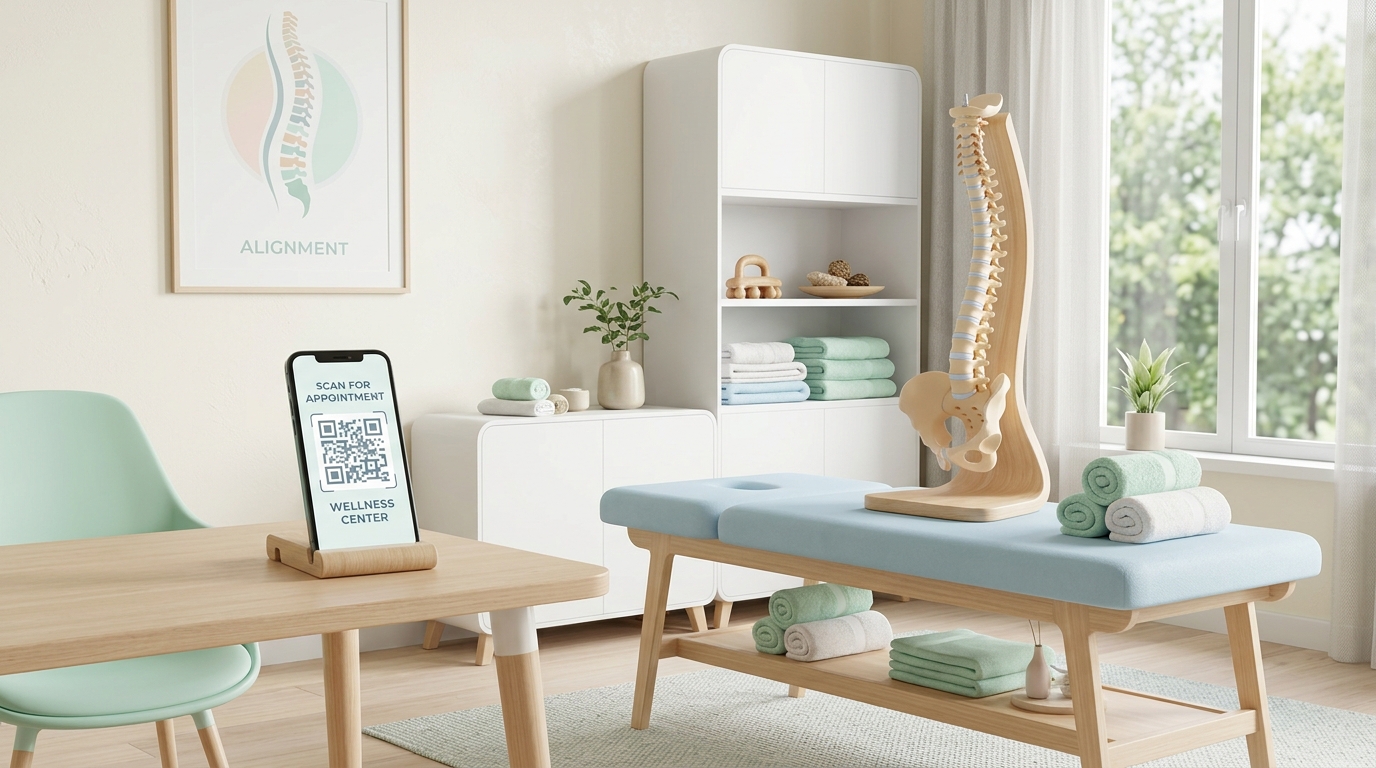
In the healthcare and wellness sector, patient experience is everything. Chiropractic and physical therapy clinics are highly hands-on, personal businesses, but the administrative processes surrounding them—such as booking appointments, filling out intake forms, and explaining home rehabilitation exercises—can often feel slow and paper-heavy.
By integrating custom QR codes into daily operations, clinics can eliminate paperwork bottlenecks, improve patient adherence to treatment plans, and elevate the overall clinic experience.
Here is a comprehensive guide on how modern clinics leverage QR codes to streamline workflows and grow their practices.
Key Benefits of QR Codes for Wellness and Therapy Clinics
1. Frictionless Intake and Administration
Filling out clipboard questionnaires in a waiting room is a chore. QR codes allow patients to complete registration, consent, and intake forms directly on their smartphones, reducing contact and front-desk admin time.
2. Interactive Home Exercise Programs (HEPs)
Traditional paper hand-outs showing stick-figure drawings of stretches are easily lost and often hard to follow. By linking QR codes to video demonstrations of exercises, therapists can ensure patients perform their home programs safely and correctly.
3. Effortless Patient Booking
Placing a booking QR code on appointment cards or post-treatment handouts makes it easy for patients to schedule their next follow-up session, reducing missed appointments.
4. Boosted Local SEO and Reviews
For local clinics, Google Reviews are the lifeblood of new patient acquisition. Placing review QR codes at the checkout counter allows satisfied patients to write a review in under a minute.
Practical Applications in the Clinic
1. Digital Intake Forms in the Waiting Area
Instead of handing out physical clipboards and pens to new patients, place a branded QR code sign in the waiting area. Patients scan the code to open a secure intake form where they can input their medical history, insurance details, and primary complaints on their own devices.
2. Dynamic Video Guides for Home Rehabilitation
When assigning rehabilitation routines (like shoulder extensions or lumbar stretches), print a customized card with a dynamic QR code that links to a video playlist demonstrating the movements. If you update your exercise video library, you can change the target link without reprinting the patient's card.
3. Patient Portal & Payment Access
Let patients view their treatment progress, download invoices, and pay co-pays quickly. Print a QR code on the back of your business cards or appointment reminders that routes directly to your secure patient billing portal.
4. One-Tap Wi-Fi for Waiting Rooms
Keep patients comfortable while they wait for their sessions. Use a secure wifi qr code displayed on a small sign at the front desk. Patients simply scan the code to instantly join the clinic's guest network without typing complex passwords.
How to Create Clinic QR Codes with QR Zam
Creating custom, professional QR codes that fit your healthcare brand is simple with QR Zam:
- Step 1: Go to QR Zam and select the campaign type (URL for booking portals/forms, Wi-Fi for waiting room access, or Link List to combine multiple resources).
- Step 2: Enter the destination URL or network configuration details.
- Step 3: Customize the design. Select calming colors (like teal, soft blue, or emerald green), place your clinic logo in the center, and choose an inviting frame like "Scan to Book Appointment."
- Step 4: Test scan the code with multiple devices to confirm readability.
- Step 5: Download the high-resolution file (SVG/EPS vector for large wall decals or printed brochures, PNG for desktop screens).
- Step 6: Print and position the codes at your reception desk, treatment rooms, or on appointment cards.
FAQs
1. Can we edit where the QR code links if we change our scheduling software?
Absolutely! By using dynamic QR codes from QR Zam, you can change the target URL in your dashboard at any time. The physical QR codes printed on your front-desk stands or appointment cards remain exactly the same, saving you reprinting costs.
2. Are QR codes HIPAA-compliant?
Dynamic QR codes from QR Zam simply act as short redirect links. The QR code itself does not store patient medical data. As long as your destination URL leads to a secure, HIPAA-compliant patient portal, intake form, or telehealth system, using QR codes is entirely safe and compliant.
3. How do we use QR codes to increase our Google Reviews?
Create a dynamic QR code that redirects to your Google Business Profile's direct review link. Print this code on a small stand at your checkout counter with a call-to-action like "Help us help others—scan to review your experience."
4. Is QR Zam suitable for multi-location therapy practices?
Yes. QR Zam's Pro and Enterprise plans allow teams to manage multiple dynamic campaigns under one account, organize codes by location folders, and customize branding with different logos and domains for each clinic.