

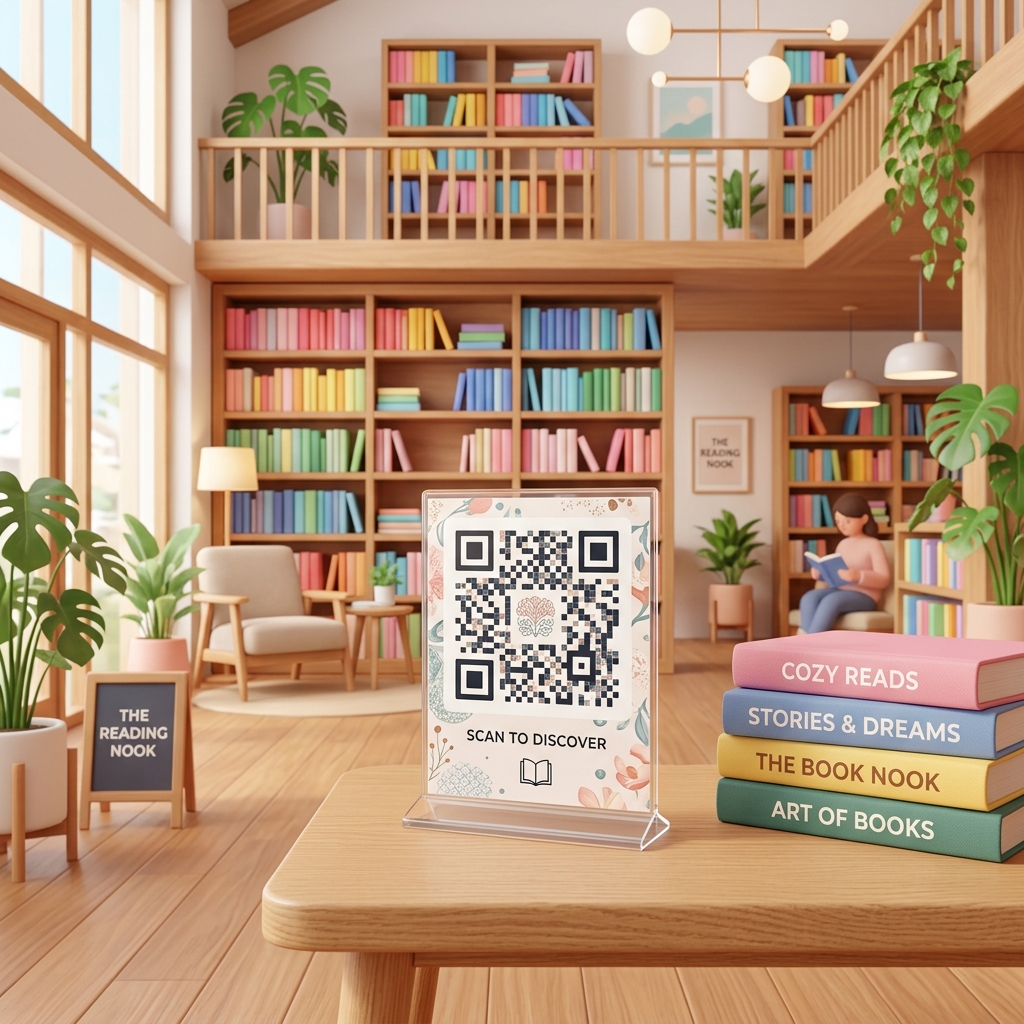
In the digital age, bookstores and libraries are evolving from simple book repositories into vibrant community hubs. Independent booksellers and public librarians are constantly looking for innovative ways to engage readers, promote literary collections, streamline operations, and bridge the physical bookshelves with rich digital resources.
QR codes for bookstores and libraries offer a cost-effective, seamless way to enrich the reader's journey. By placing custom QR codes on bookshelves, book covers, information desks, and event flyers, literary spaces can offer immediate access to digital content, reviews, audiobooks, and community activities.
Here is how modern bookstores and libraries are leveraging dynamic QR codes to enhance engagement and support readers.
Key Applications in Bookstores and Libraries
1. Instant Digital Previews & Audio Excerpts
Before buying or borrowing a book, readers often want to read a sample chapter or listen to an audio preview.
- How it works: Place small QR codes next to book displays or on shelf talkers (promotional shelf tags). Scanners can read a sample chapter PDF or listen to a 5-minute audiobook preview hosted on your website, SoundCloud, or Spotify.
- Pro-Tip: Use a dynamic PDF QR code to change the featured sample chapter or preview clip on seasonal bestsellers without reprinting the display materials.
2. Streamlined Online Catalog Access (Scan-to-Search)
Finding if a book is available in a large library or bookstore layout can be challenging.
- How it works: Display search-intent QR codes at the end of each bookshelf aisle. When scanned, the reader is taken directly to the bookstore’s inventory search page or the library’s online public access catalog (OPAC), pre-filtered for that specific category (e.g., Fiction, Science, History).
- Pro-Tip: This reduces front-desk inquiries and empowers readers to find books independently.
3. Collecting Book Reviews & Recommendations
Peer recommendations are highly influential in a reader's choice of their next book.
- How it works: Stick QR codes inside the front or back cover of library books or on bookstore display stands. Readers scan to leave a review on your local catalog, GoodReads, or your website.
- Pro-Tip: Add a call-to-action like "Did you love this book? Scan to share your review with the community!"
4. Interactive Author Events & Book Clubs
Libraries and bookstores host numerous community events, from author readings to monthly book club discussions.
- How it works: Print event QR codes on promotional posters, bookmarks, and flyers. Scanners can view the event agenda, register for a seat, or add the event to their Google or Apple calendar.
- Pro-Tip: For ticketed events, link the QR code directly to booking platforms like Eventbrite or your custom ticket checkout page.
5. Seamless Wi-Fi Access for Study Areas
Public libraries and bookstore cafés are popular spots for remote work and study.
- How it works: Place a Wi-Fi QR code on study desks and café tables. Visitors scan the code to instantly connect to the guest network without typing complex passwords.
How to Get Started with QR Zam
Setting up QR codes for your bookstore or library is quick and straightforward:
- Identify the Reader Touchpoint: Choose what experience you want to enhance (e.g., book previews, catalog search, or calendar registration).
- Generate a Dynamic QR Code: Create a dynamic URL or PDF QR code in the QR Zam dashboard pointing to your destination page.
- Brand and Customize: Adjust colors to match your library or store design (e.g., deep classic blues, warm paper tones, or modern minimalist colors). Add a small book icon or your logo to the center of the code.
- Print and Position: Download high-quality vector formats (SVG) for shelf signs, bookmarks, or receipt printouts. Place them in clear stands on service desks or next to featured book stacks.
Frequently Asked Questions
Can we change the destination of a QR code after it is printed on bookmarks? Yes! By using dynamic QR codes from QR Zam, you can change the target URL in your dashboard at any time. The printed QR code pattern remains exactly the same, but visitors will be routed to the new page.
How can we track which book displays get the most interest? QR Zam provides comprehensive real-time analytics for dynamic QR codes. You can track total scans, unique scanners, geographic locations, and the times of day people scan, helping you identify which genres or shelf locations are most popular.