

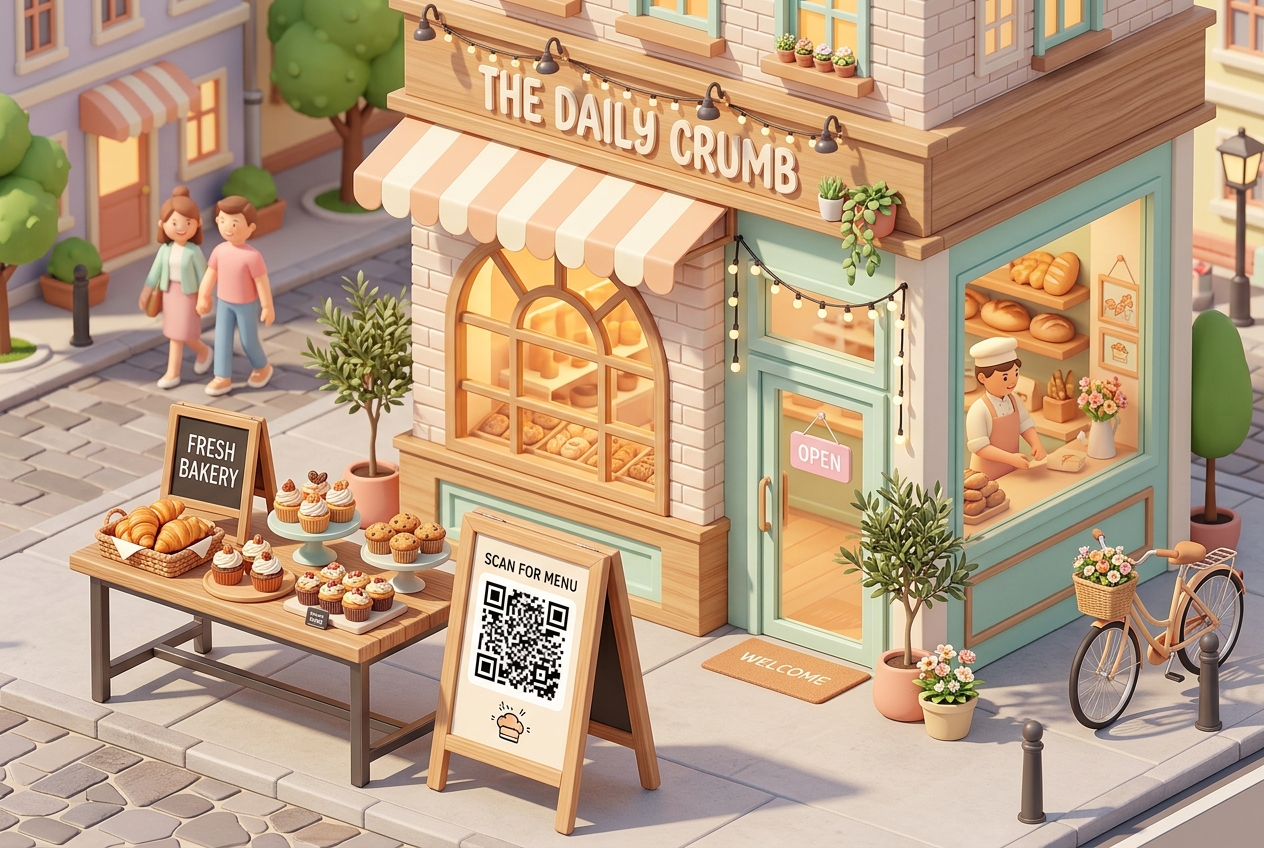
For local bakeries and pastry shops, creating a warm, inviting atmosphere is just as important as baking delicious goods. However, managing high-traffic hours, keeping physical menus clean, and building customer loyalty can be challenging.
Paper menus get stained with flour and sugar, and updating prices or seasonal items on printed materials is costly and slow. During morning rushes, customers want a fast and easy way to view options, order, and pay.
Bakery QR codes offer a modern, cost-effective solution. By converting your menus, loyalty programs, and social media channels into dynamic QR codes, you can enhance the customer experience, streamline your operations, and boost sales.
Here is how modern bakeries and pastry shops are utilizing QR codes to sweeten their business operations.
Key Benefits of QR Codes for Bakeries and Pastry Shops
1. Dynamic Digital Menus and Daily Specials
Bakeries often change their offerings daily based on ingredient availability or seasonal themes.
Instead of reprinting paper menus every time you introduce a new pastry, place a dynamic URL QR code on your bakery counters or storefront windows. Customers scan the code to view your real-time digital menu—complete with daily specials, high-quality photos, and prices.
2. Ingredient Transparency and Allergen Information
With growing customer demand for allergen awareness and dietary options (such as gluten-free, vegan, or nut-free), providing detailed ingredient lists is crucial.
You can place a QR code labeled "Scan for Allergen & Dietary Information" on your display cases or product labels. Linking this to a simple PDF or web page showing the full ingredients of every baked good builds trust and protects customers with dietary restrictions.
3. Frictionless Loyalty Program Signups
Loyal, returning customers are the lifeblood of a bakery. Make it easy for them to join your reward program.
Instead of handing out physical punch cards that get lost in wallets, place a QR code on your packaging boxes or coffee cups. Label it: "Scan to Join our Sweet Rewards Club and get a free croissant on your next visit!" This helps you grow your customer list and keep them coming back with automated rewards.
4. Seamless Pre-ordering and Mobile Payments
During busy morning runs, long lines can turn hurried customers away.
By displaying a QR code that links directly to your online pre-ordering platform (such as Shopify, Square, or Toast), customers can scan the code while waiting in line, select their pastries and coffee, pay on their phone, and pick up their order at a designated counter.
Practical Applications Around Your Bakery
Storefront Window
Place a large, clean QR code on your front window so passersby can view your menu, check your operating hours, or pre-order online even when your bakery is closed.
Pastry Display Case
Place small, custom-branded QR codes next to your popular items. Customers can scan them to watch a quick video of how they are made, see the baking process, or read user reviews.
Bakery Packaging and Coffee Sleeves
Your custom boxes, pastry bags, and coffee cup sleeves are free advertising space. Print a QR code on them that directs customers to your Google Review page: "Loved your treats? Scan here to leave us a 5-star review!" This is one of the fastest ways to improve your local SEO and attract new customers.
How to Set Up Your Bakery QR Codes with QR Zam
Creating custom QR codes with QR Zam is simple and takes just a few minutes:
- Prepare Your Content: Host your menu online, save your allergen guide as a PDF, or copy your Google Review link.
- Generate the QR Code: Go to qrzam.com and select the appropriate tool (URL for menus/reviews, or PDF for guides).
- Use Dynamic Settings: Always choose the dynamic option. If you change a recipe, update a price, or switch ordering platforms, you can change the target link from your QR Zam dashboard without having to reprint any stickers or signs.
- Customize the Design: Match the QR code to your bakery’s aesthetic. Choose a soft color palette, add a friendly frame (e.g., "Scan for Yummy Menu"), and insert your logo in the middle.