

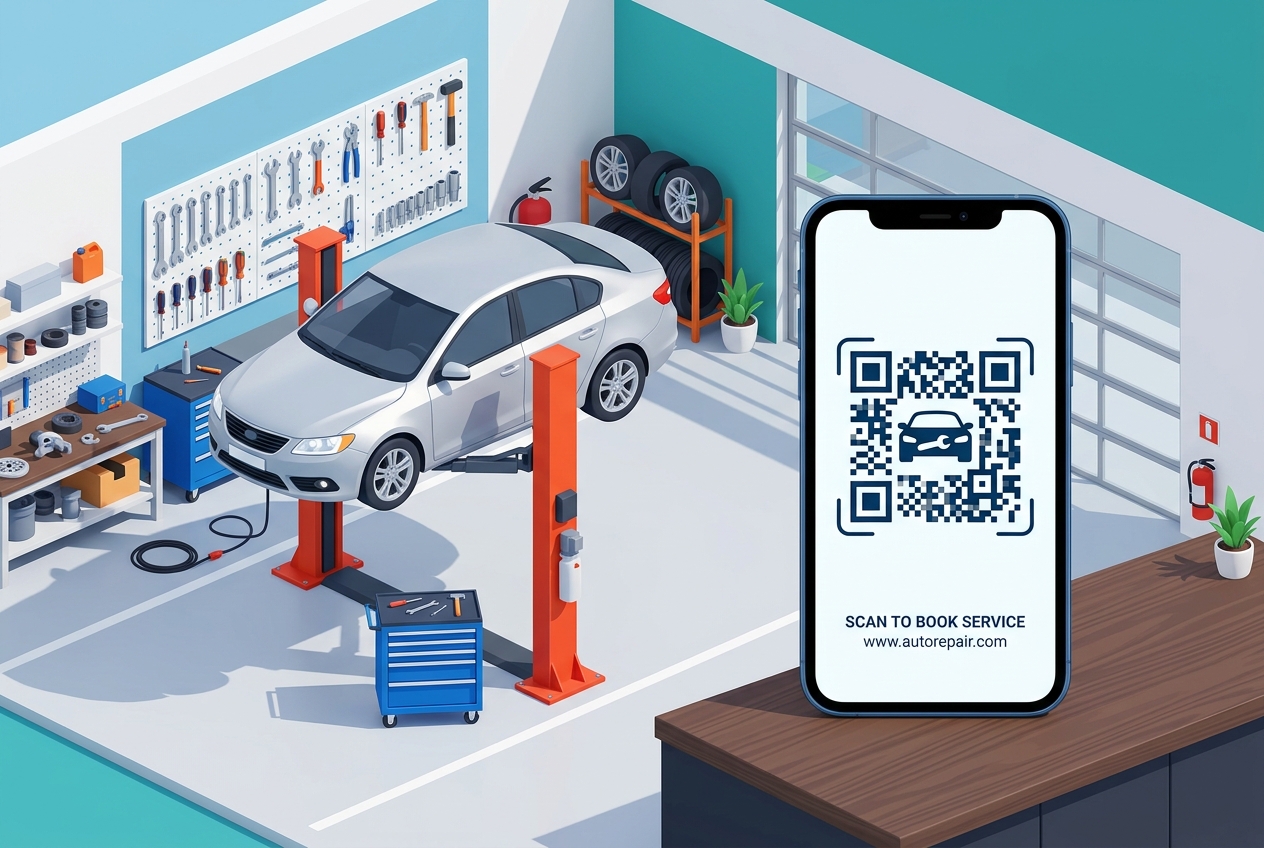
In the automotive repair industry, speed, trust, and clear communication are key to keeping customers happy and running a profitable shop. Between answering phone calls, scheduling mechanics, tracking parts, and explaining complex mechanical repairs to customers, shop owners have their hands full.
QR codes for auto repair shops and mechanic centers offer an innovative, low-cost solution to automate customer communication, streamline booking, and build lasting customer loyalty. By placing dynamic QR codes on key tags, service counters, window decals, and even printed oil-change reminders, you can connect your physical shop directly to your digital services.
Here is how modern auto repair businesses are utilizing QR codes to drive growth and improve the customer experience.
Key Applications for Auto Repair & Mechanic Shops
1. Instant Service Booking (Scan-to-Book)
Most customers hate calling to book an oil change or diagnostic check, and your service advisors shouldn't spend their day playing phone tag.
- How it works: Place booking QR codes at your checkout desk, on marketing flyers, or on your shop’s front door. When scanned, the customer goes directly to your shop’s online booking portal (such as Shop-Ware, Tekmetric, or your website) where they can select a service, date, and time.
- Pro-Tip: Add a QR code on your outdoor banner labeled "Need an oil change? Scan to schedule right now!" to capture vehicle owners driving past your shop.
2. Digital Diagnostic Reports & Repair Estimates
Explaining why a car needs a new control arm or a gasket replacement is much easier when the customer can see the issue themselves.
- How it works: Send digital invoices or print key tags containing a QR code that links directly to a Google Drive folder or a diagnostic page containing photos and video clips of the worn-out parts.
- Benefit: Customers can review the visual proof at their own pace, which builds trust, speeds up repair approvals, and reduces telephone friction.
3. Boost Google Reviews on Service Completion
For auto shops, local SEO is the ultimate customer acquisition channel. Car owners search for "best mechanic near me" and choose the one with the highest star rating.
- How it works: Place a small acrylic counter display with a QR code next to your payment terminal. When the customer pays for their service, prompt them: "If you're happy with your service today, please scan this code to leave us a quick review."
- Pro-Tip: Use a QR Zam Dynamic QR Code linking directly to your Google Business review submission page so you can edit the destination URL in case you ever change locations or split profiles.
4. Smart Maintenance & Oil Change Reminders
Standard paper static oil-change window clings are often ignored. Upgrade them to smart, interactive reminders.
- How it works: Print a custom QR code on the corner of the windshield static cling sticker. The QR code can link to your booking portal, or better, to a dynamic page showing their vehicle's service history and next recommended maintenance checklist.
- Pro-Tip: Since it’s a dynamic QR code, you can update the destination URL for each customer to link to their personal customer profile or a custom discount coupon code for their next visit.
5. Contactless Payments & Invoice Retrieval
Speed up the vehicle pick-up process, especially during busy morning and evening rushes.
- How it works: Display a QR code at the service counter or print it directly on invoices. Scanners can view their detailed digital bill, review itemized parts and labor, and complete their checkout using Apple Pay, Google Pay, or online banking.
How to Get Started with QR Zam
Transforming your mechanic shop with QR codes is quick and easy:
- Identify Your Focus: Determine which use case will solve your biggest current bottleneck (e.g., booking automation or collecting Google reviews).
- Generate a Dynamic QR Code: Go to qrzam.com and create a dynamic URL QR code pointing to your scheduling page, review page, or digital menu of services.
- Design for Your Brand: Customize the QR code using your shop's primary colors (e.g., metallic grey, professional blue, or high-contrast red). Add a custom car or wrench icon in the center of the code.
- Print and Place: Download print-ready files (SVG for large banners and stickers, PNG for key tags and receipts). Place them on service desks, windows, key tags, and invoice templates.
Frequently Asked Questions
Can I track which marketing materials or tables are driving the most scans? Yes! By using QR Zam's dynamic tracking dashboard, you can view the number of scans, geographic locations, and devices used for each individual QR code, allowing you to measure the ROI of your printed campaigns.
What happens if I change my booking software? Do I need to print new stickers? Not if you use a Dynamic QR Code. With QR Zam, you can log in, edit the destination URL of your existing code to point to your new booking platform, and save. The printed QR codes on your customer's windshields or key tags will automatically redirect to the new URL.
Is there a way to manage QR codes for multiple shop locations? Yes. QR Zam's Team Collaboration tools let you create separate workspaces for each auto shop location, allowing managers to view analytics and manage codes for their specific store.