

In the short-term rental market, providing an exceptional guest experience starts the moment a traveler books your property. However, managing communication, answering repetitive questions, and ensuring guests have the information they need can be incredibly time-consuming for hosts.
Paper guest books, Wi-Fi password notes taped to refrigerators, and printed instruction manuals are easily lost, damaged, or outdated.
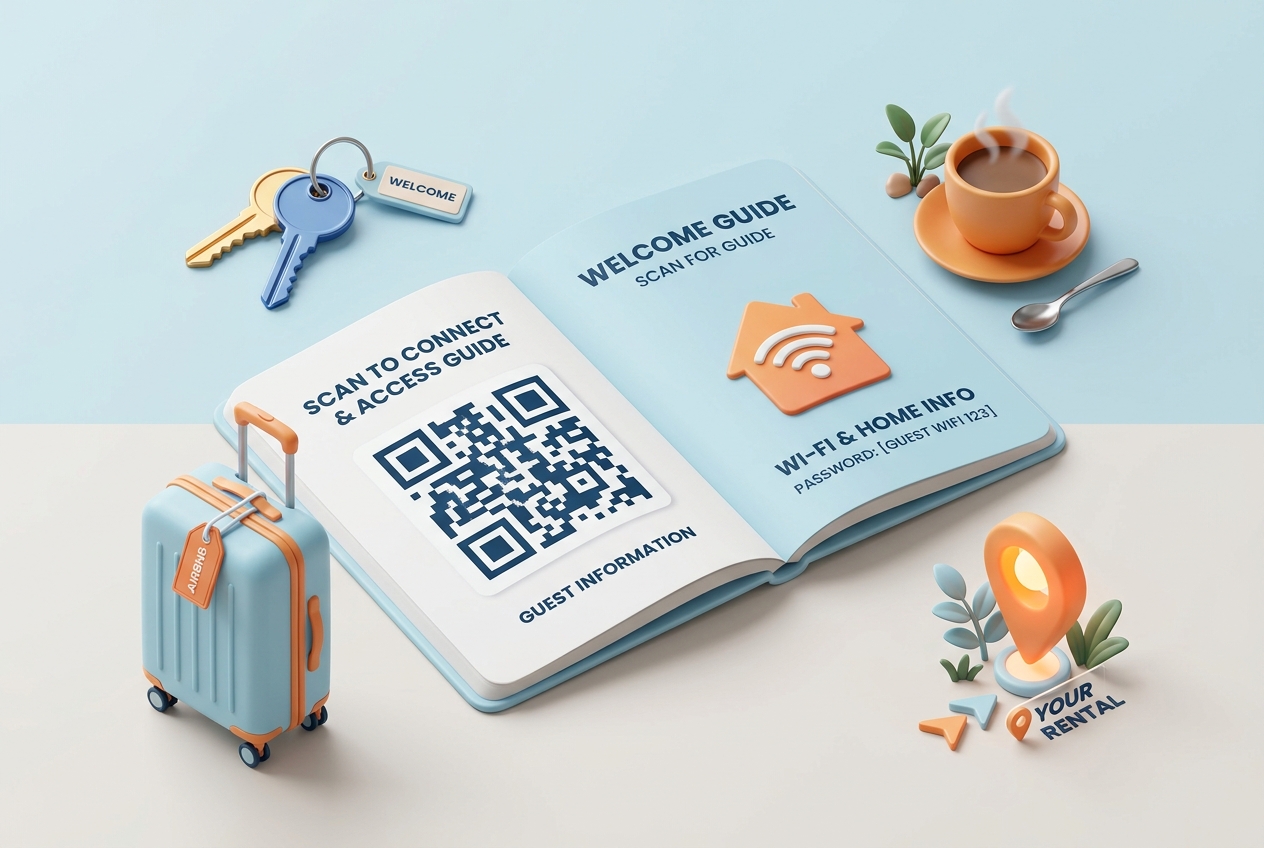
Short-term rental QR codes provide a modern, contactless, and efficient solution. By converting your property's essential guides and information into dynamic QR codes, you can improve guest satisfaction, reduce support messages, and earn higher reviews.
Here is how modern hosts are utilizing QR codes to streamline check-ins and improve the guest stay.
Key Benefits of QR Codes for Vacation Rentals
1. Instant Wi-Fi Access with No Typing
Typing long, complex Wi-Fi passwords is a common pain point for guests. By generating a Wi-Fi QR code with QR Zam and printing it on a welcome sign, guests can scan and connect to your home internet automatically—no typing required.
2. Effortless Welcome Books and Guidebooks
Instead of printing a 20-page guest manual that gets dirty over time, host a digital guidebook (via a PDF or a website link). Guests scan the QR code to access checkout instructions, house rules, local restaurant recommendations, and emergency contacts directly on their smartphones.
3. Clear Appliance and Smart Home Instructions
If your home has a complex thermostat, a unique hot tub heating system, or a smart TV setup, place small stickers with QR codes directly on or near the devices. Link them to short instructional YouTube videos or PDF manuals to prevent user error.
4. Direct Bookings and Referral Revenue
Want to convert Airbnb guests into direct booking customers for their next trip? Place a dynamic QR code on your welcome card or kitchen sign directing guests to your direct booking website or offering a discount code for booking direct.
Practical Applications Around Your Property
Front Door or Check-in Lockbox
Place a weatherproof QR code sticker near the entrance lockbox. If guests are struggling to find the entry instructions or need assistance, scanning the QR code can open a digital guide with step-by-step check-in photos or connect them directly to your contact number.
Kitchen and Dining Area Welcome Sign
Place a small framed sign on the kitchen counter or dining table with your main Welcome QR Code. Label it clearly: "Scan to Connect to Wi-Fi, Read House Rules, and Explore Local Recommendations."
Check-out Station
Make check-out stress-free by placing a QR code on the inside of the front door labeled: "Scanning out? Scan here to view the check-out checklist." This ensures guests turn off lights, lock doors, and leave the property in good condition.
How to Set Up Your Rental QR Codes with QR Zam
Creating custom QR codes for your vacation rental is simple and takes just a few steps:
- Host Your Content: Save your guidebook as a PDF, host it on a platform like Hostfully or Notion, or write it on a Google Doc.
- Generate Your QR Code: Go to qrzam.com. Choose the Wi-Fi generator for internet access, and the URL or PDF option for your guidebook.
- Use Dynamic Settings: Always select the dynamic option for your guidebook link. This allows you to update house rules, checkout instructions, or local restaurant recommendations from your dashboard without changing the printed QR code.
- Customize the Design: Choose clean, modern colors that match your rental's interior. Add a custom frame with a clear call-to-action like "Scan for Guest Guide."
- Print and Frame: Download your QR codes in high resolution and print them on high-quality cardstock. Frame them or place them on tabletop stands throughout your property.