

Using QR Codes for Accounting and Tax Preparation Services: Streamlining Operations and Document Security
In the accounting and tax preparation industry, efficiency, accuracy, and client data security are the pillars of a successful practice. During tax season, accounting firms and CPAs handle a massive volume of client documents, scheduling requests, and invoice payments. Traditional manual onboarding processes and physical document exchanges often lead to administrative bottlenecks.
To optimize workflows and deliver a premium, modern experience for clients, accounting and tax preparation services are adopting Dynamic QR Codes. By linking print materials, mailers, and office touchpoints directly to secure digital portals, client intake forms, and payment links, QR codes help firms save hundreds of hours of administrative labor while keeping client data safe.
In this use case, we’ll explore how CPA firms, bookkeepers, and tax professionals utilize custom QR codes, the benefits of doing so, and how to get started with QR Zam.
Key Benefits of QR Codes for Accounting and Tax Services
Integrating QR codes into your accounting practice's workflows offers several key advantages that improve client satisfaction and administrative efficiency.
1. Simplified Document Collection
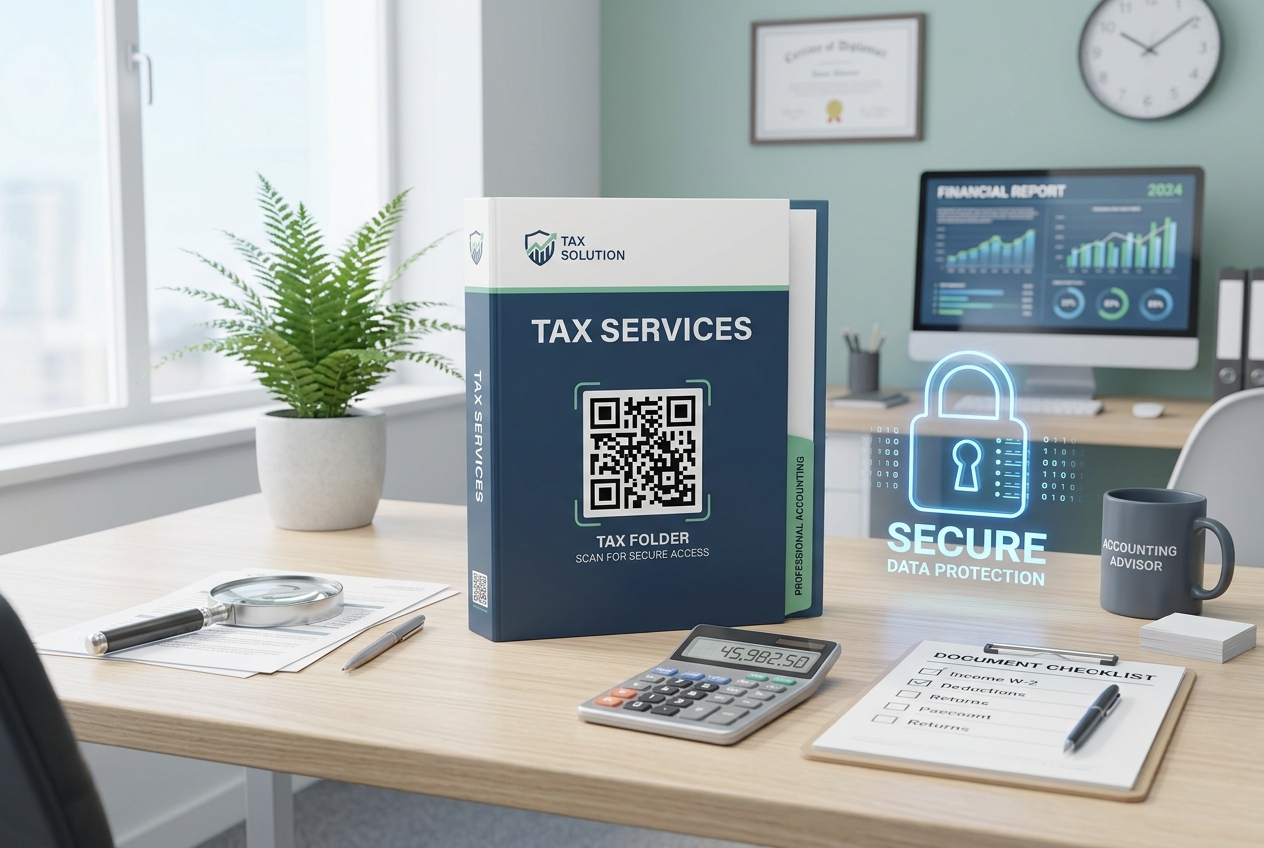
Gathering W-2s, 1099s, expense receipts, and other tax documents can be tedious. Instead of having clients email sensitive files or mail physical documents, firms can print a secure QR code on client folder covers or letters. Scanning the code opens a secure document upload portal (such as a secure Dropbox, Google Drive, or client portal folder), allowing clients to upload photos of their documents directly from their smartphones.
2. Frictionless Booking for Consultations
Attracting new tax preparation clients and scheduling annual planning meetings is easier when the process is automated. Placing a dynamic QR code linked to your team's digital calendars (like Calendly, Acuity, or Microsoft Bookings) on business cards, brochures, and newsletter emails allows prospects and existing clients to book a time slot instantly, eliminating back-and-forth scheduling emails.
3. Secure and Instant Invoice Payments
Slow invoice collections damage cash flow. By printing a custom QR code on physical invoices or statements, clients can scan the code to pay immediately via Stripe, PayPal, or your firm's billing portal. This supports instant mobile payments like Apple Pay, Google Pay, and bank transfers, reducing payment friction.
4. Direct Client Feedback and Google Reviews
Local reputation is everything for independent CPAs and local accounting firms. You can create a QR code labeled "Scan to Rate Our Service" and place it on final tax summaries or follow-up emails. This QR code takes clients directly to your firm's Google Business Profile or feedback survey, capturing positive reviews immediately after filing.
5. Efficient Client Intake and Onboarding
For new clients, collecting basic personal, business, and financial details is the first step. By placing an onboarding QR code at your office reception desk or in welcome packets, clients can scan the code to complete a secure digital intake form on their phone, eliminating manual data entry by your reception staff.
Steps to Deploy QR Codes in Your Accounting Firm with QR Zam
Setting up QR codes for your tax prep or accounting firm is simple and secure. Follow these steps:
- Step 1: Define your campaign objective (e.g., document upload link, scheduling link, Google review page, or payment gateway).
- Step 2: Log into the QR Zam dashboard and select the appropriate QR campaign type (URL for web links, PDF for tax guide sheets, or vCard for partner business cards).
- Step 3: Protect client privacy by using QR Zam's Custom Domains feature, ensuring all redirection links display your firm's official website domain.
- Step 4: Customize the QR code design to match your firm's professional aesthetic. Use clean colors, standard frames, and place your firm's logo in the center.
- Step 5: Download the high-resolution vector files (SVG) for print, and PNG files for email signatures and invoice templates.
Real-World Scenarios for Accounting and Tax Services
Smart Tax Organizer Packets
Firms send physical "Tax Organizer" folders to clients at the beginning of the year. By printing a large, branded QR code on the cover, clients can scan the code to watch a short video tutorial explaining how to prepare their documents and where to upload them online.
Partner Email Signatures & Business Cards
CPA partners print professional business cards to hand out at networking events. By adding a dynamic vCard QR code, contacts can scan the card to instantly save the partner's direct office number, email address, and office location to their phone's contact book, complete with a link to book an introductory call.
Office Reception Check-In
During the busy tax season, office lobbies can get crowded. Placing a clean acrylic stand with a check-in QR code at the reception desk allows clients to scan, check-in for their appointment, and fill out a digital health or client intake update form while they wait.
Modernize Your Accounting Practice with QR Zam
In a competitive professional services market, providing clients with modern, secure, and time-saving tools is key to customer retention and growth. QR Zam provides accounting firms, CPAs, and bookkeepers with the dynamic tools and secure analytics required to streamline operations and boost client satisfaction.
Modernize your client workflows and grow your firm with QR Zam.