


WiFi Marketing QR Codes: Grow Your Email List and Boost Sales on Autopilot
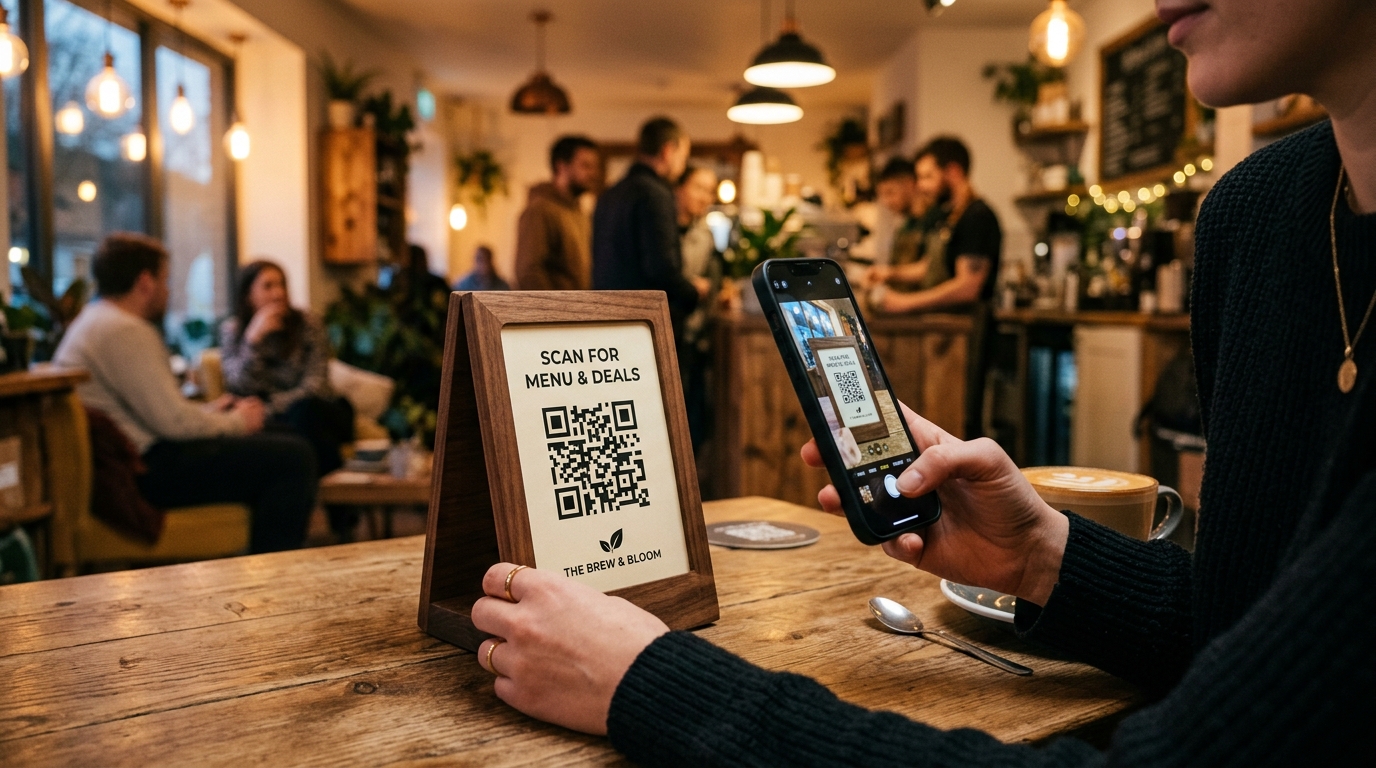
Offering free WiFi to customers is no longer a luxury; it is a baseline expectation. Whether you run a bustling cafe, a trendy restaurant, a boutique hotel, or a retail outlet, visitors expect to stay connected.
But for most business owners, free WiFi is a cost center. You pay the internet service provider, share the password on a chalkboard, and get nothing in return.
What if you could turn your guest WiFi into a powerful marketing channel? With WiFi Marketing QR Codes, you can exchange free internet access for valuable customer data—like email addresses, phone numbers, and social media follows—on complete autopilot.
In this guide, we will explore what WiFi marketing QR codes are, how they work, and how you can implement them using QR Zam to drive sales and customer loyalty.
What is a WiFi Marketing QR Code?
A standard WiFi QR code connects a user's phone directly to your router when scanned. It is a static convenience tool.
A WiFi Marketing QR Code, on the other hand, is a dynamic QR code that redirects customers to a custom captive portal or landing page before (or immediately after) they connect to the internet.
Instead of showing a raw password, you display a beautiful QR code with a clear call-to-action (CTA) like "Scan to Connect to Free High-Speed WiFi".
When customers scan it, they are prompted to:
- Enter their email address or phone number to sign up for your newsletter.
- Log in using Facebook or Google (which provides demographics).
- View a promotional video, a limited-time coupon, or your digital menu.
- Redirect to a feedback form or a Google Review page.
Once the action is completed, the system grants them internet access and routes them to a landing page of your choice (such as your Instagram profile or your online ordering store).
Why Every Local Business Needs a WiFi Marketing Strategy
WiFi marketing changes guest internet from an expense into a revenue generator. Here is how:
1. Build a High-Intent Customer Database
The hardest part of email marketing for local brick-and-mortar stores is collecting email addresses. With a WiFi marketing QR code directing guests to your captive portal or email signup landing page, every customer who wants internet access can easily subscribe to your mailing list.
2. Drive Repeat Visits via Automated Campaigns
Once you have their email, you can set up automated email sequences:
- Welcome Email: Sent 1 hour after scanning, containing a 10% coupon for their next visit.
- Feedback Survey: Sent the next day, asking how their experience was.
- We Miss You: Sent 14 days after their last scan, offering a free coffee or appetizer to bring them back.
3. Boost Social Media Engagement
Redirect users directly to your Instagram, TikTok, or Facebook page. Encourage them to check-in at your location, post an unboxing picture, or follow your profile.
4. Promote High-Margin Items
Use the landing page to feature specific items. If you are a cafe, show a beautiful picture of your new seasonal pastry. If you are a retail store, showcase your summer sale collection.
Static vs. Dynamic WiFi QR Codes
It is important to understand the difference between basic connection tools and marketing tools:
| Feature | Static WiFi QR Code | Dynamic WiFi Marketing QR Code |
|---|---|---|
| Primary Goal | Instant password-free connection | Customer acquisition & marketing |
| Redirect Ability | None (direct connection only) | Redirects to captive portals/landing pages |
| Analytics | None | Track scan counts, peak times, and devices |
| Update Password | Must reprint the QR code | Update online without reprinting |
| Email Collection | No | Yes, via signup forms |
| Best For | Airbnbs, homes, private offices | Cafes, restaurants, retail, hotels |
How to Set Up WiFi Marketing in Your Business
Setting up a WiFi marketing funnel is easier than you think. Here is the step-by-step workflow:
Step 1: Set Up a Captive Portal / Landing Page
You need a destination page where users will go to connect. This can be:
- A page on your website with a simple email collection form.
- A Google Form asking for feedback.
- A third-party captive portal integration supported by your router (like Linksys, Ubiquiti UniFi, or TP-Link Omada).
Step 2: Generate a Dynamic QR Code with QR Zam
- Log into your QR Zam Dashboard.
- Create a new Dynamic URL QR Code.
- Set the destination URL to your WiFi landing page or captive portal URL.
- Enable scan tracking so you can monitor visitor engagement.
Step 3: Design the QR Code to Match Your Brand
- Colors: Use colors that match your shop's interior or branding.
- Logo: Add a custom Wi-Fi icon or your business logo in the center of the QR code.
- Frame: Select a frame with an appealing Call-to-Action like "Scan for Free WiFi" or "WiFi Access - Scan Here".
Step 4: Print and Place Strategically
Print your QR code in high resolution and place it where customers are guaranteed to see it:
- Acrylic table stands on dining tables.
- Window stickers at the entrance.
- Counter signs next to the cash register.
- Placards on hotel room desks.
WiFi Marketing Best Practices
To get the most out of your campaign, follow these rules:
- Be Transparent: Clearly state that by connecting, they are subscribing to your newsletter. Keep the signup form simple (ideally just Email or Phone).
- Offer a Worthwhile Incentive: Give them a reason to subscribe. Text like "Sign up for free high-speed WiFi and get a free donut on your next visit" will achieve near 100% conversion rates.
- Optimize for Mobile: 99% of customers scanning WiFi QR codes will be on mobile phones. Make sure your landing page loads fast and is fully responsive.
- Use Custom Domains: For enterprise branding, set up a custom domain on QR Zam (e.g.,
wifi.yourbrand.com) instead of the default redirect link to build trust.
Take Control of Your Customer Data Today
Stop giving away free internet without building your business. Turn guest WiFi into your highest-converting lead generation tool.
Ready to build your first WiFi marketing campaign? Start generating dynamic QR codes with QR Zam today.