


Quishing: What Is QR Code Phishing and How to Protect Your Brand
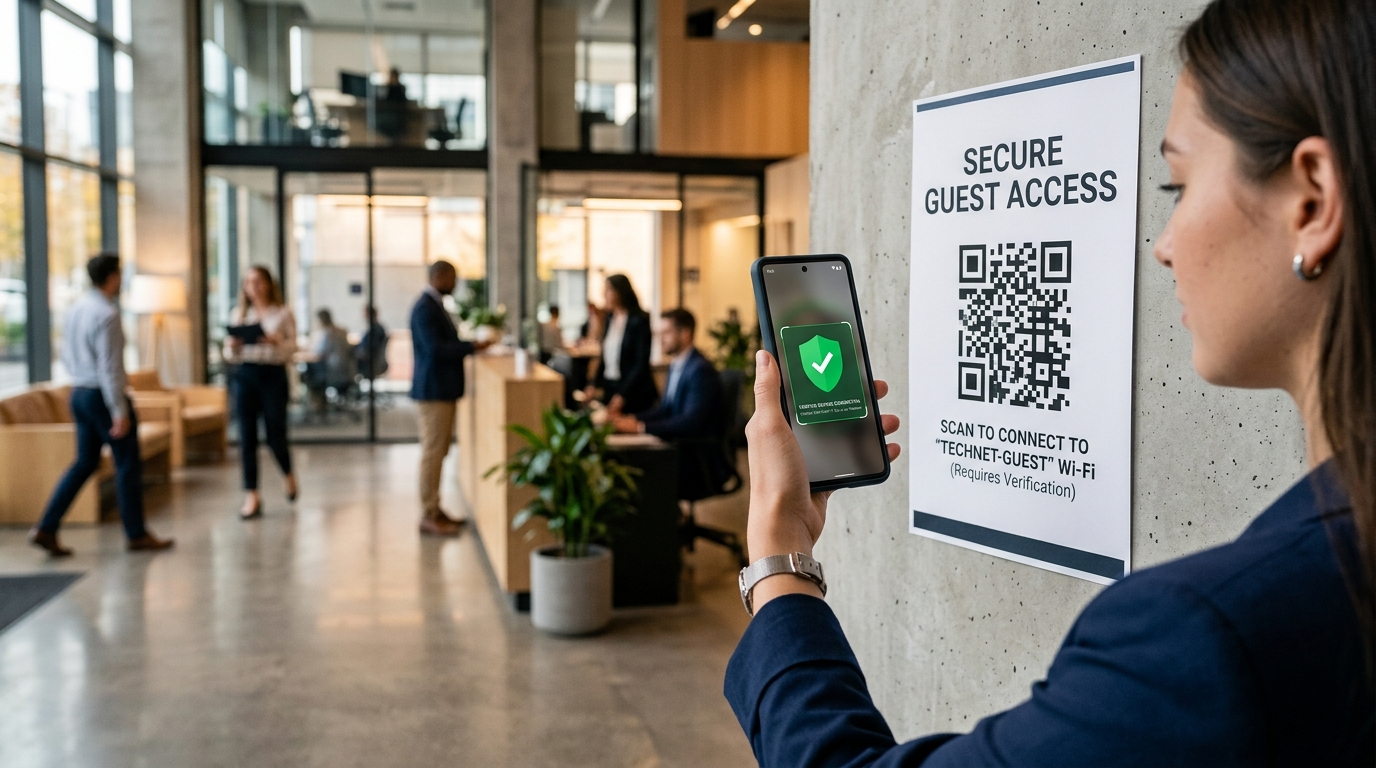
As QR codes have become an essential tool for contactless payments, restaurant menus, and omnichannel marketing, they have also attracted the attention of cybercriminals. A new security threat has emerged: Quishing, short for QR code phishing.
Because QR codes are visually unreadable by humans, scammers are exploiting them to bypass email security filters, steal sensitive data, and redirect unsuspecting users to malicious websites. For brands that rely on QR codes to connect with their audience, understanding quishing and securing your campaigns is critical to maintaining customer trust and brand integrity.
In this guide, we will break down what quishing is, how it works, and the concrete steps you can take to protect your customers and your brand.
What Is Quishing (QR Code Phishing)?
Quishing is a social engineering attack where a cybercriminal uses a QR code to redirect victims to a malicious landing page. Once there, the user is prompted to input sensitive information, such as login credentials, credit card details, or personal identification.
While traditional phishing attacks rely on suspicious hyperlinks in emails, quishing hides the destination URL inside a QR code. When a user scans the code with their smartphone, they are taken directly to the malicious site.
How Does Quishing Work?
Scammers execute quishing attacks using several methods, both digital and physical:
1. Physical QR Code Tampering (Malicious Stickers)
This occurs in the physical world. Scammers print malicious QR codes onto adhesive stickers and paste them directly over legitimate QR codes on public property. Common targets include:
- Parking meters: Promising a quick mobile payment.
- Restaurant tables: Overwriting the digital menu QR code to steal payment details.
- Public charging stations or rental bikes: Tricking users into paying the scammers instead of the service provider.
2. Email Security Bypass
In digital communications, corporate email security filters (secure email gateways) are highly sophisticated at scanning text and links for phishing indicators. However, many security filters cannot parse or scan images. Cybercriminals send emails with a malicious QR code embedded as an image, instructing the user to "scan to update authentication" or "scan to view tax documents." Since the email contains no text link, it easily passes through standard spam filters.
3. Malicious PDFs and Document Attachments
Similar to email bypass, scammers attach PDFs to messages containing QR codes. They might claim that the QR code is necessary to access a secure invoice, join a corporate meeting, or unlock a shared file.
Why Is Quishing So Effective?
Quishing is uniquely dangerous due to several factors:
- Lack of URL Visibility: When you look at a hyperlink, you can inspect it for misspellings (e.g.,
paypal-security.comvspaypal.com). A QR code looks identical whether it points to a secure site or a hacker's server. - Mobile Device Vulnerability: Most users scan QR codes on personal mobile devices, which often lack the robust security software, firewalls, and endpoint protection found on corporate laptops.
- Urgency and Context: Scammers exploit everyday contexts where scanning is normal—such as paying for parking or logging into a portal—making victims less likely to question the transaction.
How to Protect Your Brand and Customers
If your business uses QR codes for marketing, product packaging, or operations, you must take active security measures. Here is how to keep your campaigns secure and build trust:
1. Use Custom Domains (Branded URLs)
When a user scans a standard QR code, their phone displays a preview of the destination URL. If you use a generic, free QR code generator, the URL preview might show a generic redirect link (e.g., qr-generator.co/xyz123). This looks suspicious.
By using a secure platform like QR Zam, you can set up a Custom Domain (e.g., qr.yourbrand.com). When customers scan your code, they see your official brand name in the preview, reassuring them that the link is safe.
2. Leverage Dynamic QR Codes
Never use static QR codes for commercial campaigns. If a static QR code is compromised or needs to be updated, it cannot be changed. Dynamic QR codes allow you to change the destination URL at any time without changing the printed QR code itself. Additionally, dynamic codes provide real-time qr code tracking, allowing you to monitor scan anomalies, such as unexpected spikes in traffic or scans originating from unusual geographical regions.
3. Customize Your QR Code Design
Standard black-and-white QR codes are easy for scammers to copy and print. Customizing your QR codes with brand colors, a central logo, and specific eye patterns makes them much harder to replicate seamlessly. A mismatched, standard black sticker pasted over a custom, branded QR code will immediately stand out to observant customers.
4. Implement Physical Security Checks
If you display QR codes in physical locations (stores, restaurant tables, billboards), conduct regular audits. Instruct your staff to physically inspect QR codes to ensure no one has pasted a malicious sticker over the original print.
5. Educate Your Audience
Add short instructional text next to your QR codes. For example: "Only scan this code to pay via our secure portal. Verify that the URL begins with qr.yourbrand.com."
Maintain Secure Operations with QR Zam
In a digital landscape where trust is currency, security cannot be an afterthought. QR Zam is built from the ground up to support secure, branded, and verifiable QR code campaigns:
- Custom Domain Integration: Elevate brand trust by routing scans through your own domains.
- Dynamic Routing & Management: Change destination links instantly and disable compromised campaigns in one click.
- Comprehensive Analytics: Track scan locations, device types, and referrers to identify suspicious scan patterns.
- SSL/HTTPS Encryption: Secure every redirection with modern security protocols.
By prioritizing security and using professional tools, you can continue to leverage the convenience of QR codes while keeping your customers safe from emerging threats like quishing.