


How to Use QR Codes in Presentations to Engage Audiences and Capture Leads
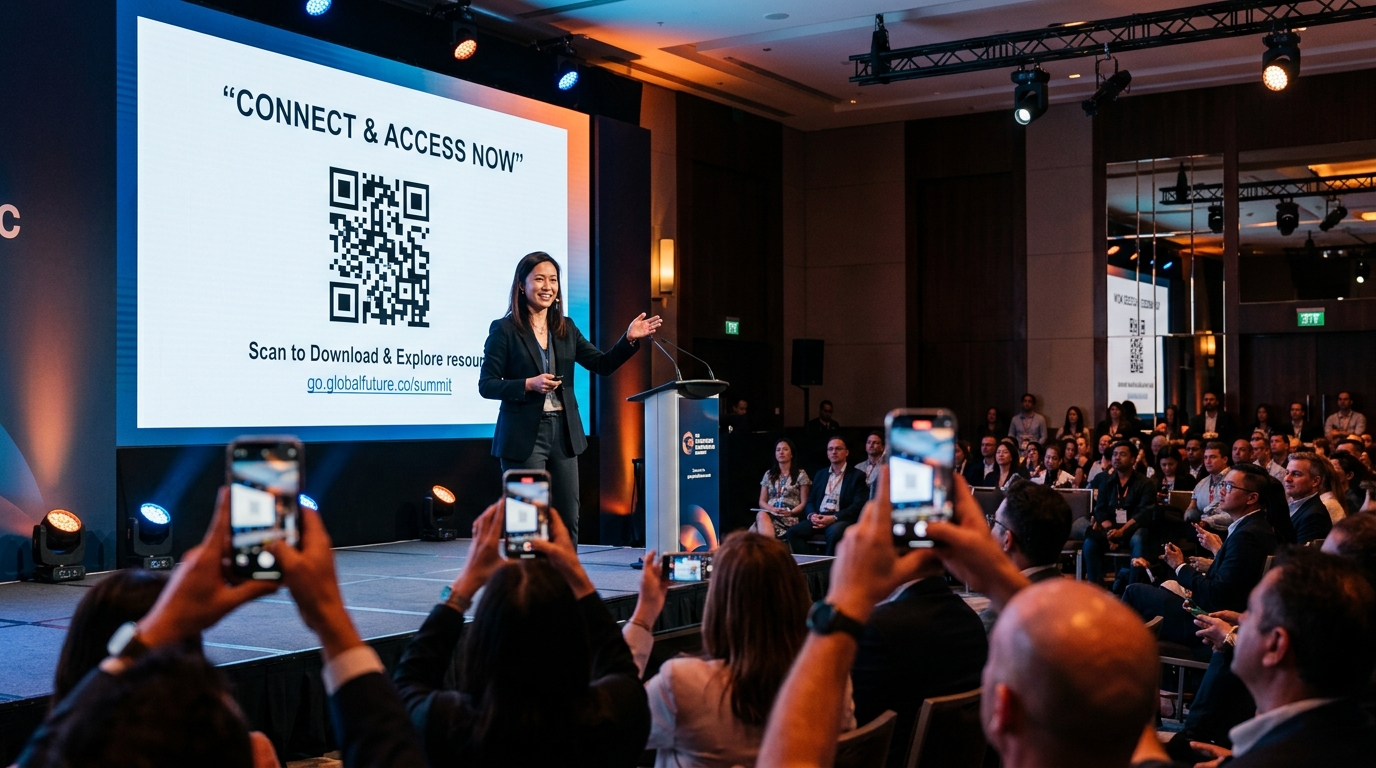
Giving a presentation—whether it is a keynote address at a major industry conference, a sales pitch to a potential client, or a lecture to a room full of students—presents a unique marketing challenge. You have a highly targeted, captive audience, but keeping them engaged and transitioning them from passive listeners to active leads is incredibly difficult.
Traditionally, presenters shared complex URLs at the end of their slides, hoping the audience would memorize them, write them down, or type them out manually. Unsurprisingly, the conversion rate for this method is near zero.
This is where QR codes for presentations come in.
By embedding dynamic QR codes directly into your slide deck, you bridge the gap between your physical presentation and digital engagement. Your audience can interact with your content in real-time, accessing slide decks, submitting feedback, or scheduling follow-up calls with a single scan.
Here is how you can leverage QR codes to transform your presentations into powerful lead-generation engines.
1. Share Your Presentation Slides Instantly
One of the most common questions at the end of any presentation is, "Can we get a copy of the slides?" Instead of collecting business cards or emailing slides manually after the event, make them available instantly.
- Frictionless Sharing: Upload your presentation deck to Google Drive or Dropbox, generate a dynamic URL QR code using a high-quality qr code generator, and place it on your opening and closing slides.
- Capture Lead Information: Take it a step further by routing the QR code to a simple landing page where users enter their email address to access the download link. This turns a simple resource request into a highly qualified subscriber list.
2. Collect Real-Time Feedback and Conduct Live Polls
Engaged audiences are much more likely to remember your message. Dynamic QR codes make live audience participation incredibly easy.
- Feedback Surveys: Place a feedback QR code on your final slide. Guide the audience to a quick Google Form or Typeform. By asking for feedback while your message is fresh in their minds, you will get significantly higher response rates.
- Interactive Q&A and Polls: Link your QR code to live polling tools like Slido or Mentimeter. The audience scans the code on the screen and votes or asks questions directly from their smartphones, with results displaying live on your slide.
3. Streamline Post-Presentation Scheduling
For sales presentations and business pitches, the ultimate goal is to secure a follow-up meeting. Don't wait for prospects to search for your website and locate your booking link later.
- Direct Calendar Bookings: Create a dynamic QR code linked to your Calendly, HubSpot, or SavvyCal booking page. Display it prominently with a clear call-to-action (CTA) like, "Scan to book a free 15-minute consultation."
- Eliminate Follow-up Friction: A user scanning your booking QR code can secure a time slot on your calendar in less than 30 seconds, straight from their mobile device while sitting in the audience.
4. Share Your Digital Business Card (vCard Plus)
If you are presenting at a networking event or trade show, sharing your contact details is essential. Paper business cards are easily lost or thrown away, but a digital business card is saved directly to a contact's phone.
- Instant Contact Sharing: Use QR Zam to create a vCard QR code containing your name, phone number, email, company, social links, and website.
- One-Tap Save: When audience members scan the QR code on your slide, their phones will prompt them to add you to their contacts list instantly, ensuring you remain connected long after the event.
5. Leverage Dynamic QR Codes for Tracking and Analytics
If you deliver the same presentation multiple times to different audiences, you need to know which events generate the most interest. This is only possible with dynamic tracking.
- Event-Specific Redirection: Using dynamic qr codes, you can use the same printed or embedded QR code but change the destination link for each event.
- Scan Analytics: Track how many people scanned your QR code, when they scanned it, and which devices they used. By analyzing qr code analytics, you can measure the ROI of your speaking engagements and refine your slides for future presentations.
Best Practices for Using QR Codes in Slides
To ensure a seamless scanning experience for your audience, follow these key guidelines:
- Keep it Big and Clear: Ensure the QR code is large enough to be scanned from the very back of the room.
- Provide High Contrast: Use a dark QR code on a light background. Avoid busy background images behind the code.
- Add a Written Call to Action: Never display a QR code in isolation. Always include a brief text prompt next to it, such as "Scan to download the resource guide."
- Give It Screen Time: Leave the slide with the QR code on the screen for at least 30 to 60 seconds so people have enough time to pull out their phones and scan.
- Test Before You Present: Always test scanning the QR code from different distances and angles in the actual room before you begin speaking.
By integrating smart, dynamic QR codes into your presentations, you can turn passive listeners into active digital leads, maximizing the impact and ROI of every speaking opportunity.