


QR Codes in Email Signatures: Elevate Your Professional Branding and Networking
In the modern corporate and entrepreneurial landscape, your email signature is more than just a closing statement; it is a digital business card. Every day, you send emails to clients, partners, prospects, and colleagues. Each of these interactions represents a valuable opportunity to drive engagement and establish your personal brand.
While traditional email signatures contain standard text links, smart professionals are upgrading their sign-offs with dynamic QR codes.
In this guide, we will explore the benefits of integrating QR codes into your email signature, look at the most effective use cases, and show you how to set it up easily using QR Zam.
Why Put a QR Code in Your Email Signature?
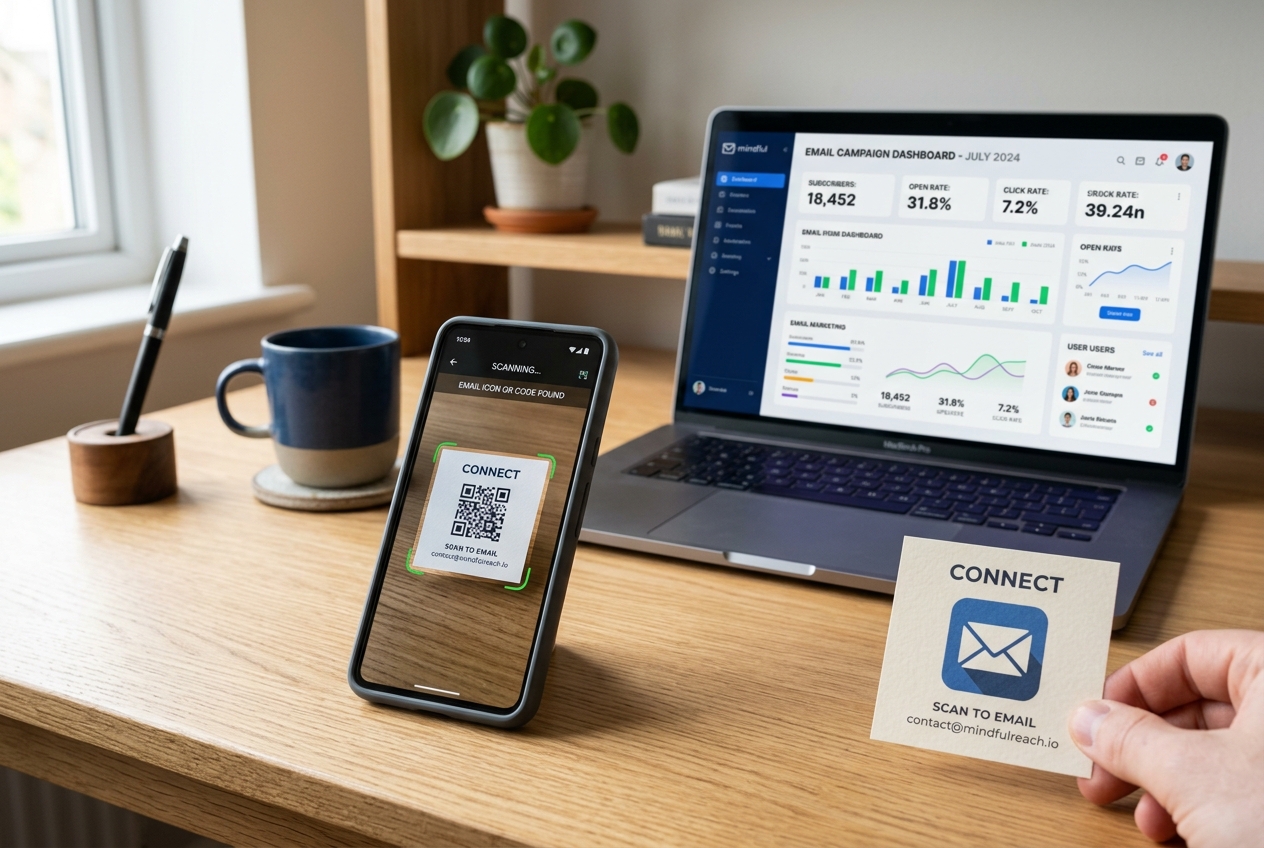
An email signature QR code acts as an interactive bridge. While the email recipient is viewing your message on their computer desktop or laptop, they can simply point their smartphone camera at the screen and instantly scan the QR code to take action on their mobile device.
Here are the key advantages of this approach:
1. Seamless Contact Sharing (vCard)
Instead of forcing recipients to copy and paste your phone number, job title, and company address into their phone, you can embed a vCard QR code. A single scan imports your entire contact profile directly into their smartphone's address book.
2. High-Impact Call-to-Action (CTA)
A visual QR code stands out much more than plain text links. Whether you want them to book a demo, read your latest case study, or download your mobile app, a stylized QR code captures attention and invites interaction.
3. Desktop-to-Mobile Continuity
Many business activities, like registering for events or reviewing mobile apps, are preferred on mobile. An email signature QR code allows users to transfer their attention from their desktop email client directly to their mobile device without typing a single character.
4 Smart Use Cases for Email Signature QR Codes
Use Case 1: Booking Meetings and Consultations
If your job relies on scheduling meetings—such as in sales, consulting, or recruiting—you can link your QR code to booking platforms like Calendly or Google Calendar.
- How it works: The recipient scans the code and instantly books a meeting on their phone while keeping their computer screen focused on your email thread.
Use Case 2: Showcasing Portfolios and Case Studies
For designers, developers, photographers, and agency founders, your portfolio is your strongest selling point.
- How it works: Link the QR code directly to your online portfolio or a high-value landing page showcasing your latest project success.
Use Case 3: Promoting App Downloads
If your company has a mobile app, getting users to download it is a top priority.
- How it works: Link the QR code to your app's smart download page (using QR Zam's smart routing to automatically detect iOS vs. Android devices) to boost app installations.
Use Case 4: Social Media Hub (Link in Bio)
If you build a personal brand on platforms like LinkedIn, Twitter/X, or GitHub, sharing those channels is crucial.
- How it works: Use a social media QR code that directs scanners to a mobile-friendly page containing links to all your professional profiles.
How to Create an Email Signature QR Code with QR Zam
Setting up an email signature QR code is simple and takes less than five minutes:
- Choose Your Content Type: Visit qrzam.com and select the appropriate type of QR code (e.g., vCard for contact details, URL for a booking page, or App Download).
- Enter Details: Provide your link or fill in your contact information.
- Make it Dynamic: Ensure you create a dynamic QR code. This allows you to track scan analytics and update the link later without changing the QR code image in your email signature.
- Design for Branding: Customize the QR code colors to match your brand palette. Add your company logo in the center and select a clean frame with a clear call-to-action like "Scan to Connect".
- Download and Embed: Download the QR code as a PNG file. In your email client settings (such as Outlook, Gmail, or Apple Mail), upload the image next to or beneath your sign-off text.
Best Practices for Email Signature QR Codes
To ensure maximum scans and a polished, professional look, follow these best practices:
- Keep it Compact but Readable: The QR code should not dominate your signature. A size of 80x80 pixels to 120x120 pixels is usually optimal for email clients.
- Add a Short Call to Action: Place a small text line below or around the code, such as "Scan to save contact" or "Scan to schedule a call".
- Test on Different Screens: Before sending emails to clients, send a test email to yourself and verify that the QR code scans easily on both low-brightness laptop screens and high-resolution monitors.
- Use Dynamic Tracking: By using QR Zam's dynamic analytics, you can see how many scans your signature receives, which helps you measure the engagement levels of your email campaigns.