


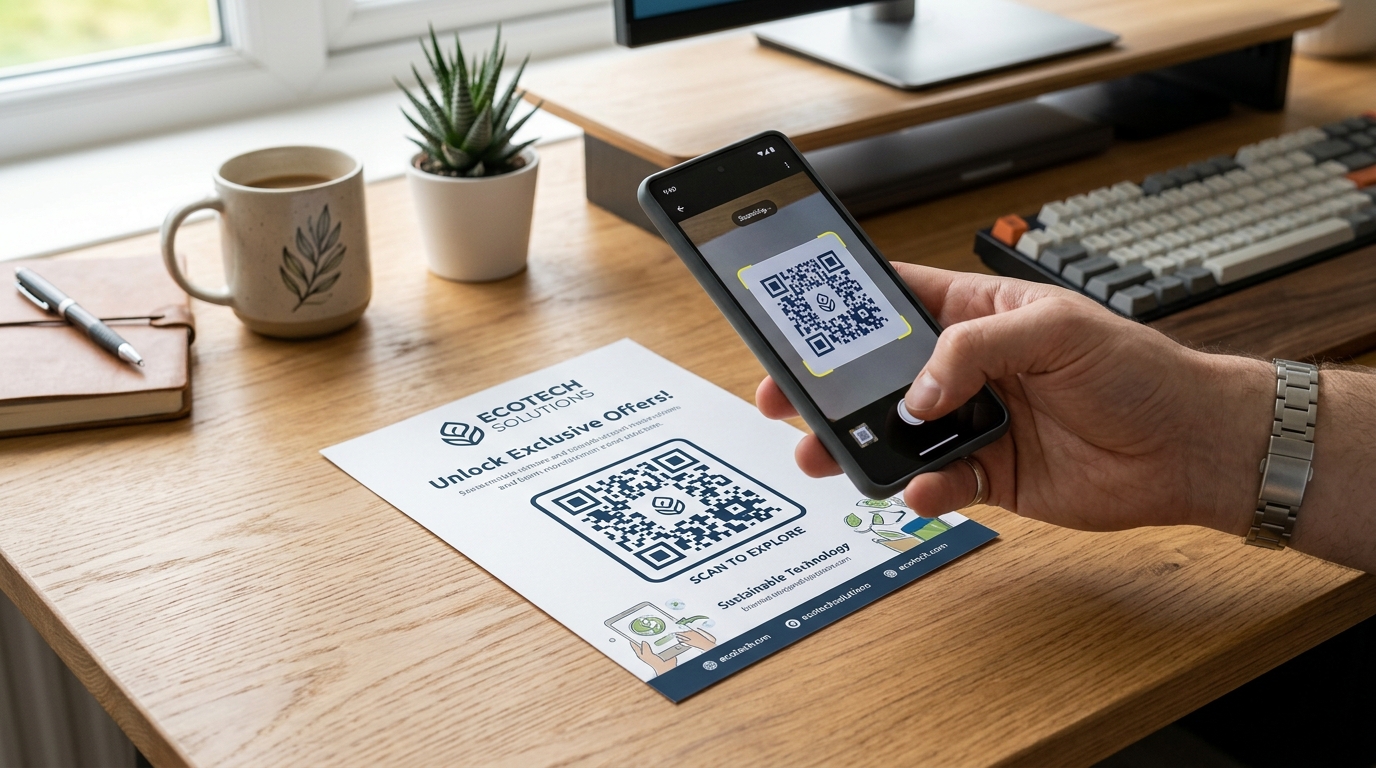
Whether you are printing a QR code on a small product package, a business card, a flyer, or a massive billboard, size matters. If your QR code is too small, smartphones won't be able to detect the pattern or resolve the individual pixels, rendering your marketing campaign useless.
To help you avoid costly printing mistakes, we have compiled the ultimate guide to QR code printing sizes, including the core math, scanning distance rules, and tips to print smaller without sacrificing readability.
The Golden Rule: The 10:1 Distance-to-Size Ratio
The size of your printed QR code depends entirely on the distance between the scanner (the user's phone) and the code itself.
As a general rule of thumb, the ratio of scanning distance to QR code size should be 10:1.
$$\text{QR Code Size} = \frac{\text{Scanning Distance}}{10}$$
For example:
- If a customer scans a flyer on a table from 1 foot (12 inches or 30 cm) away, the QR code should be at least 1.2 inches (3 cm) wide.
- If a user scans a billboard from 30 feet (9 meters) away, the QR code needs to be at least 3 feet (90 cm) wide.
Minimum Size Guidelines for Common Print Materials
While the 10:1 rule is the benchmark, there are absolute physical limits to how small a smartphone camera can read a QR code. Here are the absolute minimum sizes for common applications:
1. Business Cards & Product Packaging
- Absolute Minimum Size: 0.8 inches x 0.8 inches (2 cm x 2 cm)
- Recommended Size: 1.0 inch x 1.0 inch (2.5 cm x 2.5 cm) or larger
- Note: Only use dynamic QR codes for this size, as static QR codes at this size are almost impossible to scan.
2. Flyers, Brochures, & Menus
- Recommended Size: 1.2 inches to 1.5 inches (3 cm to 3.8 cm)
- This ensures quick, effortless scanning from a natural, comfortable sitting or standing posture.
3. Posters & Roll-up Banners
- Recommended Size: 2.0 inches to 4.0 inches (5 cm to 10 cm)
- Since users might stand a few feet back to view the whole poster, a larger code prevents them from needing to walk right up to the wall.
Static vs. Dynamic: The Secret to Smaller QR Codes
Why do some small QR codes scan instantly, while others fail? It comes down to the amount of data stored inside the code.
graph TD
    A["QR Code Type"] --> B["Static QR Code"]
    A --> C["Dynamic QR Code"]
    B --> D["Data encoded directly inside the pattern"]
    B --> E["More data = Higher density / More complex pattern"]
    B --> F["Harder to scan at small sizes"]
    C --> G["Short redirect URL encoded"]
    C --> H["Fixed, low-density pattern regardless of content"]
    C --> I["Scans instantly even at absolute minimum size"]
Static QR Codes (High Density)
A static QR code encodes all the information directly into its design pattern. The more text, URL characters, or Wi-Fi credentials you embed, the denser and more complex the pixel pattern becomes. Highly dense QR codes require a much larger printing size to remain readable.
Dynamic QR Codes (Low Density)
A dynamic QR code (like those generated by QR Zam) embeds a short redirect URL instead of your actual destination. Because the URL is short and fixed in length, the QR code pattern remains clean, simple, and low-density—no matter how long your destination URL is.
This low density is what allows dynamic QR codes to be printed significantly smaller than static ones and still scan perfectly.
Pro-Tips for Flawless QR Code Scanning
Beyond size, several design and printing factors influence scan success:
- High Contrast is Key: Always use a dark foreground (usually black or dark brand colors) on a light background. Reverse-contrast codes (light code on a dark background) are unsupported by many native camera scanners.
- Leave a Quiet Zone (Margin): A QR code requires a margin of empty space around it (equivalent to at least 4 blocks or pixels in width) to help the scanner isolate the code from surrounding graphics.
- Use Vector Formats for Printing: Never print pixelated PNGs or JPGs. Export your QR code as a vector format (like SVG or PDF) from your custom QR code generator to ensure it remains perfectly sharp at any scale.
- Test Before You Print: Always test your QR code on multiple mobile devices (iOS and Android) under different lighting conditions before proceeding to bulk print.
By selecting dynamic QR codes, calculating the correct size, and maintaining high contrast, you can ensure that your customers enjoy a frictionless physical-to-digital transition.