


How to Use QR Codes on Flyers and Posters: 7 Best Practices for High Engagement
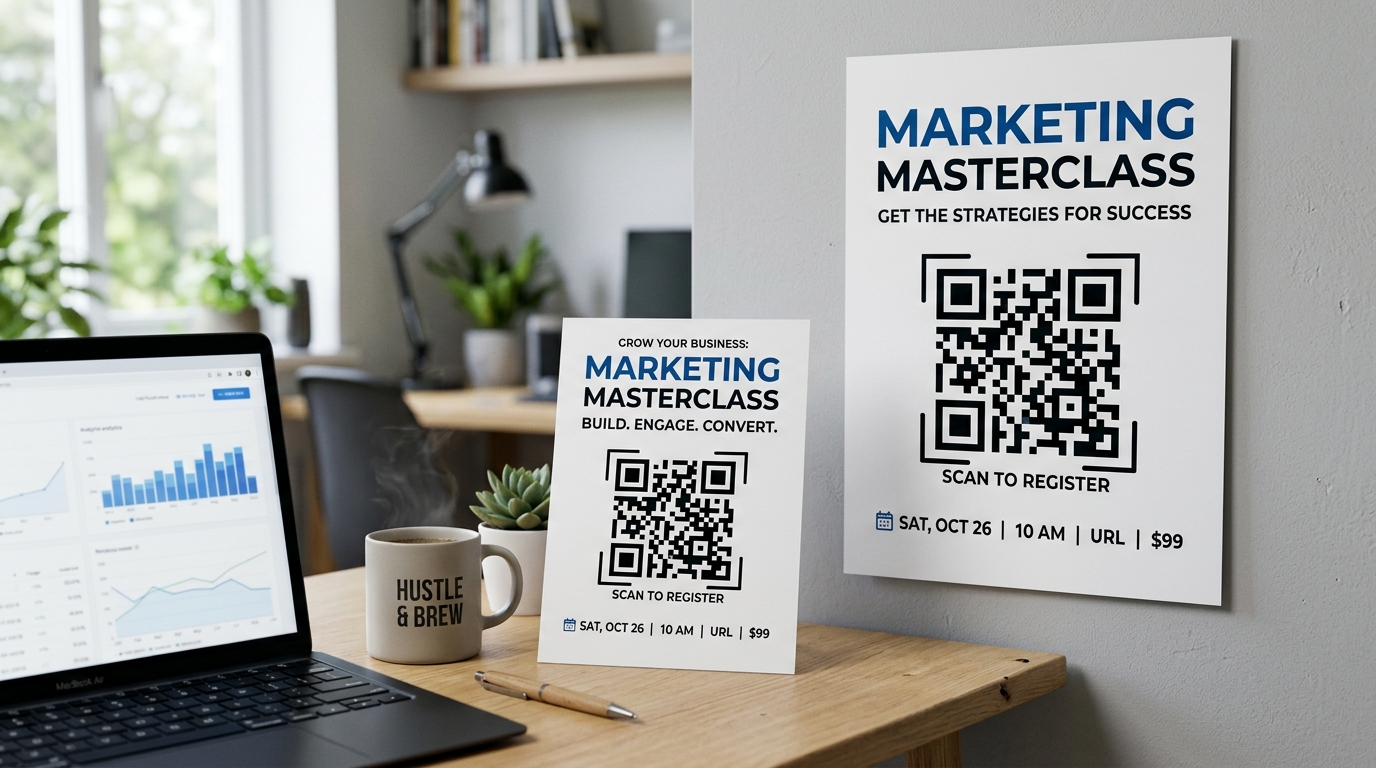
Printed marketing materials like flyers, posters, brochures, and banners are still highly effective ways to reach local audiences. However, measuring their performance and converting reader interest into direct online actions has historically been a challenge.
Enter the QR code. By printing a QR code on your flyers and posters, you create a direct digital bridge between the physical and online worlds. Whether you want to drive traffic to your website, promote a discount code, gather event signups, or boost app downloads, QR codes turn static print media into interactive, measurable conversion tools.
To ensure your campaigns succeed, follow these 7 best practices for using QR codes on flyers and posters.
1. Always Use Dynamic QR Codes
If there is only one rule you follow, let it be this: always use dynamic QR codes for printed marketing materials.
Unlike static QR codes (where the target URL is hardcoded into the pattern), dynamic QR codes route through a short redirection URL. This provides two massive business advantages:
- Change the destination URL at any time: If you discover a typo in your landing page URL, or if a promotion expires, you can log in to your QR Zam dashboard and update the redirect link without needing to reprint your flyers.
- Track scan analytics: Dynamic QR codes let you monitor scan volume, location, date, time, and device type in real time. This is the only way to calculate the true Return on Investment (ROI) of your flyer campaign.
2. Incorporate a Strong Call to Action (CTA)
Never place a naked QR code on your designs. Without clear instructions, users have no incentive to scan.
Your flyer should feature a clear, compelling Call to Action directly next to or below the code. Tell users exactly what they will get when they pull out their phones:
- "Scan to get 15% off your first order!"
- "Scan to view our digital menu & order now"
- "Scan to RSVP for the event"
- "Scan to download our app"
At QR Zam, our visual builder allows you to easily add framed CTAs and custom borders directly to the QR code to boost scan rates.
3. Pay Attention to Sizing and Placement
A QR code that is too small won't scan properly, and one that is placed poorly will be ignored.
- Minimum Size: For handouts like flyers and brochures, the QR code should be at least 2 x 2 cm (0.8 x 0.8 inches). For large format posters displayed at a distance, make it much larger to allow scanning from several feet away.
- Scanning Distance Rule: A good rule of thumb is a 10:1 ratio. If you expect people to scan the poster from 10 feet away, the QR code should be at least 1 foot (12 inches) wide.
- Placement: Place the QR code at eye level on posters. Avoid putting it at the very bottom where people have to crouch, or in corners where it might get cut off or folded.
4. Customize the Design to Match Your Brand
Black-and-white QR codes are generic and can ruin a beautiful flyer design. Customize your code to make it look professional and trustworthy.
Using QR Zam's customization tools, you can:
- Change the background and pattern colors to match your brand palette.
- Use rounded eyes and smooth nodes instead of blocky squares.
- Add your brand logo to the center of the code. A logo acts as a strong trust signal, reassuring users that the scan is safe.
Tip: Make sure there is enough contrast between the code pattern and the background color. High contrast is vital for quick scans under varied lighting conditions.
5. Keep the QR Code Pattern Clean
The more data you pack into a static QR code, the denser and more complex the pattern becomes. Denser codes require high camera resolution and are much harder to scan, especially in low-light conditions.
By using dynamic QR codes, the encoded URL remains short and simple (e.g., qrzam.co/abcd). This keeps the pattern simple and easy to scan, even when resized or printed on textured materials.
6. Optimize the Landing Page for Mobile
Every single person scanning your flyer or poster will be using a smartphone. If your QR code redirects to a desktop-only page with small text, hard-to-click buttons, or slow loading times, users will leave instantly.
Ensure the destination landing page is:
- 100% mobile-friendly and responsive.
- Fast loading to prevent dropout.
- Directly related to the flyer's offer. If your flyer advertises a specific product discount, the QR code should link directly to that product page with the discount applied, not your general homepage.
7. Test Before You Print at Scale
Printing thousands of flyers only to realize the QR code is unscannable is a costly and embarrassing mistake.
Before sending your designs to the printer:
- Print a test copy on a standard office printer at the exact size it will appear on the final product.
- Test scanning it with multiple devices (different iPhone models and Android phones).
- Test under different lighting conditions (under bright office lights and in dimmer environments).
- Ask colleagues or friends to scan it to make sure the user journey is intuitive.
Maximize Print ROI with QR Zam
QR codes have transformed offline advertising into a digital funnel. By implementing these best practices, you can drive real-world engagement and capture high-quality digital leads.
Ready to create high-performing, trackable QR codes for your flyers and posters? Sign up for a QR Zam account today and unlock advanced styling, real-time analytics, and dynamic redirection rules.