


How to Set Expiration Dates on Dynamic QR Codes: Boost Urgency and Protect Your Brand
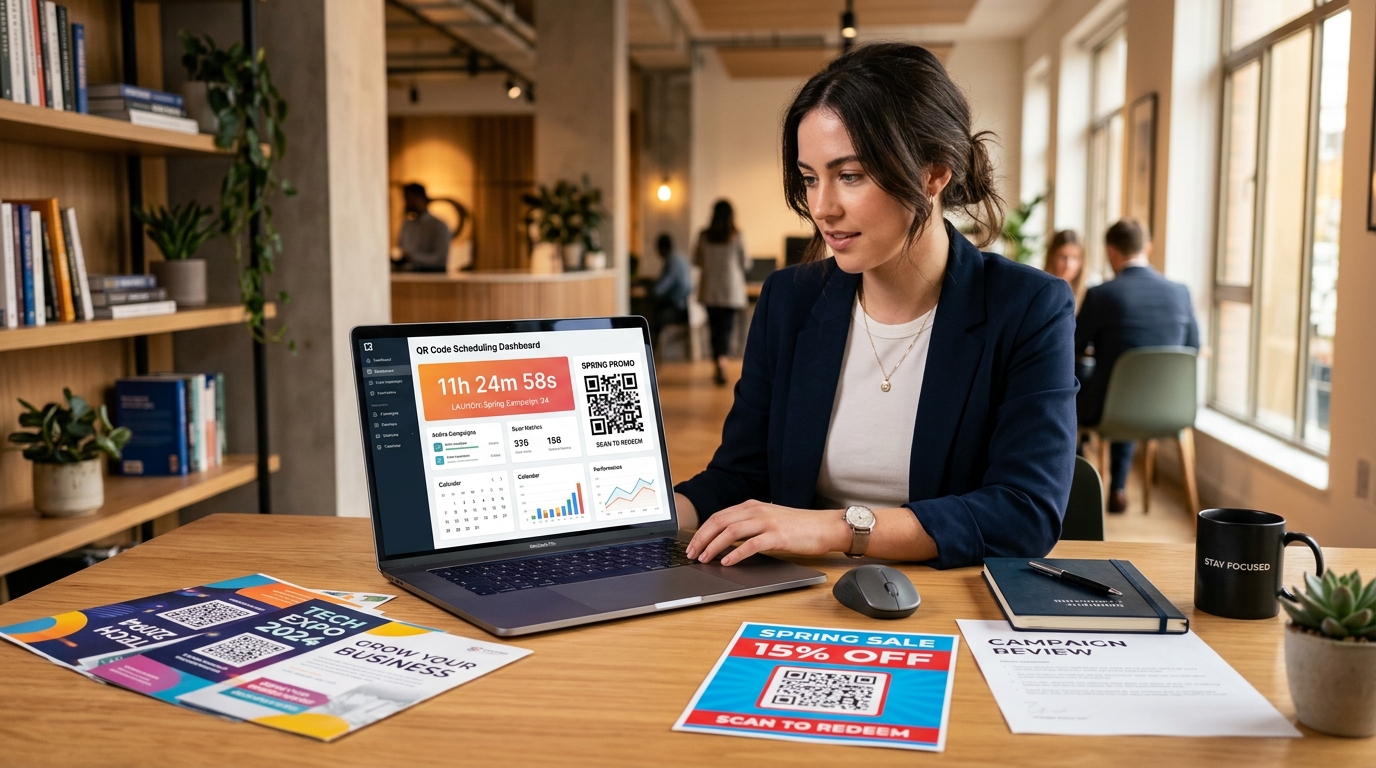
Time-sensitive marketing campaigns are among the most effective tactics for driving immediate consumer action. Flash sales, early-bird tickets, seasonal discount vouchers, and daily restaurant specials all rely on one powerful psychological trigger: urgency.
However, when running offline or printed marketing campaigns—such as flyers, direct mail, event banners, and in-store displays—marketers have long faced a common dilemma: What happens when the promotion ends?
If you use a static QR code, the encoded destination URL is permanently fixed. Once your promotional sale ends, shoppers scanning your printed materials will encounter expired discounts, broken links, or misleading offers. This creates customer frustration, burdens support teams, and harms brand trust.
By leveraging dynamic QR codes with expiration dates and scan limits, you can maintain complete control over time-bound promotions, create genuine fear of missing out (FOMO), and automatically redirect post-campaign traffic to active landing pages.
In this guide, we will explore how QR code expiration works, the strategic advantages for growth marketers, and step-by-step instructions on setting them up with QR Zam.
What is a QR Code Expiration Date?
A QR code expiration date is an automated rule set within a dynamic QR code generator that dictates when a QR code ceases directing users to its primary campaign page.
Because dynamic QR codes route through a flexible redirection layer rather than embedding raw static URLs directly into the pixel grid, you can configure sophisticated scheduling rules:
- Date and Time Expiration: Automatically deactivate the primary destination at a precise date, time, and timezone (e.g., Sunday at 11:59 PM EST).
- Scan Limit Expiration: Set a maximum threshold of total successful scans (e.g., valid only for the first 100 people who scan).
- Automated Fallback Redirection: Rather than displaying an error page, redirect users who scan after expiration to an alternative URL—such as your main website, an upcoming promotion, or a lead capture waitlist.
Key Marketing Benefits of Expiring QR Codes
1. Drive Higher Conversions with Real Scarcity & FOMO
Urgency is a cornerstone of conversion rate optimization (CRO). When customers know a printed offer has a verified expiration date, their likelihood of scanning and converting immediately increases significantly.
Adding explicit Call-to-Action (CTA) framing such as "Scan before midnight Friday to claim 25% off" pairs physical print urgency with digital enforcement.
2. Protect Margin and Prevent Coupon Abuse
Promotional codes printed on flyers, mailers, and magazine inserts often circulate online long after the marketing budget has closed. Expiring dynamic QR codes ensure discounts cannot be redeemed past their intended promotional window, safeguarding your profit margins and preventing unauthorized voucher sharing.
3. Eliminate Dead Ends and Broken Customer Experiences
One of the worst customer experiences is scanning a printed code only to hit a "404 Not Found" page or an expired e-commerce checkout. Dynamic QR codes allow you to specify a fallback URL.
When a shopper scans a flyer after the flash sale has ended, they can be seamlessly redirected to a page that says: "This flash sale has ended, but here is an exclusive 10% coupon for our new collection." You retain the lead and capture revenue rather than losing the visitor entirely.
4. Effortless Campaign Lifecycle Management
For marketing teams managing multi-channel initiatives, manually disabling URLs at midnight on a holiday weekend is inefficient and prone to human error. Automated scheduling allows you to set up your start and end rules in advance, letting the platform manage campaign lifecycles autonomously.
Step-by-Step: How to Set Expiration Dates in QR Zam
Setting up an expiring dynamic QR code with QR Zam takes less than two minutes:
| Setup Step | Configuration Action | Purpose & Best Practice |
|---|---|---|
| 1. Select QR Type | Choose Dynamic URL / Landing Page | Ensures the destination can be modified or redirected automatically at any time. |
| 2. Target Destination | Enter primary landing page URL | Points scanners to your active promotion, event ticket portal, or flash sale page. |
| 3. Expiration Trigger | Enable schedule by date, time, or scan limit | Automatically stops active access once the deadline or visitor quota is reached. |
| 4. Fallback URL | Set secondary redirection target | Prevents dead 404 links by routing late scanners to an evergreen page or waitlist. |
| 5. Brand Customization | Apply colors, logo, and CTA frame | Maximizes scan rates with high contrast and clear intent (e.g., "Ends Friday"). |
Step 1: Create a Dynamic QR Code
Log in to your QR Zam Dashboard and click Create QR Code. Choose your destination type, such as a website URL, coupon page, or app download link. Ensure Dynamic QR Code is selected.
Step 2: Configure Expiration Rules
In the advanced settings panel, toggle on Schedule & Expiration:
- By Date & Time: Select the exact cutoff date, hour, and target timezone.
- By Scan Limit: Specify the total number of allowed scans (e.g.,
500).
Step 3: Set Your Fallback Destination
Enter the secondary URL where users should be redirected once the expiration trigger is reached. Ideal fallback destinations include:
- Your core homepage or product catalog.
- A "Campaign Concluded" landing page with an email newsletter signup form.
- An evergreen offer or loyalty program registration.
Step 4: Customize and Download
Customize the visual aesthetics of your QR code by adding your brand colors, company logo, and an eye-catching frame with a clear CTA (e.g., "Limited Time Offer - Scan Now"). Download your high-resolution PNG, SVG, or PDF file for commercial printing.
4 High-Converting Use Cases for Expiring QR Codes
1. Flash Sales & Holiday Promotions
Retailers and e-commerce brands distributing Black Friday, Cyber Monday, or seasonal mailers can set QR codes to expire the moment the sale ends. This prevents confusion in retail stores and ensures online inventory matches promotional pricing.
2. Exclusive Event Passes & Early-Bird Registration
Event organizers and conference hosts can print early-bird discount codes on badges, flyers, or partner publications. By setting a scan limit of 200 tickets, the code automatically redirects to standard pricing once the allocation is exhausted.
3. Limited-Time Restaurant & Bar Specials
Bars and restaurants can place table tents advertising "Happy Hour 4 PM - 7 PM" or "Weekend Brunch Special." Using time-based scheduling, the QR code displays the special menu during eligible hours and automatically defaults to the regular dining menu outside those windows.
4. Product Launch Waitlists & Beta Access
For SaaS companies and consumer tech brands launching new products, print materials distributed at trade shows can offer exclusive beta access for the first 1,000 users. Real-time scan monitoring via qr code analytics allows marketers to track traction instantly.
Best Practices for Time-Sensitive QR Code Campaigns
To maximize ROI on your limited-time QR campaigns, keep these industry-proven best practices in mind:
- State the Expiration Clearly in Print: Always pair the QR code with clear text indicating the deadline (e.g., "Offer valid through Oct 31" or "First 500 scans only").
- Optimize Landing Pages for Mobile Speed: Users scanning from mobile devices expect pages to load in under two seconds. Keep forms short and avoid intrusive popups.
- Test Fallback Redirects Before Printing: Verify both the primary URL and the expired fallback URL before sending assets to mass print production.
- Monitor Real-Time Scan Analytics: Track scan velocity in your QR Zam analytics dashboard to identify peak engagement hours and geographic performance.
Start Running Smarter Time-Sensitive Campaigns Today
Whether you are launching a 48-hour flash sale, distributing limited direct mail coupons, or hosting an exclusive VIP event, dynamic QR codes give you the agility of digital marketing in the physical world.
Ready to take complete control of your print marketing campaigns? Create your dynamic QR code with QR Zam today and turn every scan into measurable revenue.