


How to Create Password-Protected QR Codes: Secure Access, Confidential Sharing, and Exclusive Content
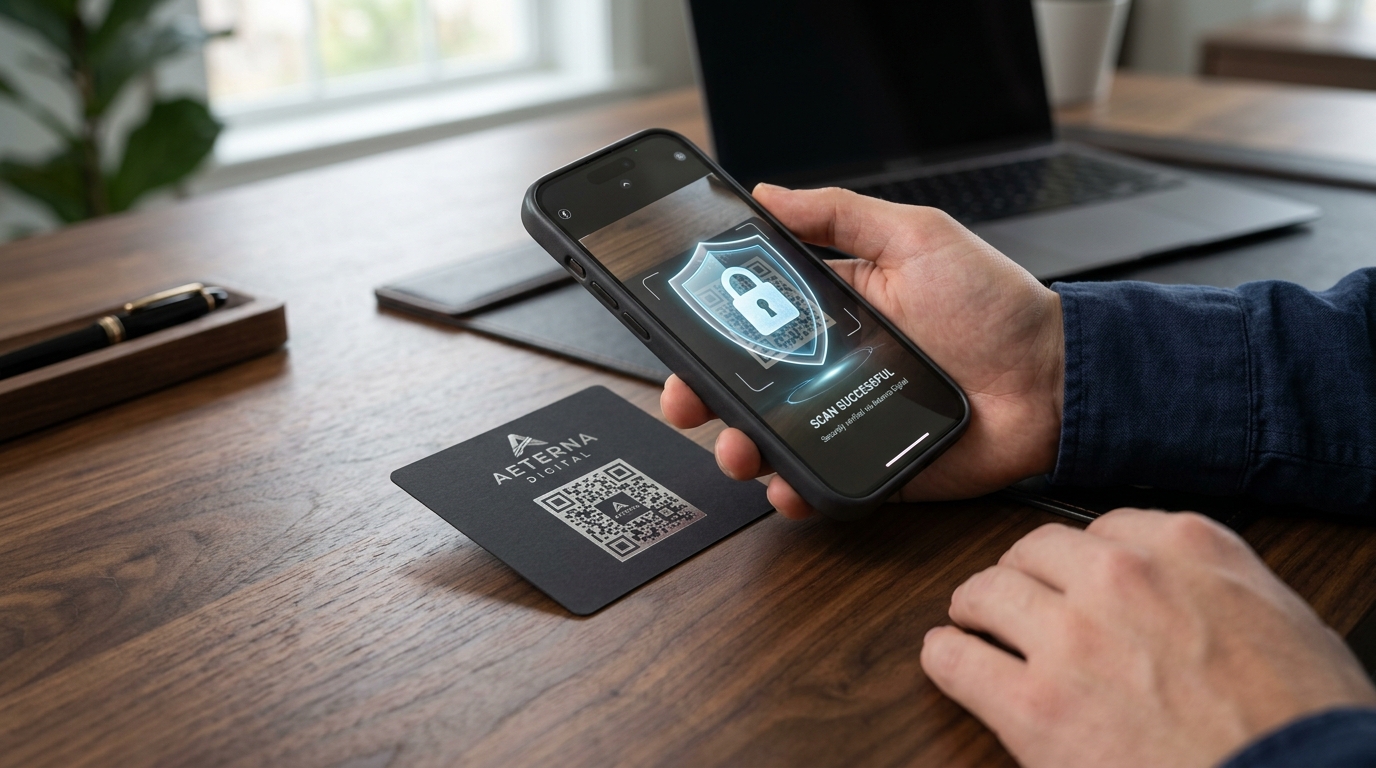
QR codes are designed to be fast, ubiquitous, and accessible to anyone with a smartphone camera. While open accessibility is ideal for public marketing banners, restaurant menus, and store flyers, there are many scenarios where you do not want just anyone scanning your code and accessing your content.
Imagine sharing confidential financial reports at an executive meeting, distributing exclusive backstage passes at a concert, providing proprietary training manuals to employees, or monetizing premium digital courses. If a physical printout or photo of a standard QR code leaks, anyone can scan it and view your sensitive links or files.
This is where password-protected QR codes come in.
With a password-protected dynamic QR code, anyone who scans the code is prompted to enter a secure passcode before they can view the destination URL, PDF document, or media asset.
In this comprehensive guide, we will break down what password-protected QR codes are, how they work, top real-world use cases, step-by-step instructions to create one on QR Zam, and best practices for enterprise-grade QR code security.
What is a Password-Protected QR Code?
A password-protected QR code is a dynamic QR code equipped with an access control verification screen. When a user scans the code using their smartphone:
- The scanner's camera opens an intermediate authentication page hosted on your custom domain.
- The user is prompted to enter a secret password or access code.
- If the password matches, the system immediately redirects the user to the protected content (e.g., private PDF, restricted web portal, video stream, or downloadable file).
- If the password is incorrect, access remains blocked, and the scan event is logged in your analytics dashboard.
Unlike static QR codes—which encode the destination URL directly into the pixel pattern—password-protected QR codes rely on dynamic routing servers that evaluate access credentials in real time before redirecting traffic.
Why Use Password Protection on QR Codes?
Securing your QR codes provides three foundational business advantages:
1. Zero Risk of Accidental Leaks
Even if a printed flyer, badge, or brochure falls into unauthorized hands, the underlying assets remain encrypted and locked behind the password challenge.
2. Instant Access Revocation & Password Rotation
Because dynamic QR codes route through QR Zam, you can change, update, or remove the password at any time from your dashboard without reprinting your materials. If a passcode is compromised, simply update it in seconds.
3. Comprehensive Audit Trails and Scan Analytics
Track how many users attempted to unlock the code, how many successful accesses occurred, scanner geolocation, device types, and peak access hours using QR code analytics.
Top Real-World Use Cases for Password-Protected QR Codes
Password-protected QR codes bridge the gap between offline physical distribution and digital data security. Here are the most popular applications across diverse industries:
1. Confidential Corporate Documents & B2B Proposals
Sales executives, legal teams, and board members often distribute printed meeting agendas, pitch decks, and audit summaries. Placing a password-protected QR code on printed folders guarantees that only attendees who received the passcode via direct email or SMS can unlock confidential financial statements.
2. Exclusive VIP Events & Backstage Passes
Event organizers can print password-protected QR codes on VIP badges, invitation cards, or table stands. Only verified guests with the daily passcode can access VIP lounge menus, speaker green-room schedules, or private WiFi networks.
3. Restricted Employee Training Manuals & Standard Operating Procedures (SOPs)
Manufacturing plants, medical facilities, and franchises place QR codes on heavy machinery or staff breakrooms. Password protection prevents visitors or unauthorized staff from accessing internal safety procedures, hazardous chemical datasheets, or equipment manuals.
4. Monetized Content & Premium Digital Drops
Creators, authors, and educators can print password-protected QR codes inside physical books, workshop workbooks, or product boxes. Customers who purchase a premium tier receive the access key to unlock exclusive bonus video tutorials, cheat sheets, or downloadable templates.
5. Private Medical & Diagnostic Reports
Healthcare clinics and laboratories can print secure QR codes on test receipt slips. Patients receive an SMS with a one-time passcode to scan and download their encrypted medical results securely.
Static vs. Password-Protected Dynamic QR Codes
| Feature | Static QR Code | Dynamic QR Code (Standard) | Password-Protected Dynamic QR |
|---|---|---|---|
| Access Control | None (Public) | None (Public) | PIN / Password Verified |
| Editable Destination | No (Locked) | Yes (Anytime) | Yes (Anytime) |
| Password Rotation | Impossible | N/A | Instant Dashboard Update |
| Scan Analytics | No Tracking | Yes | Yes (Attempts & Unlocks) |
| Expiration Dates | Not Supported | Supported | Supported |
| Custom Domain | No | Yes | Yes (e.g., qr.yourbrand.com) |
| Best For | Public Menus, WiFi | Marketing Campaigns | Confidential & VIP Assets |
How to Create a Password-Protected QR Code with QR Zam (Step-by-Step)
Creating a secure, password-protected QR code takes less than two minutes with QR Zam. Follow these steps:
Step 1: Log in to QR Zam
Navigate to QR Zam and log in to your account. If you don't have an account yet, create an account to access dynamic QR features.
Step 2: Choose Your QR Code Type
Select the type of content you want to share. Popular choices include:
- URL: For private web portals, Notion pages, Google Drive folders, or internal dashboards.
- PDF: For confidential reports, training guides, eBooks, and medical documents.
- vCard Plus: For executive contact cards with private direct phone lines.
- App Download: For internal enterprise apps or beta testing builds.
Step 3: Enter Your Destination Content
Paste your target URL or upload your high-resolution PDF/document to QR Zam’s secure cloud storage.
Step 4: Enable Password Protection
In the Security & Access Settings panel:
- Toggle the Password Protection switch to ON.
- Enter your desired passcode (e.g., a 6-digit numeric PIN or an alphanumeric password).
- (Optional) Set an Expiration Date or Maximum Scan Limit for temporary access.
Step 5: Customize Your QR Code Design
Make your QR code recognizable and trustworthy:
- Add your company logo in the center.
- Apply your brand colors and custom corner eye frames.
- Select a clear Call to Action (CTA) frame such as "Scan for Private Access" or "Enter Passcode to View".
- Connect your custom domain (e.g.,
link.yourbrand.com) to establish trust before users input their passcode.
Step 6: Test and Download
- Scan the generated QR code with your smartphone camera.
- Verify that the password prompt appears cleanly on your mobile browser.
- Type the passcode to confirm successful redirection.
- Download the vector format (SVG or EPS) for high-definition print materials, or PNG for digital presentations.
Best Practices for Password-Protected QR Code Security
To ensure maximum security and seamless user experience, keep these professional tips in mind:
1. Separate the QR Code and the Password Distribution
Never print the passcode on the exact same card or poster as the QR code. Instead, deliver the password via a separate channel (e.g., SMS, encrypted email, physical registration desk, or printed invoice receipt).
2. Combine with Expiration Dates and Scan Limits
If you are hosting a one-day workshop or releasing a time-sensitive financial report, set your dynamic QR code to automatically expire on a specific date and time. This prevents past attendees from accessing updated materials in the future.
3. Use Branded Custom Domains
Scanners are rightfully cautious about entering passwords into unfamiliar domains. Using a branded custom domain (such as secure.yourcompany.com) powered by QR Zam ensures high scanner confidence and eliminates phishing fears.
4. Monitor Failed Scan Attempts
Regularly inspect your qr code tracking dashboard. If you notice a high volume of failed unlock attempts from unexpected geographical locations, you can immediately rotate the password or pause the QR code with a single click.
5. Scale with Bulk QR Code Generation
For enterprise workflows managing hundreds of unique protected links or departmental documents, use QR Zam's Bulk QR Code Generator to batch-create customized dynamic QR codes and export them in a single ZIP archive.
Frequently Asked Questions (FAQs)
1. Can someone bypass the password by inspecting the QR code image?
No. Unlike static QR codes that contain the final web link directly in the pixels, a password-protected dynamic QR code contains an encrypted routing URL. The destination link is never exposed in the QR pattern and is only delivered by QR Zam's secure servers after the passcode is verified.
2. Can I change the password after printing 1,000 brochures?
Yes, absolutely! Because the code is dynamic, you can update the password in your QR Zam dashboard at any time. The change takes effect instantly worldwide without modifying the printed graphic.
3. Does the person scanning need to install any app?
No. The scanner only needs their standard smartphone camera (iOS or Android). Scanning the code opens the mobile browser where the user types the password on a secure, responsive web page.
4. What happens if someone enters the wrong password?
The system displays an "Incorrect Passcode" alert and prompts the user to re-enter. The scan attempt is logged in your analytics so you can detect potential brute-force attempts.
5. Can I protect downloadable PDF files with a QR code password?
Yes. When you create a PDF QR code with QR Zam, you can enable password protection so that users must input the secret code before the PDF can be viewed or downloaded.
Secure Your Next Campaign with QR Zam
Whether you are distributing confidential enterprise materials, launching an exclusive VIP club, or protecting digital assets, password-protected QR codes offer the perfect balance of convenience and security.
Ready to protect your digital assets? Get started with QR Zam today and create secure, trackable, and brand-customized dynamic QR codes in seconds.