


How to Create an Instagram QR Code: A Complete Guide to Boost Followers
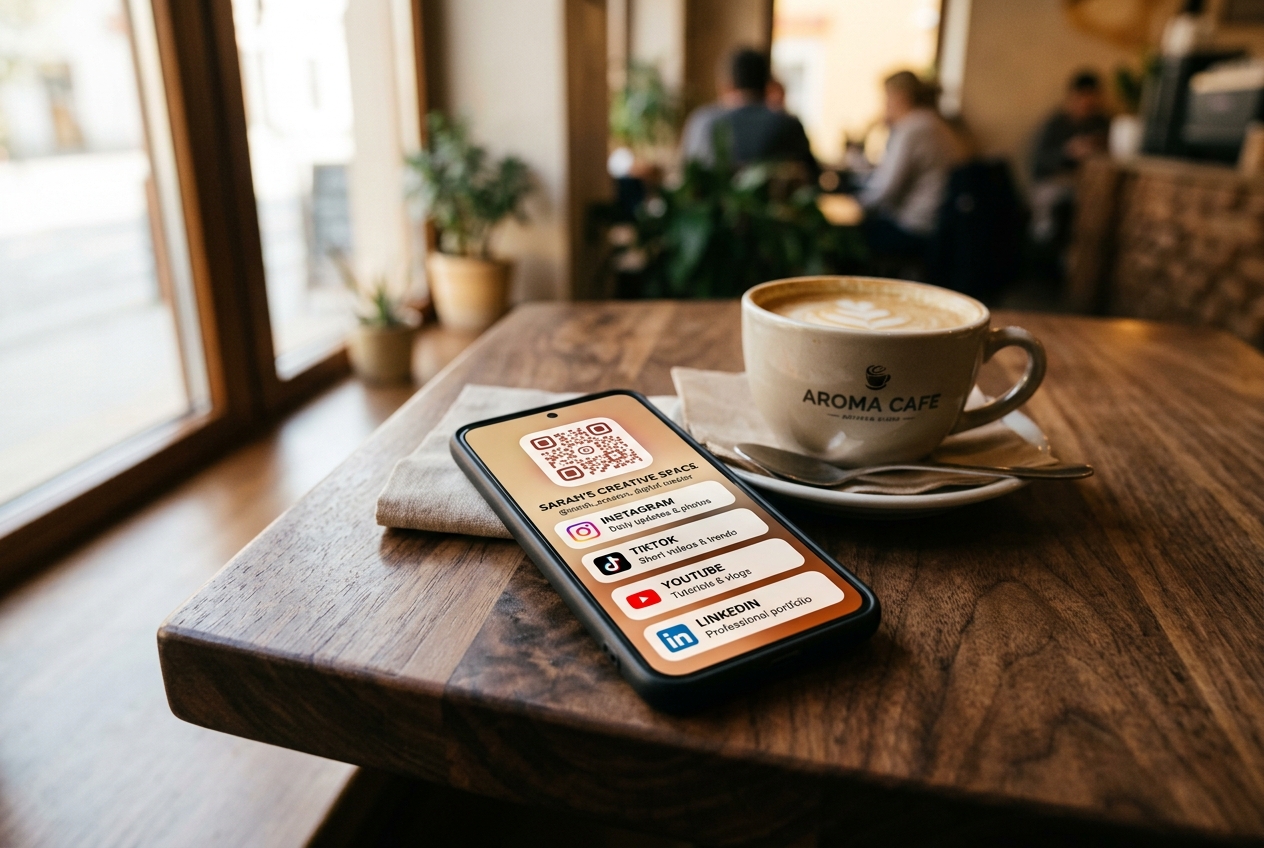
With over two billion monthly active users, Instagram is one of the most powerful marketing platforms in the world. Whether you are a small business owner, an influencer, or a marketing agency, growing your Instagram following is likely a top priority. But how do you bridge the gap between your physical, offline audience and your online social presence?
The answer is a custom Instagram QR code. By converting your profile or post link into a scannable QR code, you can turn physical store visitors, event attendees, and product package buyers into active digital followers in a single second.
In this comprehensive guide, we will show you how to generate a custom Instagram QR code, explain the difference between static and dynamic options, and share actionable strategies to maximize your offline-to-online conversion rate.
Why Your Brand Needs an Instagram QR Code
Instagram has an in-app QR code feature, but it is highly limited. It only allows you to generate a basic design that links to your main profile.
By using a professional free qr code generator like QR Zam, you gain access to advanced customization and tracking features. A custom Instagram QR code allows you to:
- Eliminate Search Friction: Users don't need to manually type your username or search through hundreds of similar accounts.
- Drive Traffic to Specific Content: You can link directly to a specific Reel, an IGTV video, a giveaway post, or your direct message (DM) window, rather than just your home feed.
- Track Your Offline Marketing ROI: Real-time scan analytics help you understand which physical marketing locations (e.g., flyers, store window displays, banners) are driving the most social engagement.
- Reinforce Brand Identity: Customize your QR code with your brand colors, custom shapes, and your own logo to make it stand out and look professional.
Static vs. Dynamic QR Codes for Instagram
Before you print your QR codes, you must choose between a static and a dynamic format. This decision is critical to the longevity of your marketing campaign.
Static Instagram QR Codes
A static QR code embeds your Instagram URL directly into the pixel pattern.
- Pros: It works forever and does not expire.
- Cons: The URL is hardcoded. If you change your Instagram username, the printed QR code will break permanently. You cannot track scan statistics or analyze user behavior. The QR pattern is dense, making it harder to scan from a distance or at small sizes.
Dynamic Instagram QR Codes (Recommended)
A dynamic QR code uses a short redirect link, keeping the QR pattern clean and easy to scan.
- Pros: You can change the destination URL at any time. If you want to redirect the QR code from your profile to a new promotion Reel, you can do so in seconds without reprinting. You get detailed qr code analytics including scan counts, geographic locations, times, and device types.
- Cons: Requires a dynamic QR platform like QR Zam.
How to Create an Instagram QR Code with QR Zam
Generating a beautiful, custom QR code for your Instagram is fast and simple. Follow these five steps:
Step 1: Copy Your Instagram URL
Go to Instagram on your browser or mobile app and copy the link you want to share. This could be:
- Your profile link (e.g.,
https://instagram.com/yourusername) - A specific post, Reel, or video link
- An Instagram DM link (e.g.,
https://ig.me/m/yourusername) to invite direct messaging
Step 2: Open QR Zam
Visit QR Zam and select the URL category.
Step 3: Paste Your Link and Enable Dynamic Tracking
Paste your copied link into the field. Make sure to toggle Dynamic QR Code on. This allows you to track scan performance and update the destination URL in the future.
Step 4: Customize Your QR Code Design
Customize the code to match your brand's aesthetic:
- Colors: Use your brand colors or a stylish Instagram-themed gradient.
- Frame & CTA: Add a frame with a clear call-to-action (CTA) like "Scan to Follow" or "Scan for Reel".
- Logo: Upload your custom brand logo or the Instagram logo to place in the center of the QR code.
Step 5: Download and Print
Download the QR code. For print media (posters, packaging, flyers), download the vector SVG format to ensure perfect scalability. For digital use (website, emails), choose PNG.
Creative Ways to Use Instagram QR Codes
To get the most out of your new QR code, place it where your target audience naturally interacts with your business:
1. In-Store Signs and Displays
Place a small framed QR code at your checkout counter or on store window displays. Offer a small incentive: "Scan to follow us on Instagram for a 5% discount on today's purchase!"
2. Product Packaging and Inserts
Insert a branded card into every customer package. Encourage them to scan the QR code to join your community, share their unboxing photos, and tag your page for a chance to be featured.
3. Business Cards and Flyers
Put a custom QR code on the back of your business cards or print flyers for local events. It is the fastest way to turn offline business connections into online social followers.
4. Menus and Table Tents
If you run a restaurant or coffee shop, add an Instagram QR code to your printed menu. Invite diners to share photos of their meals and tag your restaurant's handle.
Boost Your Instagram Strategy with QR Zam
Creating an Instagram QR code is a simple yet highly effective way to grow your brand's digital footprint. By leveraging QR Zam’s dynamic qr code capabilities, you can easily track scan rates, optimize your campaigns, and ensure your links never break.
Ready to grow your following? Go to QR Zam and create your custom Instagram QR code today!