


How to Create a QR Code for WhatsApp: The Ultimate Guide for Businesses
In today's fast-paced digital marketplace, customers expect instant communication. Whether they have a question about a product, need technical support, or want to make a booking, the easier you make it for them to contact you, the higher your conversion rates will be.
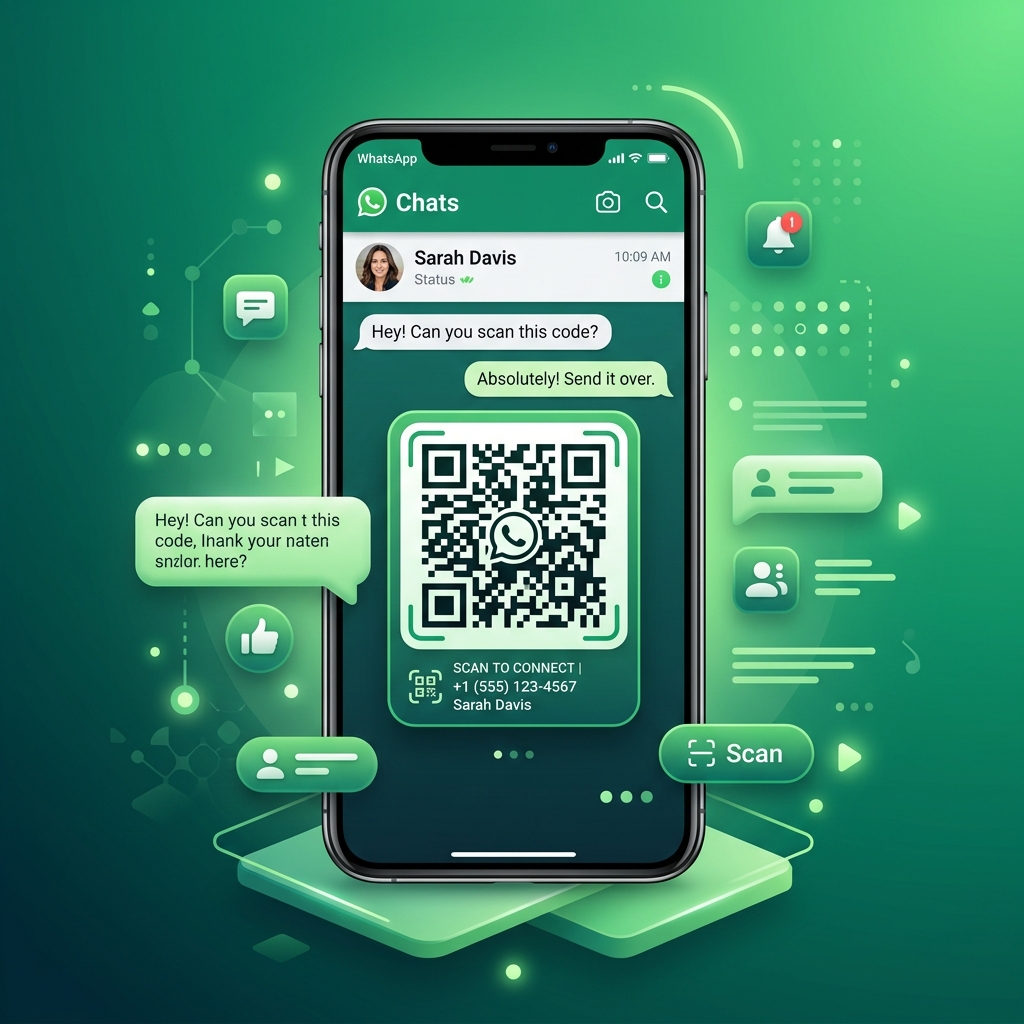
With over 2 billion active monthly users, WhatsApp is the world's most popular messaging app. By creating a custom WhatsApp QR Code, you allow customers to start a chat with your business instantly—without having to manually type your phone number or save your contact info.
In this ultimate guide, we’ll show you how to generate a WhatsApp QR code with a pre-filled custom message using QR Zam, and share best practices to boost customer engagement.
Why Your Business Needs a WhatsApp QR Code
Providing a frictionless path to communication is key to driving sales and customer satisfaction. Here is why WhatsApp QR codes are a game-changer for businesses:
1. Zero Friction for the Customer
Traditionally, if a customer wanted to message you on WhatsApp, they had to copy your phone number, open their contacts app, save the contact, open WhatsApp, search for the contact, and then finally send a message. A QR code eliminates all of these steps. Customers simply scan the code and start chatting immediately.
2. Pre-Filled Custom Messages
With QR Zam, you can configure your QR code to automatically fill in a specific message when scanned. For example, if placed on a product page, the pre-filled message could be: "Hi, I'd like to get more information about product X." This makes it even easier for the customer to start the conversation.
3. Boost Lead Generation & Sales
Place WhatsApp QR codes on your packaging, flyers, restaurant tables, or website. It acts as an instant Call to Action (CTA) that converts offline traffic into warm leads directly in your WhatsApp chat history.
4. Better Customer Support
Customers hate waiting on hold. A WhatsApp QR code on a product box or receipt lets them jump straight into a support chat, leading to faster issue resolution and higher customer satisfaction.
How to Create a WhatsApp QR Code in QR Zam (Step-by-Step)
Creating a custom WhatsApp QR code takes less than two minutes. Follow these simple steps:
Step 1: Prepare Your Phone Number
Make sure you have your business phone number ready, including the correct international country code (e.g., +1 for the US, +44 for the UK, +84 for Vietnam). Avoid adding any spaces, parentheses, or dashes.
Step 2: Go to the QR Zam Dashboard
Log in to your QR Zam account and click on Create QR Code. Select the WhatsApp or URL type.
Step 3: Enter Your WhatsApp Link details
To create a direct link to a WhatsApp chat, QR Zam uses the official WhatsApp API format. You can enter your number and your desired pre-filled message:
- Format:
https://wa.me/phone_number?text=urlencoded_message - Example: If your number is
+1 555-123-4567and you want the message to be "Hello, I want to learn more!", the link will be:https://wa.me/15551234567?text=Hello%2C%20I%20want%20to%20learn%20more%21
(Tip: In QR Zam's dedicated WhatsApp tool, you can simply type your number and your message, and we'll generate the URL automatically!)
Step 4: Customize Your QR Code Brand
Your brand is unique, so your QR code should be too. Use QR Zam's styling options:
- Colors: Change the color scheme of the QR code to match your branding.
- Logo: Insert the official WhatsApp logo or your company logo in the center.
- Frames & CTA: Add a frame with a clear call-to-action like "Scan to Chat on WhatsApp" to encourage scans.
Step 5: Download and Test
Always test your generated QR code with your phone camera or a scanner app before printing. Make sure the chat opens correctly with your pre-filled message. Once verified, download the code in high-resolution PNG for digital use or vector format (SVG/EPS) for printing.
Powerful Use Cases for WhatsApp QR Codes
1. E-commerce & Retail Packaging
Print a QR code on your product packaging or shipping box with the message: "Need help with setup? Scan to chat with support on WhatsApp." This turns a potential customer frustration into a delightful, instant support experience.
2. Restaurants & Food Services
Place QR codes on table tents or menus. Customers can scan to order, request assistance, or send feedback directly to the manager's phone.
3. Real Estate Listings
Add a QR code to your "For Sale" signs. Passersby can scan the code to instantly message the agent with a pre-populated inquiry: "Hi, I'm interested in the property at 123 Main St."
4. Marketing Materials & Events
On billboards, business cards, or event roll-ups, place a WhatsApp QR code to handle registrations, distribute coupon codes, or answer questions about the event in real-time.
Maximize Conversions with QR Zam
Whether you need a free static QR code or a dynamic campaign with advanced tracking, QR Zam is the most affordable and feature-rich platform on the market. Create smart routing rules, manage your branding, and track your scan analytics all from a single dashboard.
Ready to grow your customer engagement? Get started with QR Zam today and build your first WhatsApp QR code in seconds.