


How to Create a QR Code for Your Shopify Store: Boost E-commerce Sales
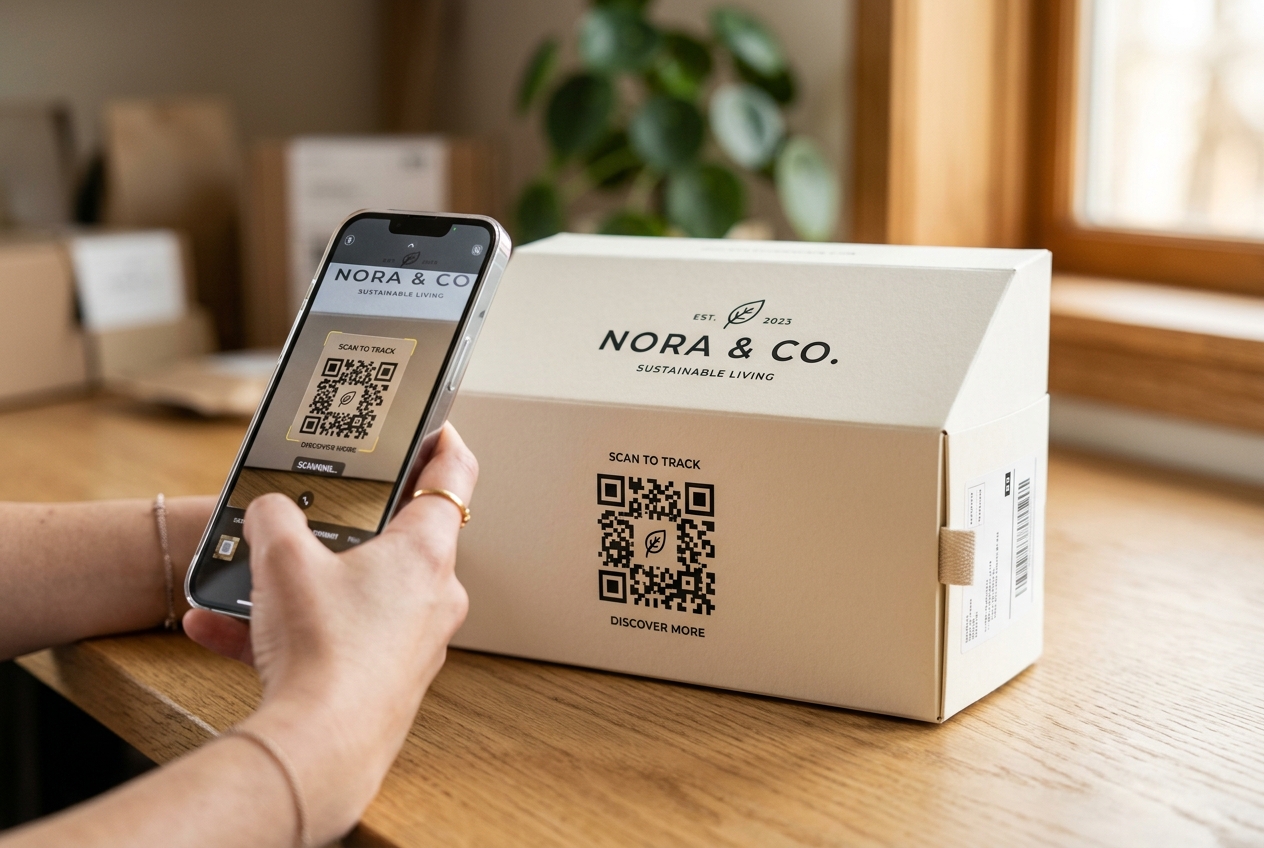
In the highly competitive world of e-commerce, bridging the gap between physical touchpoints and your online store is crucial. For Shopify merchants, one of the most powerful and cost-effective tools to achieve this is the Shopify QR code.
By utilizing a custom qr code on product packaging, thank-you cards, shipping boxes, or offline promotional materials, you can seamlessly guide customers back to your Shopify store. This not only boosts repeat purchases but also helps you build brand loyalty and collect valuable customer insights.
In this guide, we will cover why your Shopify store needs a dedicated QR code strategy, how to create them, and best practices for driving maximum engagement.
Why Shopify Stores Need a QR Code Strategy
Many e-commerce business owners believe that QR codes are only for brick-and-mortar stores. However, offline-to-online marketing is a major growth channel for digital brands. Here is how QR codes can help scale your Shopify business:
1. Drive Repeat Purchases with Smart Package Inserts
The unboxing experience is your best opportunity to connect with customers. By placing a QR code on a beautiful thank-you card inside your shipping box, you can direct customers back to a specific collection page or offer a discount code (e.g., "Scan for 15% off your next order").
2. Simplify App Downloads & Loyalty Program Signups
If your Shopify brand has a mobile app or a loyalty program, QR codes are the quickest way to drive adoption. Instead of asking customers to search the App Store or Google Play, a single QR code on their receipt or packaging can direct them to the appropriate download link or signup page.
3. Build Trust with Dynamic Product Authentication
Counterfeit products can ruin an e-commerce brand's reputation. If you sell premium goods, you can generate serialized QR codes with QR Zam's dynamic qr code generator. Customers scan the code to instantly verify that their product is authentic, increasing consumer trust.
4. Gain Deep Marketing Insights with QR Code Analytics
Offline marketing shouldn't be a black box. With QR Zam's advanced qr code tracking dashboard, you can see exactly when and where your QR codes are scanned, what devices are used, and which physical campaigns are driving the most traffic to your Shopify site.
How to Create a QR Code for Shopify in 4 Simple Steps
Creating a high-converting QR code for your Shopify store is quick and easy with QR Zam. Follow these steps:
Step 1: Select Your QR Code Type
Log in to your QR Zam account. Choose the campaign type that matches your goal. The most common choice for Shopify stores is URL (directing users to a product page or discount page), but you can also choose Social Media or App Store.
Step 2: Input Your Shopify Link (With UTMs!)
Enter the URL of your Shopify store or product page.
Pro Tip: Always add UTM parameters to your URL (e.g., ?utm_source=package_insert&utm_medium=qr&utm_campaign=thankyou_card). This ensures that your Shopify analytics and Google Analytics correctly attribute sales and traffic to your physical QR code campaign.
Step 3: Customize to Match Your Brand
Do not settle for a boring black-and-white QR code. Use QR Zam's ai qr code generator to customize the colors, choose a unique frame, and upload your Shopify store's logo to place in the center of the code. Consistent branding builds trust and increases scan rates by up to 30%.
Step 4: Download and Test
Download your QR code in high-resolution format (SVG is recommended for print, PNG for digital). Before printing thousands of packaging boxes, test the QR code with multiple mobile devices to ensure it scans quickly.
Best Practices for Shopify QR Code Success
To get the highest possible return on investment (ROI) from your QR code campaigns, keep these rules in mind:
- Use Dynamic QR Codes: Never use static codes. A free qr code generator might save you a few dollars initially, but static URLs cannot be edited. If you change your product page URL or want to update your coupon code, a static QR code printed on packaging becomes useless. Dynamic QR codes allow you to change the destination URL anytime.
- Include a Clear Call to Action (CTA): People won't scan a random code. Add text nearby, such as "Scan to Unlock 15% Off," "Scan to Watch Tutorial," or "Scan to Reorder."
- Provide an Auto-Apply Coupon Link: Make checkout as frictionless as possible. You can create a Shopify discount URL (e.g.,
yourstore.com/discount/WELCOME10?redirect=/collections/best-sellers) so that the discount is automatically applied when the customer scans the QR code.
Conclusion
Integrating QR codes into your Shopify marketing strategy is a highly effective way to bridge offline products with your online brand. By choosing a powerful platform like QR Zam, you gain access to the customization, dynamic link flexibility, and qr code analytics required to run successful, measurable campaigns.
Start creating custom QR codes for your Shopify store today and watch your customer lifetime value (LTV) grow!