


How to Create a QR Code for Notion Pages, Wikis, and Client Portals: Share Live Workspaces Offline Without Broken Links
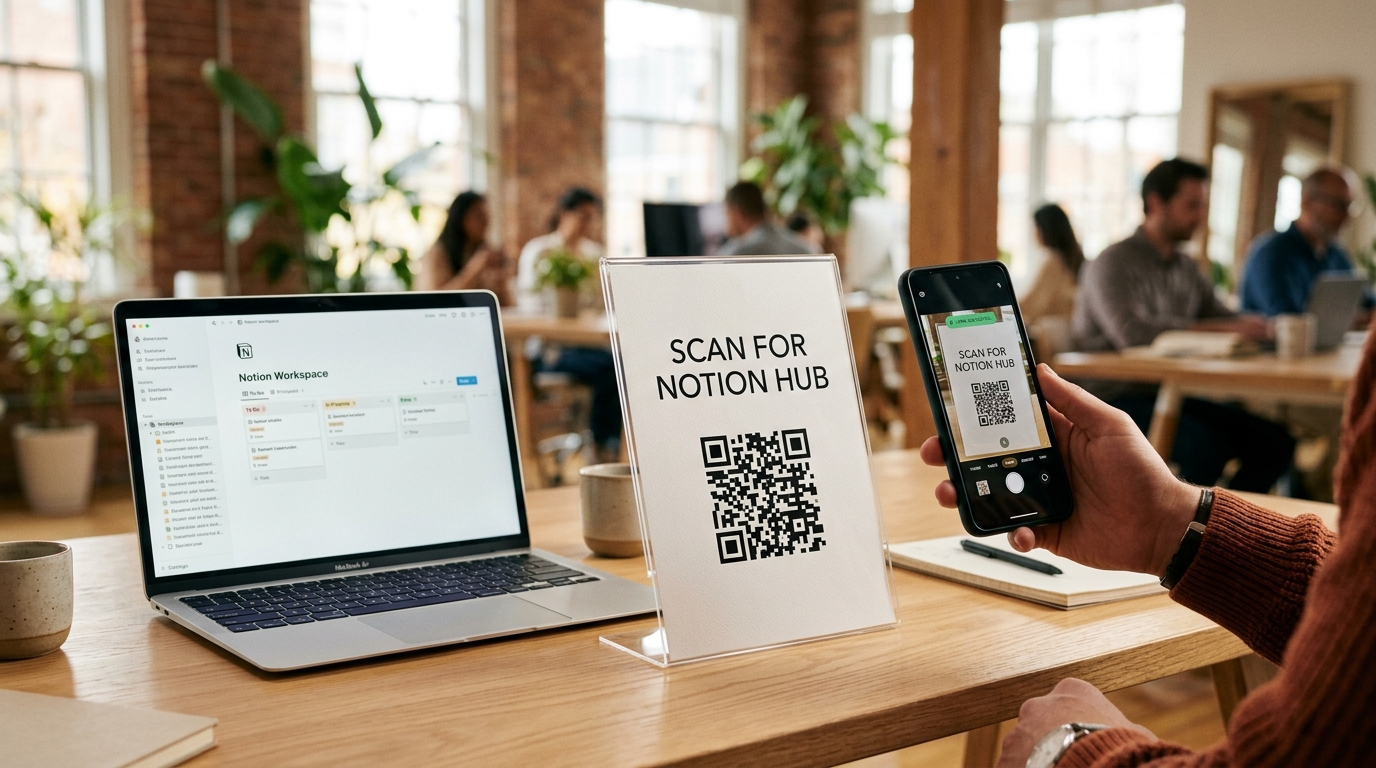
Over the past few years, Notion has evolved from a minimalist note-taking app into the operating system for modern organizations. Startups, marketing agencies, universities, event organizers, hospitality hosts, and operations teams rely on Notion to publish living documents: interactive product roadmaps, standard operating procedures (SOPs), employee onboarding hubs, conference agendas, vacation rental guestbooks, and client deliverables.
Unlike static PDFs that become outdated the moment a single detail changes, a published Notion site updates in real time across every viewer's screen.
However, getting people from the physical world—a conference auditorium, a warehouse equipment bay, an Airbnb kitchen counter, or a printed pitch deck—into a live Notion workspace presents a major hurdle. Default Notion public URLs look like this:
https://your-workspace.notion.site/Client-Onboarding-Portal-f8a92c4e1b7d4e3a9c8b2d1f6e5a4c3b?pvs=4
Nobody will ever type a 32-character hexadecimal Notion page ID into a smartphone browser. Even worse, if you print a static QR code that points directly to that raw Notion URL and later duplicate the template, migrate workspaces, or change your Notion site domain, every printed QR code breaks permanently.
By pairing Notion with dynamic QR codes powered by QR Zam, you can bridge physical touchpoints to live Notion workspaces seamlessly. You get clean branded short URLs, instant destination editing without reprinting, granular scan analytics, and optional password or expiration controls.
In this complete guide, we walk through how to publish a Notion page properly, convert it into a branded dynamic QR code on QR Zam, and deploy it across high-impact business workflows.
Why Static QR Codes Are Risky for Notion Workspaces
When you encode a raw notion.site link directly into a static QR code generator, the long URL is permanently hard-coded into the black-and-white module matrix. That creates four serious operational problems:
| Operational Factor | Raw Static Notion QR Code | Dynamic Notion QR Code (QR Zam) |
|---|---|---|
| Workspace Restructure / Template Duplication | Breaks permanently if page is replaced or moved to a new workspace | Update target Notion URL in 5 seconds; printed code stays identical |
| Visual Matrix Density | Dense, tiny modules due to 80+ character hexadecimal Notion URL | Clean, sparse, fast-scanning matrix via compact routing link |
| Domain Branding & Trust | Generic *.notion.site link with random hash string | Custom branded domain (e.g., docs.yourbrand.com/handbook) |
| Scan Tracking & Engagement Telemetry | Zero visibility outside Notion's basic enterprise page analytics | Full scan metrics: time, city, device OS, unique vs. repeat scans |
| Access Lifecycle Control | Manual unpublishing in Notion only | Set automated expiration dates, scan limits, or password gates |
| Multi-Language / Device Routing | Single Notion page for all users globally | Smart routing to localized Notion pages by scanner language |
1. Protecting Printed Assets When Templates Change
In Notion, teams frequently archive an old database or duplicate a clean template for a new cohort, semester, or client project. Because Notion assigns a brand-new 32-character UUID to every newly created or duplicated page, the URL changes even if the page title is identical. With a dynamic QR code on QR Zam, you simply paste the new Notion page link into your dashboard—your printed signs, laminated warehouse tags, and welcome booklets never need to be reprinted.
2. Faster Scanning with Lower Module Density
Because raw Notion URLs contain both the hyphenated page title and a 32-character hexadecimal hash, static QR codes encoding them become visually crowded. Dense QR codes fail frequently when scanned from a distance (such as on a presentation slide) or when printed small on equipment labels. Dynamic QR codes encode a compact routing URL, keeping the visual pattern clean and readable from any angle.
3. Branded Domains That Prevent Phishing Hesitation
Corporate clients and conference attendees are rightfully cautious about scanning unfamiliar QR codes. Routing your Notion portal through a custom subdomain connected to QR Zam—such as hub.youragency.com/roadmap—displays your trusted brand domain in the mobile camera preview banner before the user even taps through.
Step-by-Step: How to Create a Dynamic QR Code for Any Notion Page
Setting up a live, trackable Notion QR code takes less than three minutes from start to finish.
Step 1: Publish Your Notion Page to the Web
Before generating your QR code, verify that your Notion page is accessible to external scanners without requiring a workspace login:
- Open the target page in Notion on desktop.
- Click the Share button in the top-right corner and switch to the Publish tab.
- Click Publish to make the page live on the web.
- Configure your guest permissions carefully:
- Allow editing: Turn OFF unless you intentionally want public scanners to modify content.
- Allow comments: Enable only for interactive collaborative boards or feedback wikis.
- Allow duplicate as template: Turn ON if you are distributing a downloadable Notion template at a conference, in a book, or on YouTube; turn OFF for proprietary SOPs and client portals.
- Search engine indexing: Keep OFF for private client hubs, internal team wikis, and vacation rental guides.
- Click Copy web link to copy your live
notion.siteURL.
Step 2: Create a Dynamic URL QR Code in QR Zam
- Log in to your QR Zam dashboard and click Create QR Code.
- Select the Dynamic URL solution type.
- Paste your copied Notion web link into the destination URL field.
- Assign a clear campaign name in your workspace (for example,
Warehouse SOP - CNC Lathe Bay 4orQ4 SaaS Summit - Resource Kit Template) so your team can filter scan analytics effortlessly.
Step 3: Customize the Visual Design to Match Notion's Aesthetic
Whether your brand uses Notion's signature minimalist monochrome palette or bold corporate colors, customize your code for maximum visual appeal:
- Center Icon or Logo: Embed the Notion emblem or your own company logo in the center of the QR matrix.
- High-Contrast Module Styling: Choose rounded dots or crisp square modules in deep charcoal (
#191919) or your primary brand color against a pure white background. - Action-Oriented CTA Frame: Add a clear frame prompt so people know exactly what they will unlock, such as
SCAN FOR LIVE DOCS,GET THE NOTION TEMPLATE, orSCAN FOR HOUSE GUIDE.
Step 4: Configure Optional Security, Scheduling, or Smart Routing
Depending on how your Notion page is used, enable advanced dynamic rules in QR Zam:
- Password Protection: Ideal when sharing sensitive investor data rooms, B2B pricing sheets, or internal shop-floor SOPs on physical cards.
- Expiration Date & Scan Caps: Automatically deactivate a conference resource hub or limited-time template drop once the event concludes.
- Language-Based Smart Routing: If you maintain separate Notion documentation trees in English, Spanish, and Vietnamese, configure one QR code to automatically route scanners to the matching Notion page based on their phone's browser language (
Accept-Language).
Step 5: Test on Mobile and Export Print-Ready Vector Files
- Point both an iOS and an Android smartphone camera at your preview QR code to confirm the Notion page loads quickly and mobile database views (list or gallery view) render cleanly without excessive horizontal scrolling.
- Export your code in SVG or PDF vector format for commercial print assets (stickers, manuals, signage, badges) or high-resolution PNG for presentation slides and email signatures.
6 High-Impact Real-World Use Cases for Notion QR Codes
Organizations across industries are replacing static PDFs and binders with dynamic Notion QR codes across physical environments:
| Industry / Workflow | Physical Placement | Notion Page Content | Why Dynamic QR Zam Matters |
|---|---|---|---|
| 1. Manufacturing & Lab SOPs | Anodized metal tags on machinery & 3D printers | Step-by-step safety checklists, calibration videos, maintenance logs | Update safety protocols instantly or swap to a maintenance outage form without re-tagging |
| 2. Conferences & Keynotes | Presentation slides, lanyard badges, booth banners | Speaker slide decks, downloadable Notion templates, sponsor links | High scan speed from 15 meters away; track exact scan spikes during each speaker slot |
| 3. Short-Term Rentals & Hospitality | Acrylic stand in Airbnb foyer or boutique hotel room | Digital house manual, appliance videos, local dining map, checkout checklist | Redirect to seasonal guides or update Wi-Fi & lockbox instructions remotely |
| 4. Product Packaging & Onboarding | Inside box lid or quick-start insert card | Interactive setup guide, firmware changelog, troubleshooting FAQ database | Replace outdated onboarding flows across thousands of shipped units in real time |
| 5. Universities & Classrooms | Printed syllabus header, lab door placard | Live course syllabus, reading schedule, office hours booking, project rubric | Point the same classroom door plaque to a new semester's Notion hub every term |
| 6. Agency & B2B Client Portals | Welcome gift box card, printed proposal folder | Live project tracker, asset library, deliverable approvals, meeting notes | Password-protect sensitive client portals and measure stakeholder engagement |
Optimizing Your Notion Page for Mobile QR Scanners
Remember that nearly 100% of QR code scans happen on smartphones. A Notion workspace designed on a 27-inch desktop monitor with five side-by-side columns and wide spreadsheet tables can feel cramped on a 6-inch phone screen if you do not optimize its layout.
Follow these mobile UX best practices before deploying your Notion QR code:
- Prefer Gallery, List, or Board Views Over Wide Tables: In Notion databases, a 12-column Table view forces mobile users to scroll horizontally. Set the default database view on your public page to List view or Gallery view (with compact card previews) so mobile scanners can tap into clean detail pages.
- Use Toggle Headings for Long SOPs and Manuals: Nobody wants to scroll through 4,000 words on their phone while standing next to a piece of equipment or an espresso machine. Group sections inside Toggle Heading 2 (
> ##) blocks so users can expand only the exact troubleshooting step they need. - Place Primary Call-to-Action Buttons Above the Fold: Use Notion's native Button block or a highlighted Callout block right below the page title for urgent actions (such as "Duplicate Template," "Report Equipment Issue," or "Book a Call").
- Compress Embedded Media: Keep cover images and embedded tutorial GIFs lightweight so the Notion page renders in under two seconds even on congested conference hall cellular networks.
Automating Offline-to-Notion Workflows with Webhooks and API
For growth teams and operations managers scaling dozens of physical touchpoints, QR Zam integrates cleanly into your automation stack:
{
  "event": "qr.scanned",
  "qr_id": "qrz_notion_sop_bay04",
  "campaign_name": "CNC Machine Bay 04 - Safety SOP",
  "timestamp": "2026-10-19T14:22:10Z",
  "scanner_context": {
    "city": "Austin",
    "country": "US",
    "device_os": "iOS",
    "unique_scan": true
  },
  "destination_url": "https://ops.yourcompany.com/notion/cnc-bay-04"
}
By connecting QR Zam scan webhooks to Zapier, Make, or the Notion API, you can trigger automated workflows whenever a physical code is scanned:
- Log equipment inspection scans automatically as timestamped rows inside a master Notion compliance database.
- Alert an account manager in Slack the moment a prospective enterprise buyer scans the custom Notion proposal QR code inside their mailed pitch kit.
- Pipe offline template downloads into HubSpot or Klaviyo attribution reports via appended UTM parameters.
Frequently Asked Questions (FAQs)
1. Does a Notion QR code stop working if I rename my Notion page title?
If you use a raw static QR code, renaming a Notion page changes the slug portion of the URL, which can cause redirect friction or broken bookmarks if the page is ever duplicated. When you use a dynamic QR code from QR Zam, you can update the underlying Notion link anytime in your dashboard without ever changing the printed QR code.
2. Can people edit my Notion workspace if they scan the QR code?
Only if you explicitly enable "Allow editing" in Notion's Publish settings. By default, published Notion pages are strictly read-only for web visitors. Visitors can read content, expand toggles, filter database views (locally for their session), and click links without altering your master workspace.
3. How do I create a QR code that lets people duplicate my Notion template?
Publish your Notion page with "Allow duplicate as template" toggled ON. When mobile scanners open your QR Zam link, Notion displays a prominent "Duplicate" button in the top header, allowing them to clone the template directly into their personal Notion account with one tap.
4. What is the minimum print size for a Notion QR code?
For close-range scanning on business cards, product inserts, or machinery labels, print your dynamic QR code at a minimum of 2 x 2 cm (0.8 x 0.8 inches) with a 4-module quiet zone around the perimeter. For auditorium slides or conference banners, follow the 10:1 distance-to-size rule (for example, a 30 x 30 cm code for a 3-meter viewing distance).
Bridge Your Physical Touchpoints to Notion with QR Zam
Notion has transformed how teams organize knowledge and collaborate online—and dynamic QR codes are the missing bridge that brings those live workspaces into the physical world. Whether you are sharing a downloadable template with 500 conference attendees, placing interactive house manuals in short-term rentals, or attaching live maintenance SOPs to factory equipment, dynamic links ensure your printed materials never go obsolete.
Ready to turn your Notion pages into branded, trackable QR experiences? Get started with QR Zam for free and create your first dynamic Notion QR code in seconds.