


How to Create a QR Code for Discord: Grow Your Community Instantly
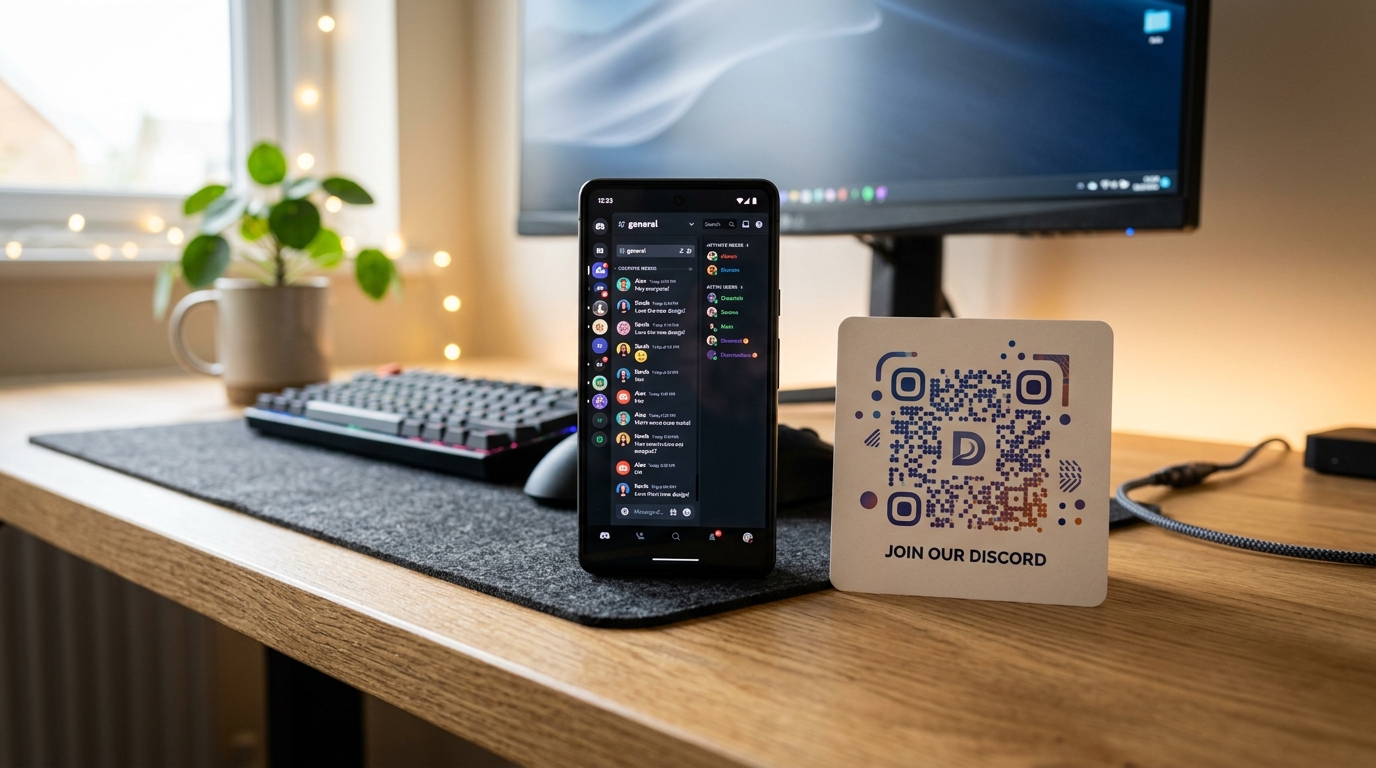
In the modern digital landscape, building a thriving community is one of the most effective ways to drive brand loyalty, gather real-time feedback, and retain customers. Whether you are a gamer, a creator, a software company (SaaS), or a web3 project, Discord has become the go-to platform for community engagement.
But how do you get people from the physical world—or from external platforms—to join your Discord server?
The most seamless solution is a Discord QR code. By converting your Discord server invite link into an eye-catching, scannable QR code, you can bridge the gap between offline touchpoints (like packaging, flyers, and event stands) and your digital community hub.
In this guide, we will walk you through exactly how to create a professional Discord QR code, best design practices, and strategic ways to use them to grow your community.
Why You Need a QR Code for Your Discord Server Invite
Using a traditional Discord invite link requires users to manually copy and paste or type a complex URL like discord.gg/abcde123. This friction causes many potential members to drop off before joining.
A Discord QR code eliminates this friction. When scanned with a smartphone camera, it redirects the user instantly to your server's registration flow.
Key Benefits:
- Frictionless Onboarding: Users scan and join in seconds, directly from their mobile devices.
- Dynamic Update Capabilities: If your Discord invite link ever expires or changes, you can update it on the fly without reprinting your flyers or packaging. Simply use a dynamic QR code from QR Zam.
- Advanced Scan Analytics: Track exactly where your scans are coming from. Understand which physical locations, posters, or packaging designs are driving the most community growth.
- Branded and Visual Appeal: Customize your QR code with Discord's signature colors, or upload your community's official avatar as the logo in the center of the QR code.
Step-by-Step: How to Create a Discord QR Code with QR Zam
Creating a custom QR code for your Discord community is simple and takes less than two minutes:
Step 1: Generate Your Discord Invite Link
First, get your official server invite link:
- Open Discord and navigate to your server.
- Click the server name in the top left and select Invite People.
- Click Edit Invite Link (gear icon) to make it never expire and have no limit on the number of uses. This ensures your QR code works forever.
- Click Generate a New Link and copy the URL (e.g.,
https://discord.gg/yourserver).
Step 2: Choose Your QR Code Type on QR Zam
- Visit QR Zam.
- Select the URL QR code type.
- Paste your Discord invite link into the destination URL field.
- Toggle on "Dynamic QR Code": This allows you to track analytics and change the invite link in the future if your server is reorganized or if you want to route users to a different channel.
Step 3: Customize the Design for Your Brand
Stand out by matching your community’s style:
- Logo: Upload your community avatar or Discord's official logo to place in the center. QR Zam automatically cleans the pixels around it for optimal scanning.
- Colors: Use Discord's brand colors (Blurple
#5865F2or Dark Theme#23272A) or match your brand's unique color palette. - Frame: Add a clean call-to-action (CTA) frame like "Scan to Join" or "Join Community".
Step 4: Test and Download
- Print a quick draft and test scan it using both iOS and Android default cameras.
- Export your final design in SVG format for printing (billboards, cards, stickers) or PNG for digital displays.
Best Practices for Growing Your Discord Community with QR Codes
To get the most out of your Discord QR campaigns, keep these industry-proven strategies in mind:
1. Place QR Codes on Product Packaging
If you sell physical products or run an e-commerce brand, your packaging is prime marketing real estate. Include a custom QR code on your product boxes or inserts inviting customers to "Join our Discord Community for support, tips, and exclusive rewards." This builds post-purchase engagement and helps boost retention.
2. Set Up Smart Routing for Multilingual Servers
If your community caters to international audiences, you can use QR Zam’s Smart Routing features. Direct users from different countries to localized landing pages or invite links that route them straight to their respective language channels (e.g., #welcome-vi for Vietnamese scanners or #welcome-en for English speakers).
3. Incentivize the Scan
Give users a clear reason to scan the code. Instead of a generic invite, offer a reward. For example:
- "Scan to join our Discord and unlock a 10% discount code."
- "Join our community to participate in weekly giveaways."
- "Scan to chat directly with our support team."
!TIP Always pair your QR code with a strong Call-to-Action (CTA). A naked QR code with no context gets significantly fewer scans than one surrounded by compelling text.
Start Growing Your Online Community Today
A Discord server is only as strong as its members. By leveraging custom dynamic QR codes, you make it easier than ever for your audience to connect with your brand and with each other.
Ready to build your community's gateway? Create your custom, high-conversion Discord QR code on QR Zam today.