


How to Create a QR Code for a Link: The Ultimate Step-by-Step Guide
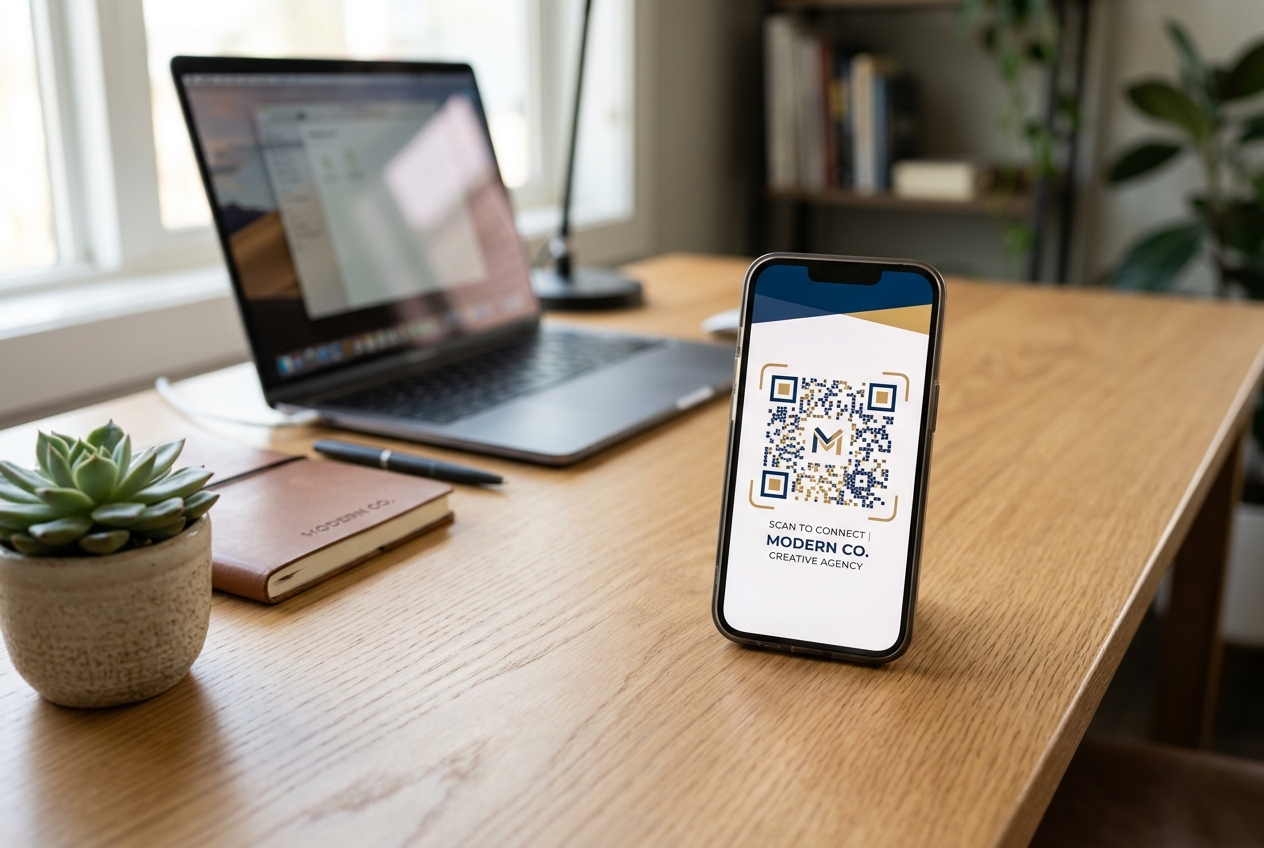
In today's digital-first world, bridging the gap between physical audiences and digital content is more important than ever. Whether you want to share a website, a social media profile, a restaurant menu, or a promotional landing page, the fastest and most seamless way to do it is by converting your URL into a QR code.
By scanning a QR code, users bypass the tedious process of typing long URLs on mobile keyboards and gain instant access to your online platform.
In this ultimate guide, we will walk you through how to create a QR code for a link, examine the crucial differences between static and dynamic QR codes, and share industry best practices to maximize scan rates.
What is a Link QR Code?
A link QR code (often referred to as a URL QR code) is a type of QR code that stores a specific web address. When a user opens their smartphone camera or a scanner app and points it at the QR code, a notification popup appears, directing them to the linked website.
Link QR codes are widely used on:
- Business cards and resumes
- Product packaging and labels
- Flyers, posters, and print advertisements
- Restaurant tables and checkout counters
- Event banners and exhibition booths
Step-by-Step: How to Create a QR Code for a Link with QR Zam
Creating a clean, high-performing QR code is quick and easy. Follow these simple steps using a professional QR code generator:
Step 1: Copy Your Target URL
Navigate to the webpage you want to share and copy the complete URL from your browser's address bar (including https://).
Step 2: Visit QR Zam and Select the URL Option
Go to qrzam.com and choose the URL or Website option from the list of available QR code types.
Step 3: Paste Your Link
Paste the copied URL into the destination input field.
Step 4: Choose Between Static and Dynamic QR Codes
For any business or professional campaign, we strongly recommend selecting the Dynamic QR Code option. (We'll detail why in the section below, but in short, dynamic codes allow you to edit the link later and track your scans).
Step 5: Customize Your QR Code Design
To boost user trust and increase scan rates by up to 34%, customize your QR code's aesthetics:
- Colors: Change the foreground and background colors to match your brand's color palette (ensure high contrast).
- Logo: Upload your company logo and place it in the center of the QR code.
- Frames: Add a frame with a clear call-to-action (CTA) such as "Scan to Visit" or "Scan for Website".
- Patterns: Choose unique eye shapes and pattern styles to stand out.
Step 6: Download and Test
Download your QR code in high resolution. For print media, vector formats like SVG are best, while PNG and JPG work perfectly for digital displays. Crucial: Always test scanning your QR code on multiple devices before committing to printing.
Static vs. Dynamic Link QR Codes: Which Should You Use?
When generating your link QR code, you will need to choose between a static and a dynamic format. The differences between the two are significant:
Static QR Codes (Free & Non-editable)
In a static QR code, the destination URL is encoded directly into the pattern.
- Pros: Free to create and never expires.
- Cons: The URL cannot be changed once the code is generated. If you make a typo or want to link to a different page, you must print an entirely new QR code.
- No Tracking: You cannot collect any analytics on scan behavior.
- Complexity: Long URLs result in dense, complex QR patterns that are harder to scan, especially at smaller sizes.
Dynamic QR Codes (Editable & Trackable)
A dynamic QR code encodes a short redirection URL instead of the destination URL itself.
- Pros: You can edit the destination link at any time in your dashboard without changing the printed QR code.
- Advanced Tracking: Get real-time qr code analytics, including total scan count, geographic location, device type, operating system, and scan times.
- Simplicity: The simple redirect URL results in a clean, uncluttered QR code pattern that scans rapidly, even at a distance.
For marketing campaigns, corporate branding, and product packaging, dynamic QR codes are the industry standard.
Best Practices for Maximizing Link QR Code Scan Rates
Simply printing a QR code is not enough; you must design it with the user experience in mind. Follow these guidelines to ensure campaign success:
1. Always Add a Call-to-Action (CTA)
A naked QR code offers no incentive for users to scan. Add a clear, action-oriented phrase around the code, such as "Scan to view menu" or "Scan for 15% off your order".
2. Maintain High Contrast
Smartphones rely on light and dark contrast to read QR codes. Ensure your foreground color (the code pattern) is significantly darker than the background color. Avoid transparent backgrounds on colored surfaces.
3. Use a Custom Domain for Brand Trust
By default, dynamic QR codes route through the generator's domain. Utilizing QR Zam's custom domain feature allows you to use your own domain (e.g., qr.yourbrand.com). This increases scan rates by eliminating generic redirect warnings and boosting brand credibility.
4. Size and Placement
Ensure the QR code is printed at an appropriate size (at least 2 x 2 cm or 0.8 x 0.8 inches for close-range scanning). Place it at eye level and in locations with adequate lighting and internet connectivity.
Get Started with QR Zam
Ready to convert your link into a branded, trackable QR code? Sign up for QR Zam today and unlock dynamic link editing, custom domain routing, and comprehensive scan analytics.