


AI QR Code Design Best Practices: How to Balance Visual Creativity and Scan Reliability
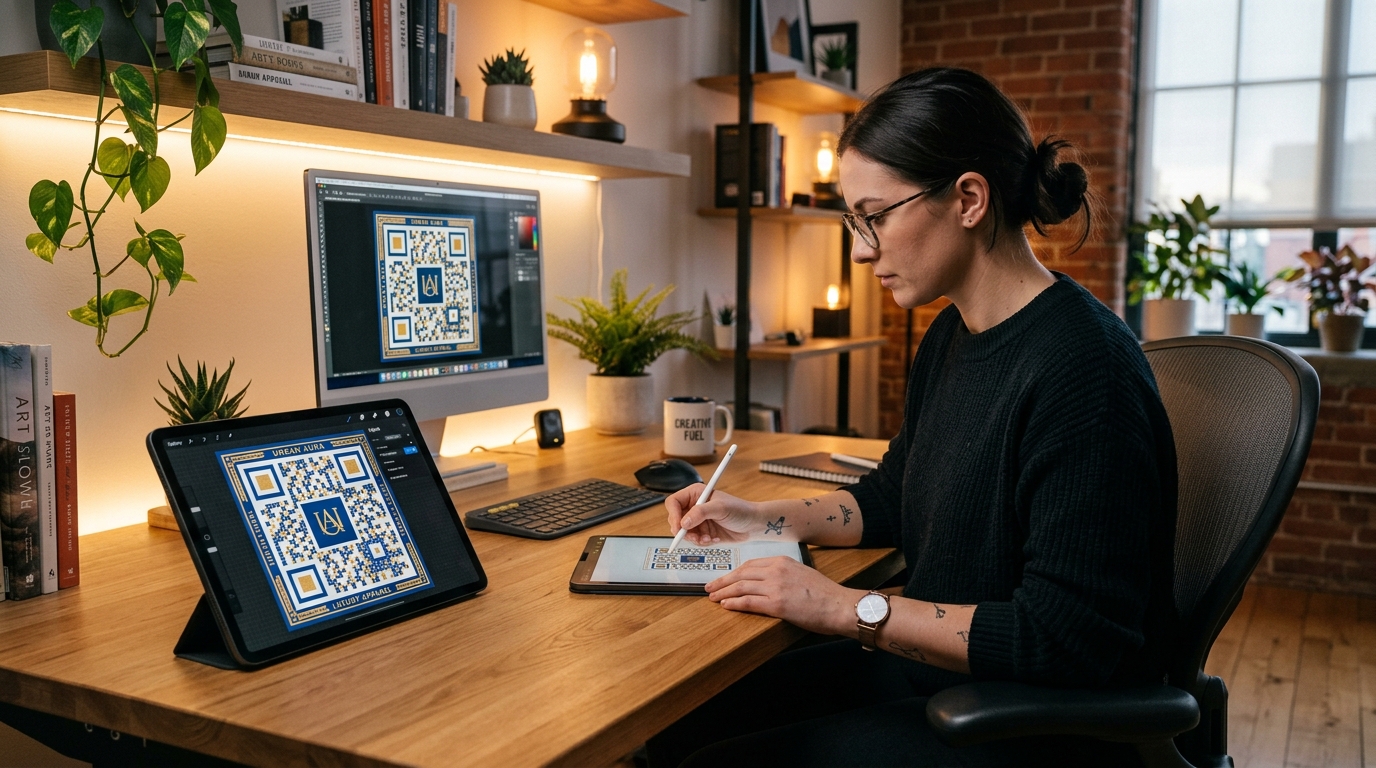
For decades, QR codes were viewed strictly as functional utilities: stark black-and-white pixel grids printed on packaging, receipts, and event flyers. While undeniably effective at transferring data, traditional QR codes often clashed with modern brand aesthetics.
The emergence of AI QR Code Generators has fundamentally changed this dynamic. Today, businesses and marketing agencies can seamlessly blend artistic visuals, brand logos, textures, and 3D effects directly into the QR code matrix. An AI-generated QR code transforms a mundane scan point into a visually captivating brand experience that commands attention and dramatically boosts scan rates.
However, visual creativity comes with a technical challenge: scannability. If an AI QR code is over-styled, smartphone cameras and scanning apps will fail to decode the data pattern, rendering the marketing campaign useless.
In this comprehensive guide, we cover the essential best practices for designing AI-generated QR codes with QR Zam—ensuring your custom QR artwork looks stunning while maintaining 100% scan reliability.
1. Understand the Mechanics: How Scanners Read AI QR Codes
To design an effective AI QR code, you must first understand how optical camera sensors decode a QR matrix:
- Finder Patterns (The Three Corner Squares): Located at the top-left, top-right, and bottom-left corners, these three large squares tell the smartphone camera where the QR code starts and ends, as well as its orientation.
- Alignment & Timing Patterns: Smaller internal markers that help the camera compensate for curved surfaces or angled scans.
- Data Modules & Quiet Zone: The grid of smaller squares encoding your payload (e.g., your dynamic URL), surrounded by a clear border called the quiet zone.
- Reed-Solomon Error Correction: Built-in redundancy that allows a QR code to be scanned even if parts of it are damaged, obscured, or visually altered by AI.
Golden Rule of AI QR Codes: Never allow the AI generator to distort or remove the three main corner finder patterns. Keeping these markers crisp and distinct ensures instant detection across all mobile devices.
2. Leverage High Error Correction Levels (Level H)
Error correction is the magic ingredient that makes AI QR art possible. Standard QR codes use Error Correction Level L (7%) or M (15%). However, when crafting AI-infused designs, you should always select Level H (High).
- Level H allows up to 30% of the QR code matrix to be altered or covered without losing readability.
- This 30% safety margin gives the AI diffusion engine enough artistic headroom to blend custom background imagery, watercolor textures, 3D lighting, and branded elements directly into the data pattern.
- In QR Zam, when you generate an AI QR code, Level H error correction is automatically applied so you can experiment with prompt weights confidently.
3. Maintain Strong Foreground-to-Background Contrast
Contrast ratio is the number one factor determining scan speed. Smartphone cameras rely on clear light-vs-dark thresholds to distinguish data bits (1s and 0s).
Best Practices for Contrast in AI Designs:
- Dark Modules on Light Backdrops: Classic dark-on-light configurations perform best in low-light environments (e.g., dim restaurants, night events).
- Avoid Low-Contrast Pastel Pairs: Pairing light yellow modules over a light cream background will confuse camera focus algorithms.
- Utilize Luminance Masking: When using AI diffusion prompts (e.g., "cyberpunk neon city with rain reflections"), ensure the AI engine maintains a high luminance gap between the QR code's structural modules and the ambient scene background.
- Check Scan Performance Under Multiple Lighting Conditions: Test your generated AI QR code under bright sunlight, soft indoor light, and low-contrast mobile screens.
4. Master AI Prompt Engineering for QR Artwork
When using an AI QR Code Generator like QR Zam, your text prompt guides the visual aesthetic, lighting, and texture of the output.
Effective AI QR Prompt Structure:
[Subject / Theme] + [Style / Medium] + [Lighting & Color Palette] + [Composition details]
Proven Prompt Examples:
- Luxury Brand: "Minimalist gold foliage embossed on dark emerald marble, 3D architectural render, soft studio lighting, ultra-detailed, luxury aesthetic."
- SaaS & Tech: "Abstract glowing blue glass circuits, isometric 3D neon refraction, clean frosted glass texture, futuristic tech."
- Coffee Shop & Café: "Warm coffee bean texture, watercolor splash in mocha tones, rustic wooden table surface, cozy morning aesthetic."
Negative Prompts (What to Exclude):
Always instruct the AI to avoid noise that destroys scan integrity:
- "blurry corner squares, missing finder patterns, overcrowded center, distorted geometry, low contrast."
5. Pair AI QR Artwork with Dynamic QR Routing
Even the most beautiful AI QR code can become obsolete if the underlying destination URL breaks or changes.
By combining AI Visual Generation with QR Zam's Dynamic QR Codes:
- Editable URLs: You can update the landing page link anytime after printing without re-generating or re-printing the artwork.
- Short links for Cleaner Matrices: Dynamic QR codes use short redirect URLs (e.g.,
qrzam.com/x7k9). Shorter URLs mean fewer data modules in the QR matrix, leaving larger squares for the AI to paint creatively. - Scan Analytics: Track total scans, unique visitors, device types, geographic locations, and time-of-day engagement for your artistic QR campaigns.
6. Pre-Print Testing Checklist
Before sending your AI QR code artwork to large-scale print runs (packaging, billboards, posters, or merchandise), complete this 5-point quality assurance test:
| Test Step | Recommendation | Target Result |
|---|---|---|
| 1. Multi-Device Scan | Test on iOS Camera App, Android Native Camera, and Google Lens. | Instant detection (< 1 second) across all devices. |
| 2. Distance Test | Test scan at 10cm, 30cm, and 1 meter distances. | Smooth focus capture without needing manual zoom. |
| 3. Ambient Lighting | Test under outdoor sunlight and dim ambient room light. | Reliable reading under both extreme lighting conditions. |
| 4. Physical Print Proof | Print a 100% scale physical proof on the actual material (matte vs glossy paper). | No glare interference or color shift that reduces contrast. |
| 5. Quiet Zone Verification | Ensure a margin of at least 4 module widths around the outer edge is free from heavy visual clutter. | Clear isolation from surrounding layout text or graphics. |
Conclusion: Transform Scans into Brand Magic with QR Zam
AI QR code generation unlocks an unprecedented opportunity for marketers, designers, and brand managers to turn ordinary utility codes into memorable visual art. By following these core design rules—maintaining finder pattern integrity, utilizing Level H error correction, preserving contrast, and leveraging dynamic short links—you can achieve maximum visual impact with zero compromises on scan reliability.
Ready to elevate your print and digital campaigns with AI-generated QR codes? Try QR Zam's AI QR Code Generator today and start creating high-converting artistic QR codes in seconds.